17
Disclaimer
This guide is based on Windows XP. Your user interface may differ depending on the
operating system.
A. I received the error message ‘Server not found’ or ‘DNS error‘
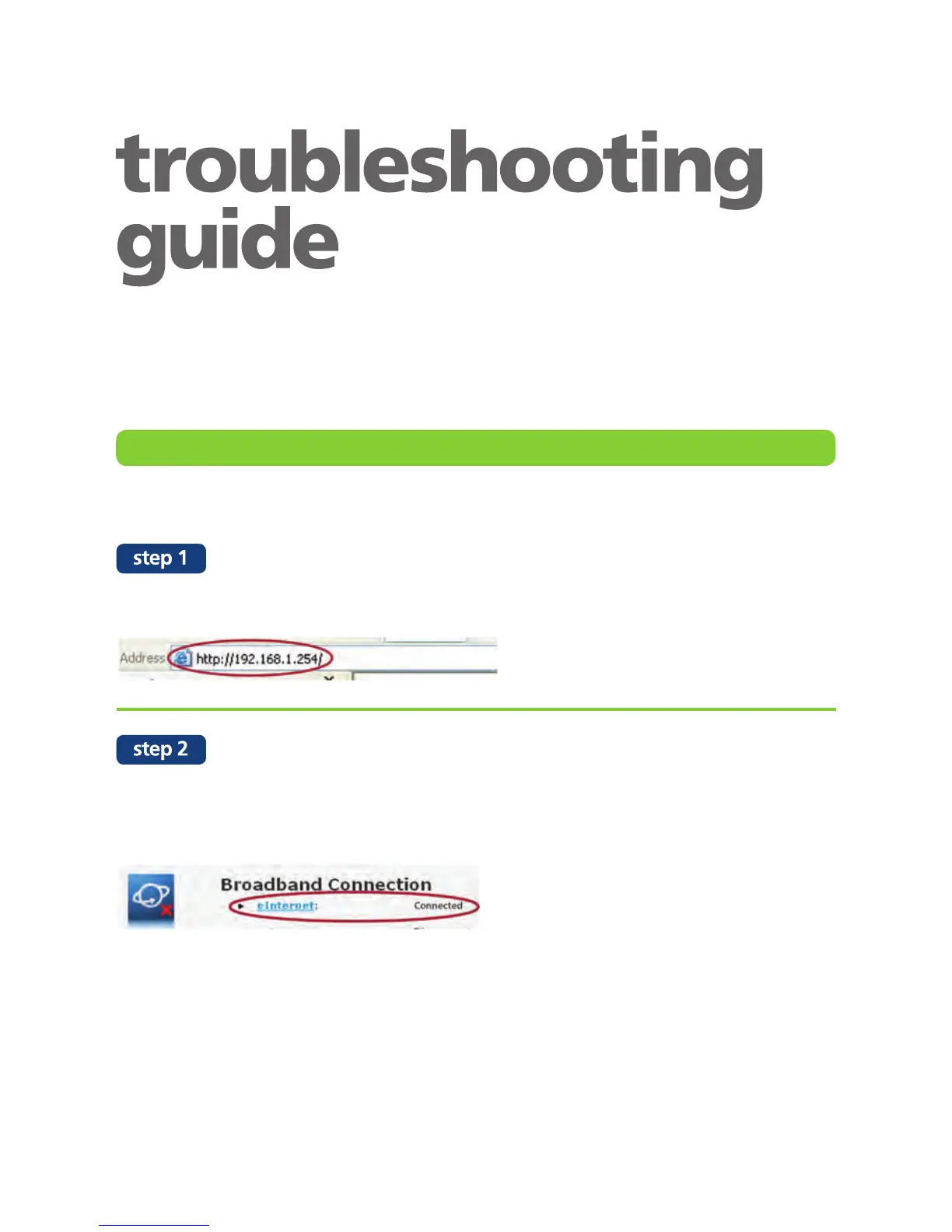
Open your web browser and enter 192.168.1.254 in the browser address bar.
On the configuration page, make sure that the eInternet status is “Connected”.
If it is disconnected , click the “Connect” button.
Please contact us if status remain “Disconnected”.
I cannot connect to the Internet


 To Next Page