27
Check if the phone cable (RJ-11) is connected properly from the phone
to the Residential WiFi Modem.
Check if the Optical Network Unit / Broadband Termination Unit, Residential WiFi
Modem, and phone is powered on and all cables are properly connected.
If the LED is not lighted up, reboot (OFF & ON) the Residential WiFi Modem &
Optical Network Terminal/Broadband Termination Unit. This will take a few minutes.
If not resolved, continue with the following steps.
Unable to make or receive calls (if applicable)
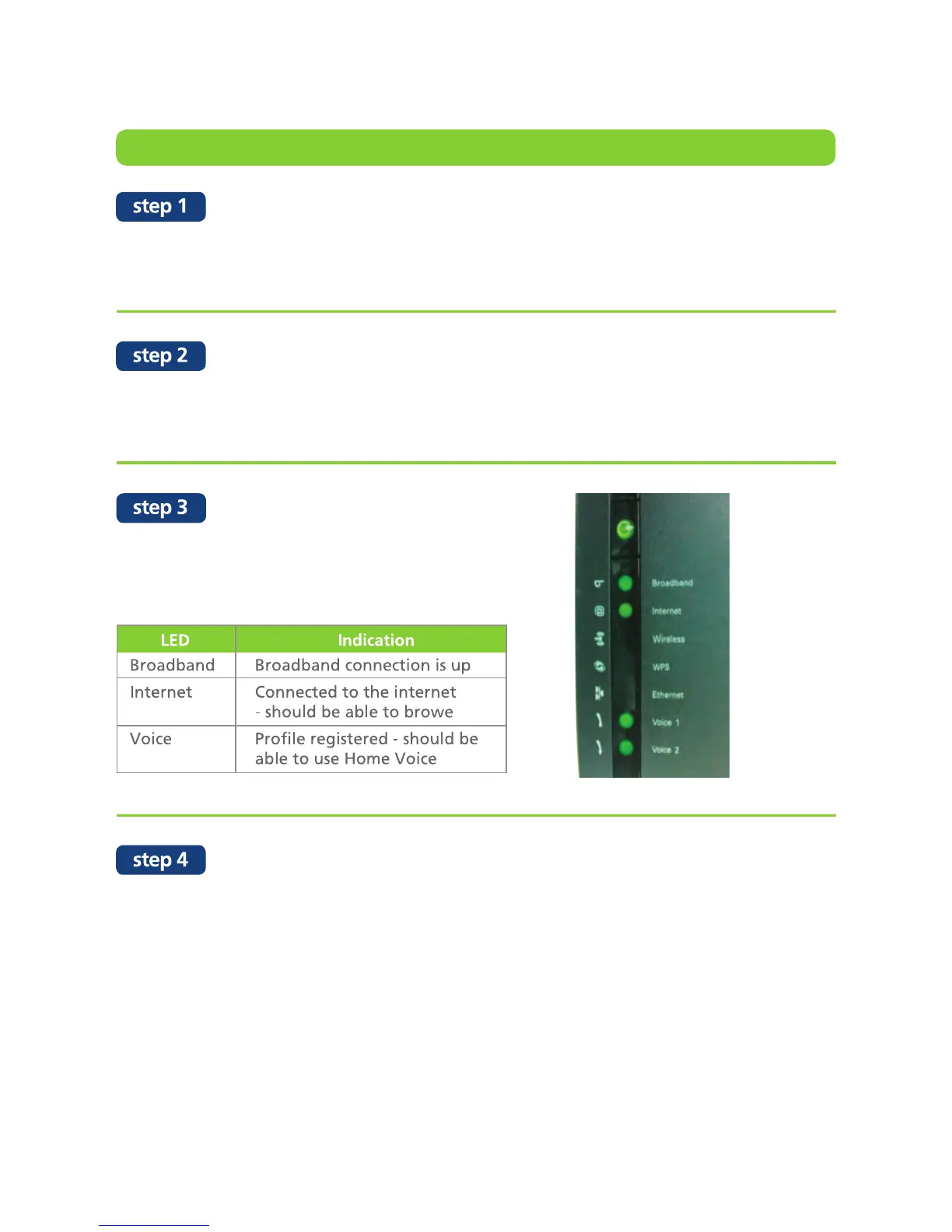
The LED for Broadband, Internet & Voice
must be lighted up.


 To Next Page