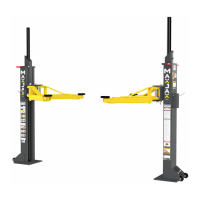
MaxJax™ Portable Mid-Rise Lift 16 P/N 5900268 — Rev. A4 — July 2022
Lowering a Vehicle
NOTICE If the MaxJax CE Safety Release Kit is installed on this Lift, refer to Lowering a
Vehicle using the CE Safety Release Kit Section, below.
1. Check under and around the Vehicle to verify the area is clear of all personnel, tools and
obstructions.
2. Press and hold the Up Button on the Power Unit for a few seconds. This moves the Lift Heads off
of the Safety Locks.
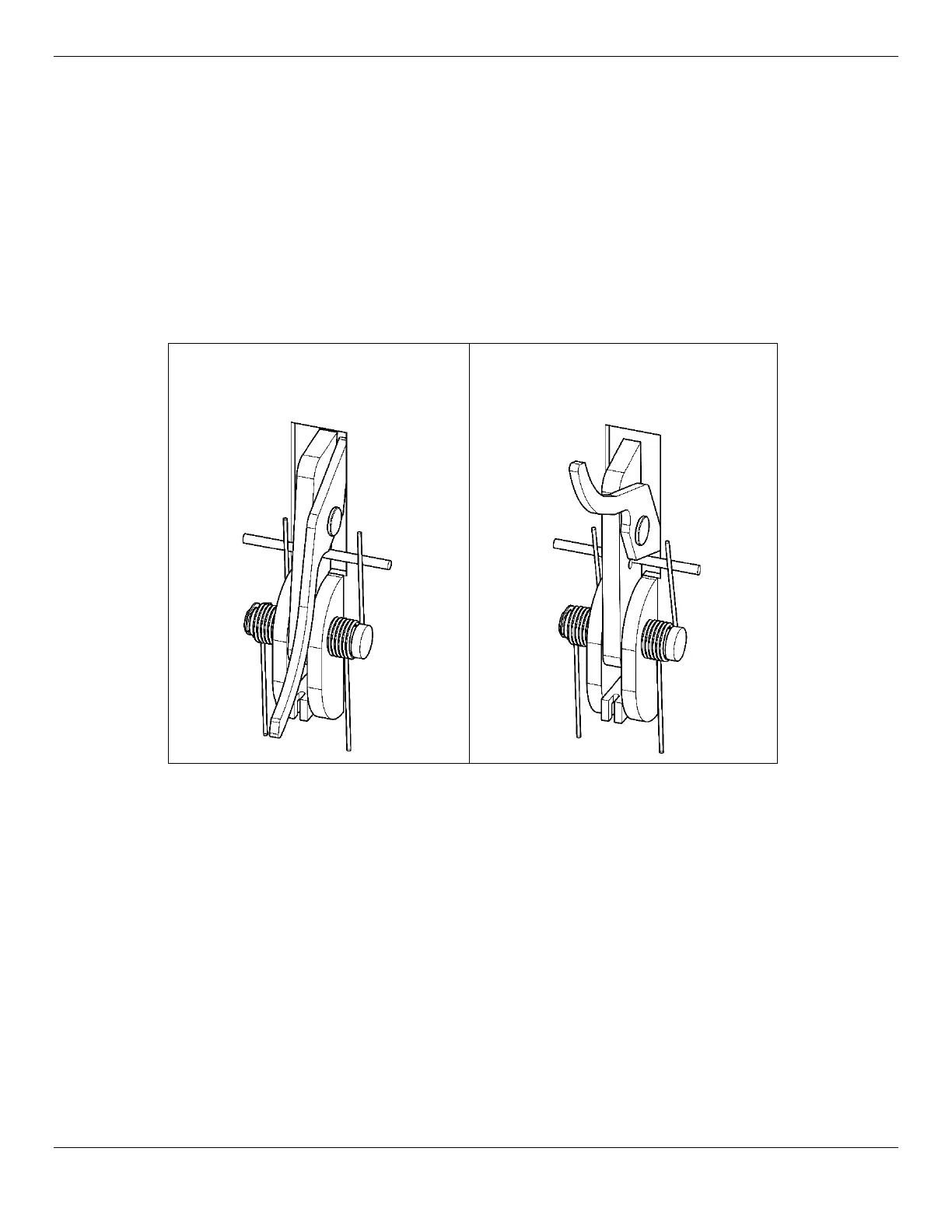
3. On each Post, move the Safety Lock Release Cam handle
Up
to the
disengage
position. Refer
to the figure below.
Safety Lock Ready to
Engage
Release Cam Handle Down
Safety Lock Ready to
Disengage
Release Cam Handle Up
4. Press and
hold
the Lowering Handle on the Power Unit.
⚠ WARNING Stay clear of the Lift as it lowers; obey the pinch points warning decals.
5. When the Lift is fully lowered to the ground, release the Lowering Handle on the Power Unit.
6. Return both Safety Lock Release Cam Handles to the down or ready to engage position.
7. When the Lift Arms have lowered enough to clear the bottom of the Vehicle, rotate the Lift Arms
out from under the Vehicle and toward the MaxJax Posts into the full drive-through positions.
This clears a path for the Vehicle to move out of the Lift area.
8. Carefully drive the Vehicle out of the Lift.

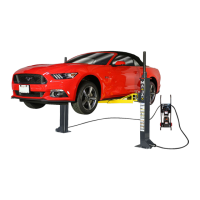

 To Next Page