2
Calls
After setting up the phone, you’ll want to make and
receive calls. This section gives you all the basic
information you’ll need.
Making Calls 2.1
National Calls 2.1
Calls to a Fixed Phone
Extension 2.2
International Calls 2.2
Call List 2.2
Emergency Calls 2.3
Answering Calls 2.3
Missed Calls 2.3
The Indicator
The phone has a built-in indicator which can show
Red, Green or Yellow and flashes at different speeds
according to the status of the phone and battery. You
can switch the indicator OFF and ON again at any time
to suit your operating needs.
■ to switch the indicator ON and OFF
/
■
618
(INDICATOR)
■
-/]
■
[
(select)
Indicator Colours
RED: Not connected to the network or low battery
GREEN: Connected to network
YELLOW: Battery discharging
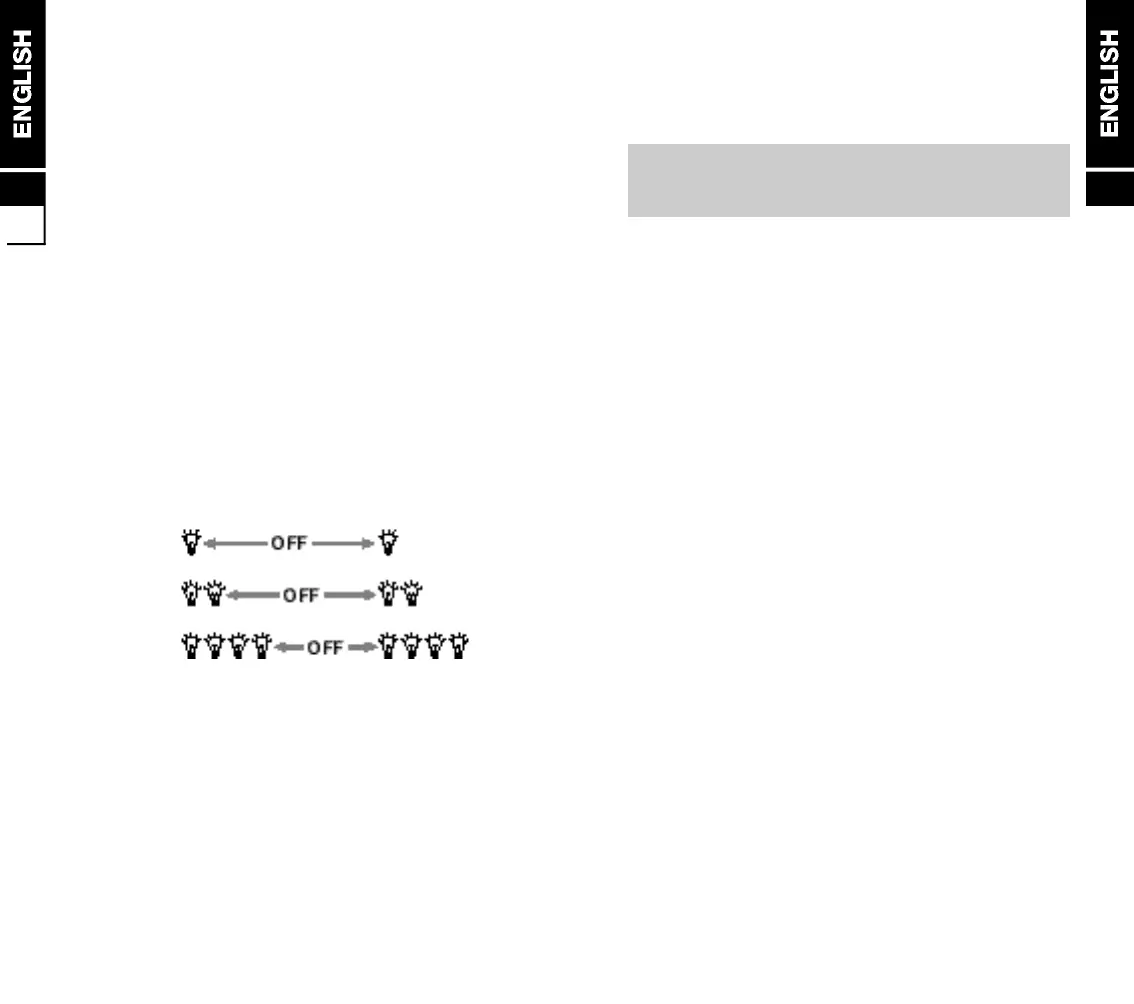
Indicator Flash Speed
The indicator has the following flash speeds:
Normal
Information
Alert
Indicator Operation
Normal: In service
Information: Missed calls, low battery,
SMS messages etc.
Alert: Incoming call
The indicator will show solid RED if charging the
battery when the phone is switched OFF. It will turn to
solid GREEN when the battery is fully charged.
1
1.7


 To Next Page