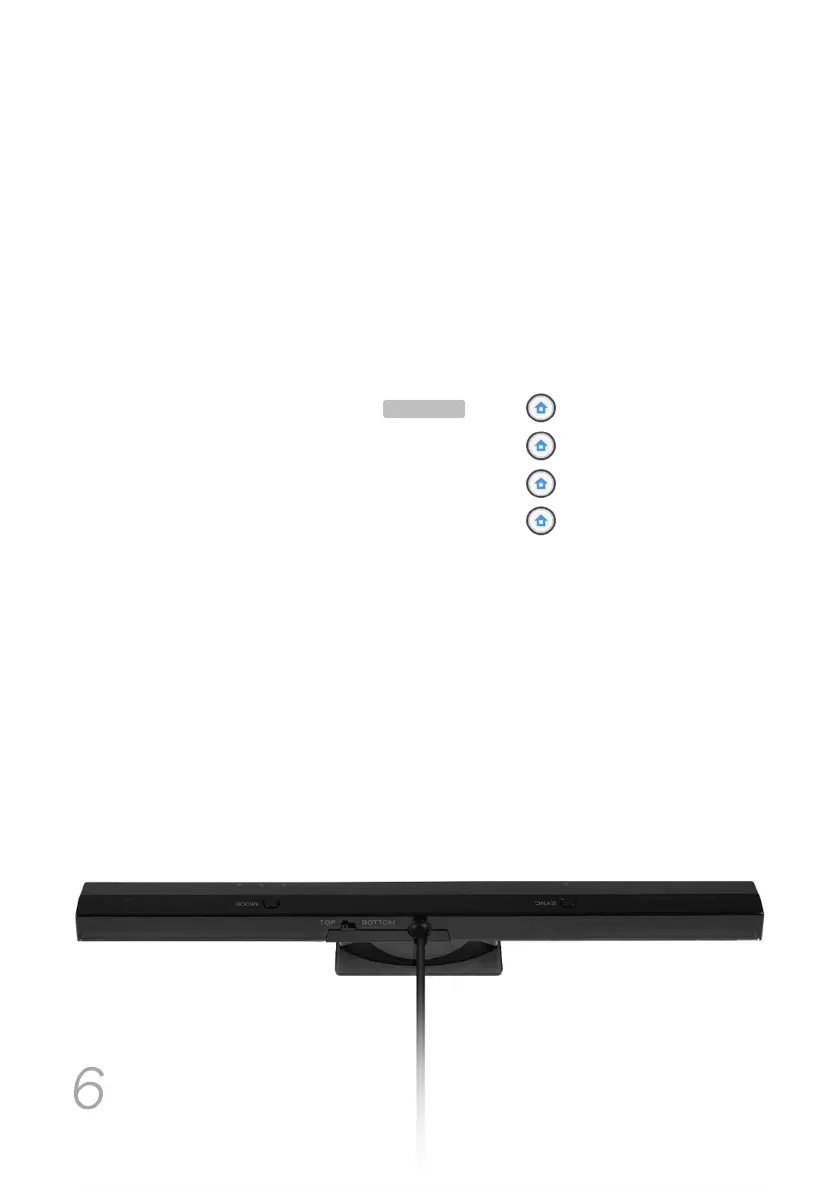
MAYFLASH Wireless Sensor DolphinBar
6
MODE
button and LED 1, LED 2, LED 3, LED 4
Switch through four different modes by pressing the MODE button in the Wireless Sensor
DolphinBar. For available modes, their functions and respective LED numbers, refer to the
Working modes section.
You can also switch through these modes by using Wii Remote key combinations:
Keyboard and mouse mode + DOWN
Keyboard and mouse game mode + LEFT
Game controller mode + UP
Wii Remote controller emulation mode + RIGHT
TOP / BOTTOM switch
You can tell the Wireless Sensor DolphinBar if it’s on TOP of the monitor or at its
BOTTOM by changing between these two options with the switch
located on its back (photo for reference).
D E F A U L T


 To Next Page