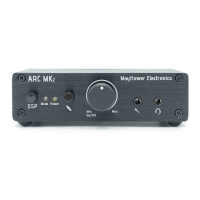
Xbox One Settings:
You may need to adjust your Xbox audio settings to use the ARC. After connecting an optical cable
between the Xbox and the ARC, and changing the input selector switch ⑧ to the optical position,
perform the following setup on your Xbox:
1. Open the guide (scroll left from Home)
2. Select “Settings”
3. Select “All Settings”
4. Select “Display & Sound”
5. Select “Audio Output”
6. Locate the Digital Audio settings and select “Optical audio”
7. Use the arrow to the right of “Optical Audio” to select “Bitstream out” or “stereo
uncompressed”
PS4 Settings:
You may need to adjust your PS4 audio settings to use the ARC. The ARC connects to the PS4 using the
included USB cable. Make sure the input selector switch ⑧ is set to the USB position, then perform
the following setup on your PS4:
1. Access the “Settings” menu
2. Select “Devices”
3. Select “Audio Devices”
4. Change the Input Device to the ARC if you are using the ARC’s microphone input
5. Change the output device to the ARC
6. Test and adjust the microphone level if using the ARC’s microphone input
Pg. 9


 To Next Page