13
• When the “Rotary Cycle Selector” is set to “Hand Wash” and the “Rotary Cycle Selector” is
pressed, the level of Tub unbalance will be displayed: “UC” if balanced, “UO” if unbalanced.
“U0” will be displayed during the time when the machine is correcting for the unbalance; e.g.
slowing down to redistribute the load or to get to a lower spin speed. Once the situation has
been corrected (i.e. the load has begun tumbling or the lower speed has resulted in an
acceptable amount of balance); “UC” will once again be displayed.
• When the “Delay” switch pad is pressed, the water temperature will be displayed in Degrees
F.
• When the “Rotary Cycle Selector” is set to “Delicates” and the “Rotary Cycle Selector” is
pressed, the water temperature will be displayed in degrees C (Celsius).
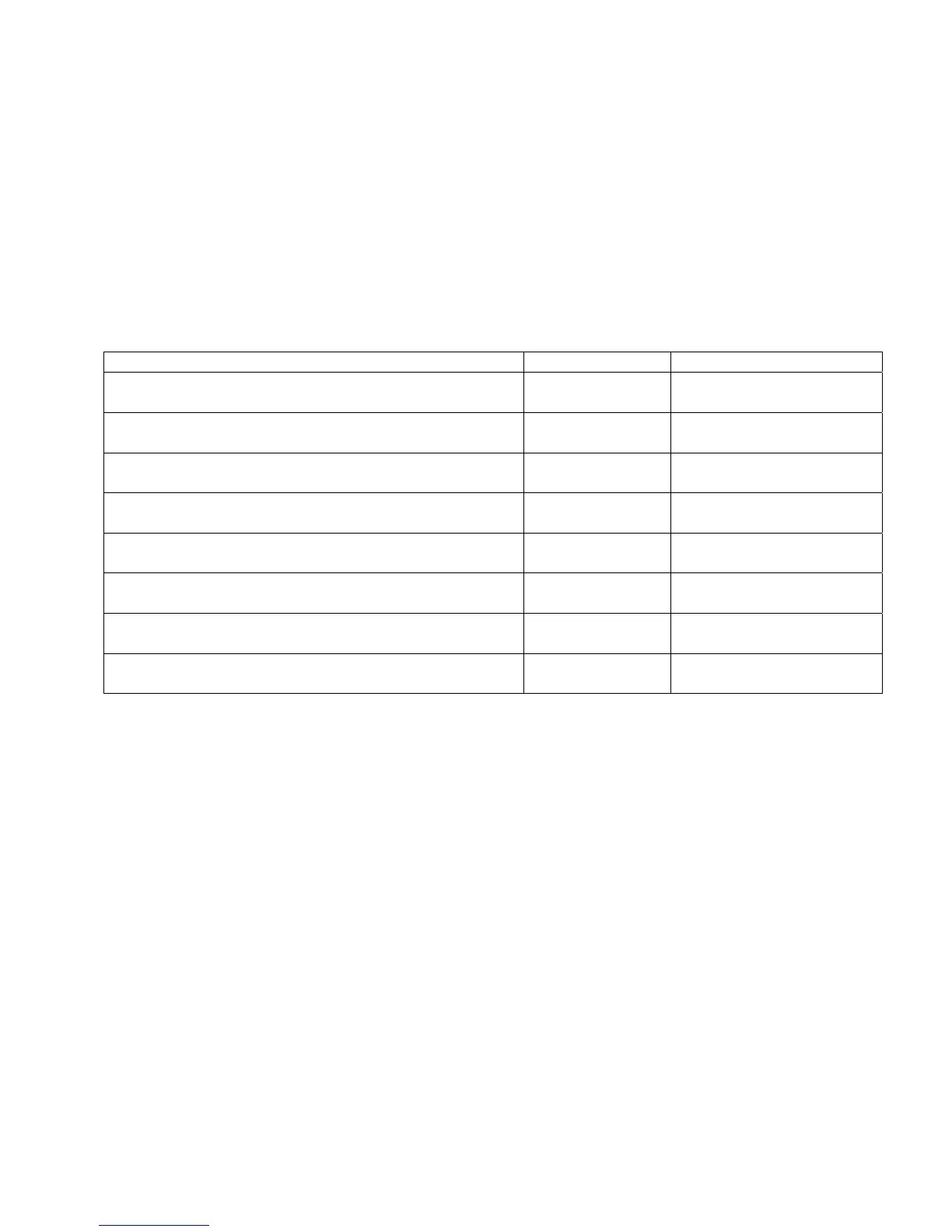
While in Service Mode follow chart to check respective function.
Selection Function Display
Rotary cycle selector set to Super Wash. Press
Rotary Selector Knob.
Door position “OP” or “CL”
Rotary cycle selector set to Normal. Press Rotary
Selector Knob.
Lock state “UL” or “LO”
Rotary cycle selector set to Whites. Press Rotary
Selector Knob.
High water level “
–
0” if below level. “
–
1” if
above level.
Rotary cycle selector set to Wrinkle Control. Press
Rotary Selector Knob.
Medium water
level
“—0” if below level. “—1”
if above level.
Rotary cycle selector set to Colors. Press Rotary
Selector Knob.
Low water level “_0” if below level. “_1” if
above level.
Rotary cycle selector set to Hand Wash. Press
Rotary Selector Knob.
Tub balance “UC” Balanced “UO”
Unbalanced
Press Delay switch pad. Water
temperature
Degrees F
Rotary cycle selector set to Delicates. Press Rotary
Selector Knob.
Water
temperature
Degrees C




 To Next Page