Maytech Waterproof Remote Control User Manual_20191012 by Eric and Eileen
6
/
17
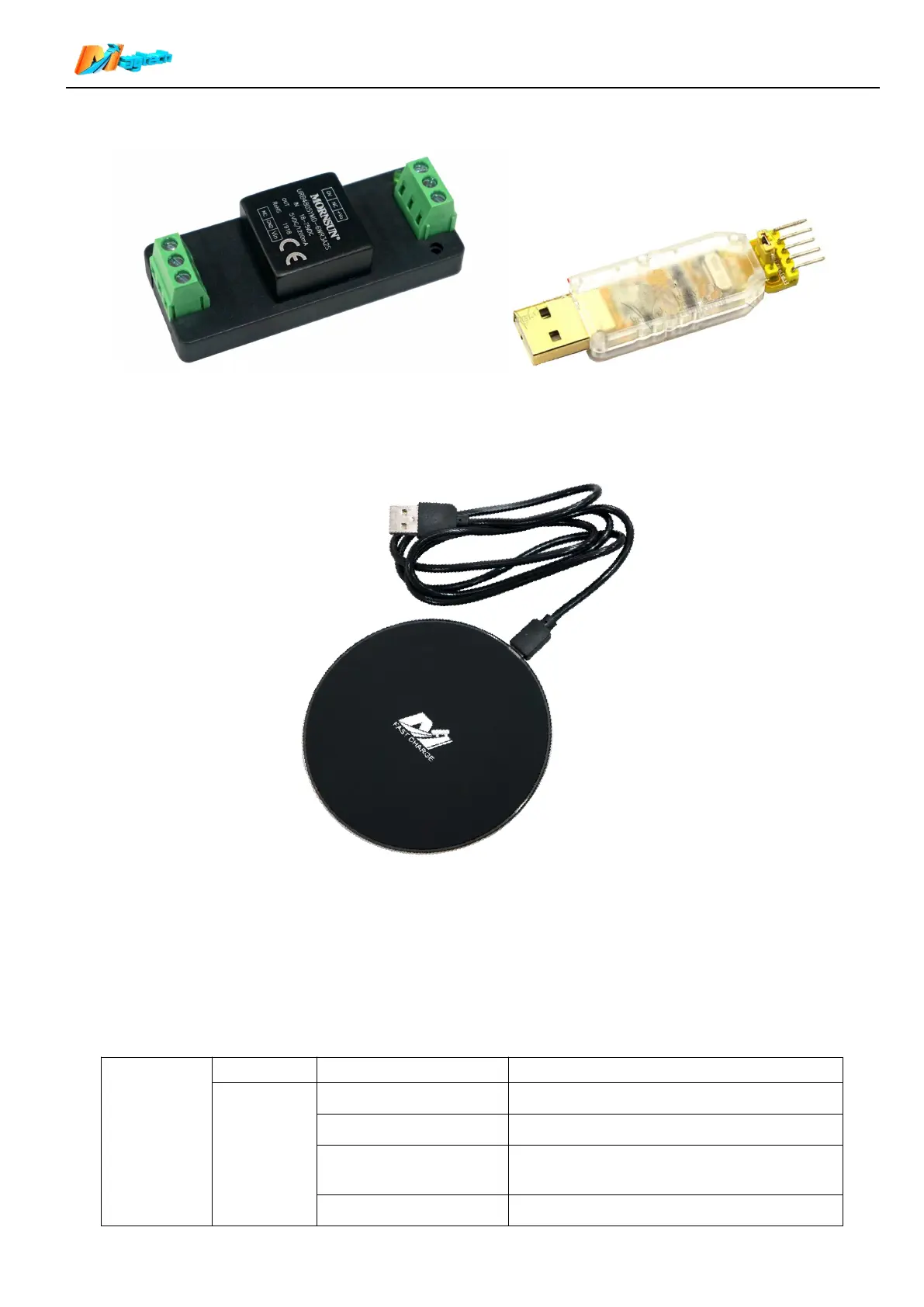
5.4.3 USB-TTL module is used to update receiver firmware. If you need this module, please purchase it
separately.
6. Wireless charger
To ensure the waterproof effect, the remote(transmitter) only supports wireless chargers which meet QI
standard. The charger in the kit is shown in the figure below. Charging time is no more than one hour.
7. Switch on/off:
【 Switch on 】 When remote is off, long press the function button 1s, screen displays Maytech logo and
firmware version to switch on the remote.
【Switch off】When remote is on, long press the function button 1.5s, screen displays POWER OFF to switch
off the remote.
8. Function button operating instructions:
Next display after the operation
Long press 3S to switch on the remote
Long press 3S to switch off the remote
Enter the sub-menu/ Data Setting Interface


 To Next Page