EasyManua.ls Logo

Maytronics Dolphin M600 - User Manual

Maytronics Dolphin M600
15 pages
Print Icon
To Next Page IconTo Next Page
Loading...
8180002
User Instructions
EN
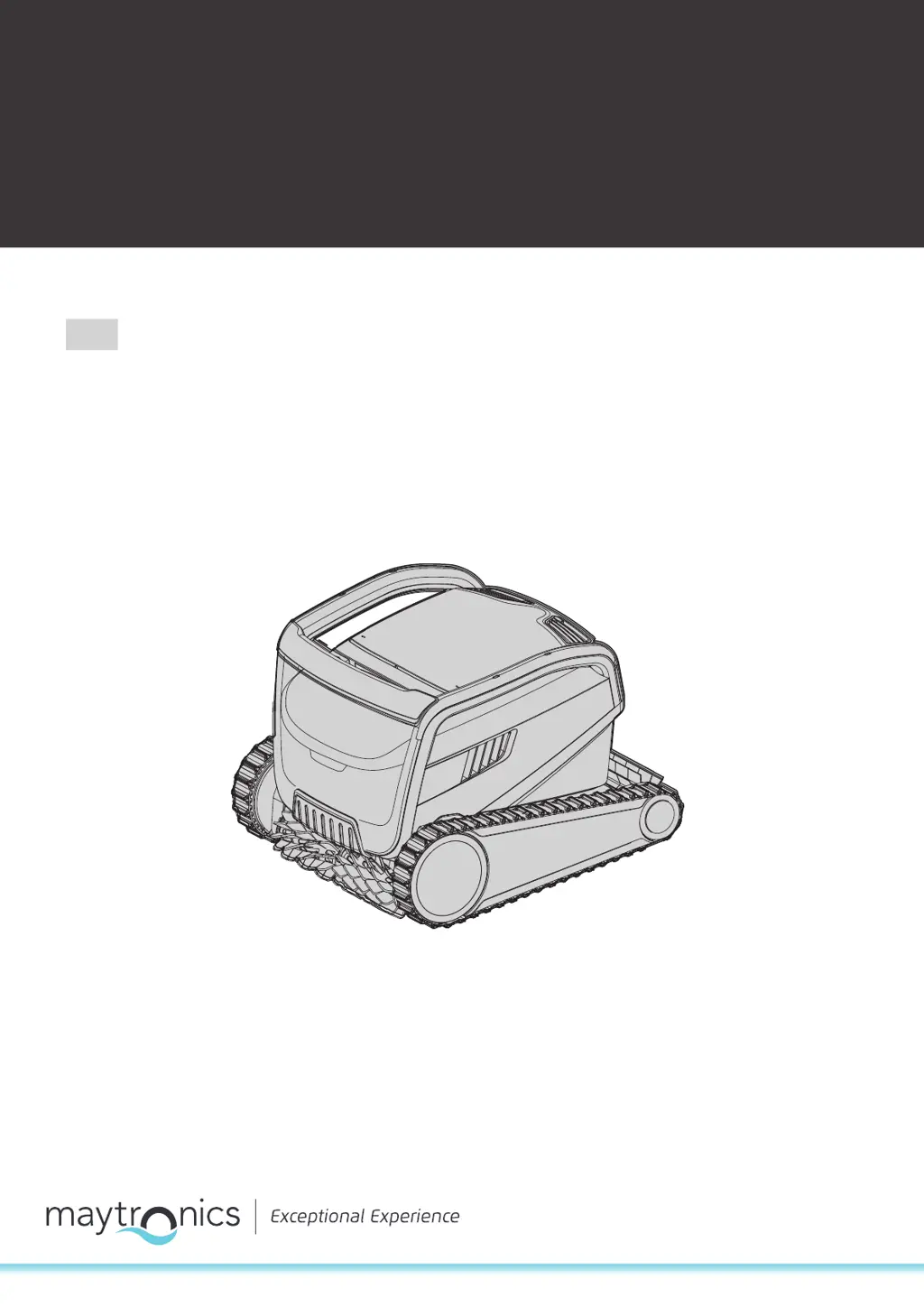
Maytronics Dolphin robotic pool cleaner
M600 / ZENIT 60 / ACTIVE X6 / ACTIVE ULTIMATE

Questions and Answers

  • N
    Nancy PetersAug 21, 2025
    What to do if my Maytronics Swimming Pool Vacuum only cleans part of the pool?
    • J
      James ChambersAug 21, 2025
      If your Maytronics Swimming Pool Vacuum is only cleaning part of the pool, it might be due to the power supply being incorrectly positioned. Make sure to place the power supply in a spot that lets the Robotic Pool Cleaner freely reach the entire pool area, keeping a minimum distance of 3.5m / 12ft from the pool and a minimum height of 11cm / 4in above the ground. Also, ensure there's enough slack in the floating cable for the cleaner to reach all areas. A clogged filter basket could also be the reason; try cleaning it.
  • M
    Mary CaseySep 4, 2025
    What to do if I can not connect to my Wi-Fi®, and the communication Led is blinking Green on my Maytronics Swimming Pool Vacuum?
    • S
      Susan SextonSep 4, 2025
      If you cannot connect to your Wi-Fi® and the communication LED is blinking green on your Maytronics Swimming Pool Vacuum, reset the power supply (disconnect the power cord) and wait 1 minute. Check that your smartphone has strong Wi-Fi® connectivity near the power supply. Verify that the home router is working properly. Locate the power supply as close as possible to the home router. You may need to install a Wi-Fi® extender (2.4Ghz) to ensure sufficient signal strength.
  • J
    James HernandezSep 2, 2025
    What to do if I can't connect to my Maytronics Swimming Pool Vacuum via Bluetooth®, and the communication Led is blinking Blue?
    • C
      Cynthia NguyenSep 3, 2025
      If you can't connect to your Maytronics Swimming Pool Vacuum via Bluetooth® and the communication LED is blinking blue, try turning off and then on the Bluetooth® on your smartphone. Get closer to the IoT power supply and ensure that there are no interferences/obstacles. Also, turn the power supply off and then on.
  • M
    Megan ChenSep 1, 2025
    What to do if the power supply or its switch LED are not working on my Maytronics Swimming Pool Vacuum?
    • P
      Phillip ScottSep 1, 2025
      If the power supply or its switch LED aren't working on your Maytronics Swimming Pool Vacuum, first check that there is voltage in the power socket. Ensure the power supply is plugged in and turned ON. Verify the power cable is securely connected to the power supply inlet. If the Ground Fault Interrupter is switched OFF, turn the power supply OFF, wait 30 seconds, then turn it back on.
  • K
    Kristen Hunter MDAug 30, 2025
    What to do if my Maytronics Swimming Pool Vacuum does not turn or moves in one direction only?
    • A
      Andre OlsenAug 30, 2025
      If your Maytronics Swimming Pool Vacuum doesn't turn or only moves in one direction, check for debris stuck in the impeller house or impeller cover and remove it.
  • M
    Monica GarciaAug 29, 2025
    How to fix kinks in the floating cable of my Maytronics Swimming Pool Vacuum?
    • S
      Samantha GuzmanAug 29, 2025
      To remove kinks from the floating cable of your Maytronics Swimming Pool Vacuum, stretch the cable out completely and let it sit in the sun for at least a day. Also, check for a clogged filter basket and clean it. Remove any debris stuck in the impeller house or impeller cover.
  • J
    James ClayAug 27, 2025
    What to do if my Maytronics Swimming Pool Vacuum is not cleaning the pool even though it moves?
    • T
      Travis StevensAug 27, 2025
      If your Maytronics Swimming Pool Vacuum moves but doesn't clean, the filter basket might be clogged; try cleaning it. Also, check for any debris stuck in the impeller house or impeller cover and remove it.
  • D
    Daniel StephensonAug 26, 2025
    What to do if my Maytronics Swimming Pool Vacuum doesn't climb the walls?
    • M
      michaelrichardsAug 27, 2025
      If your Maytronics Swimming Pool Vacuum isn’t climbing walls, the filter basket may be clogged, so try cleaning it. Algae on the walls can also prevent climbing; check the chemical levels in the water and adjust them if necessary, then scrub the walls. An unsuitable pH level can also cause this, so check the level of chemicals in the water. Also, check for and remove any debris stuck in the impeller house or impeller cover.
  • J
    Jamie AndersonAug 25, 2025
    Why does my Maytronics Swimming Pool Vacuum move in circles?
    • L
      laceymillerAug 25, 2025
      If your Maytronics Swimming Pool Vacuum is moving in circles, start by cleaning the filter basket. Debris stuck in the impeller house or impeller cover could also be the cause; remove any obstructions you find. Ensure the power supply is positioned correctly, allowing the Robotic Pool Cleaner to freely reach the entire pool area. Algae buildup or unsuitable pool water conditions can also cause this issue, so ensure that you correct the pool and water conditions.
  • R
    robertyoungAug 23, 2025
    Why is my Maytronics Swimming Pool Vacuum not moving?
    • J
      Joseph MasonAug 23, 2025
      If your Maytronics Swimming Pool Vacuum isn't moving, first check that the floating cable is securely connected to the power supply. If it is, unplug the power supply and inspect the impeller cover to ensure nothing is trapped in the impeller. Also, check the tracks and wheels for any obstructions.

Summary

Introduction

Specifications

Warnings and Cautions

Water Conditions

Specifies the recommended chlorine, pH, temperature, and NaCl levels for optimal cleaner performance.

Setting Up Wi-Fi

Guides on connecting the robotic pool cleaner to your home Wi-Fi network for app control.

Robotic Pool Cleaner Parts

Using the Robotic Pool Cleaner

Setup Procedure

Step-by-step instructions for initial setup before the first use of the pool cleaner.

Placing into the Pool

Instructions on how to properly place the robotic pool cleaner into the swimming pool.

Connecting to Smart Device

Guide to connecting the robotic pool cleaner to a smart device via the MyDolphin App.

Operating Without Smart Device

How to operate the robotic pool cleaner using its onboard controls without a smart device.

Power Supply and Indicators

Details on the power supply unit, its operation, and interpretation of LED indicator lights.

Removing from Pool

Safe procedures for turning off, unplugging, and removing the robotic pool cleaner from the pool.

Care and Maintenance

Cleaning Dual Filter Basket

Instructions for removing and cleaning the dual filter basket after each use.

Periodic Filter Cleaning

Recommended monthly procedure for thorough cleaning of the filter panels.

Cleaning the Impeller

Steps to clean debris trapped in the impeller opening.

Weekly General Maintenance

Recommended weekly tasks for general maintenance and cable care.

Off-Season Storage

Troubleshooting

Power Supply Issues

Resolving problems where the power supply or its LEDs are not working.

Cleaner Not Moving

Troubleshooting steps when the robotic pool cleaner fails to move.

Cleaner Moving in Circles

Addressing issues causing the cleaner to move in circles.

Directional Movement Issues

Solutions for the cleaner not turning or moving in only one direction.

Cleaning Performance Issues

Fixing problems where the cleaner moves but does not clean the pool effectively.

Incomplete Pool Coverage

Troubleshooting why the cleaner only covers part of the pool.

Floating Cable Kinks

Resolving issues related to kinks in the floating cable.

Wall Climbing Problems

Steps to take when the robotic pool cleaner does not climb the walls.

Wi-Fi Connectivity

Troubleshooting connection problems with the Wi-Fi network.

Bluetooth Connectivity

Resolving issues when unable to connect to the robot via Bluetooth.

Maytronics Dolphin M600 Specifications

General IconGeneral
TypeRobotic Pool Cleaner
Pool TypeIn-ground
Pool SizeUp to 50 feet
ConnectivityWi-Fi
Cable Length60 feet
Power Supply24V DC
ControlMobile app, Remote control
Smart FeaturesWeekly Timer
Warranty36 Months

Related product manuals