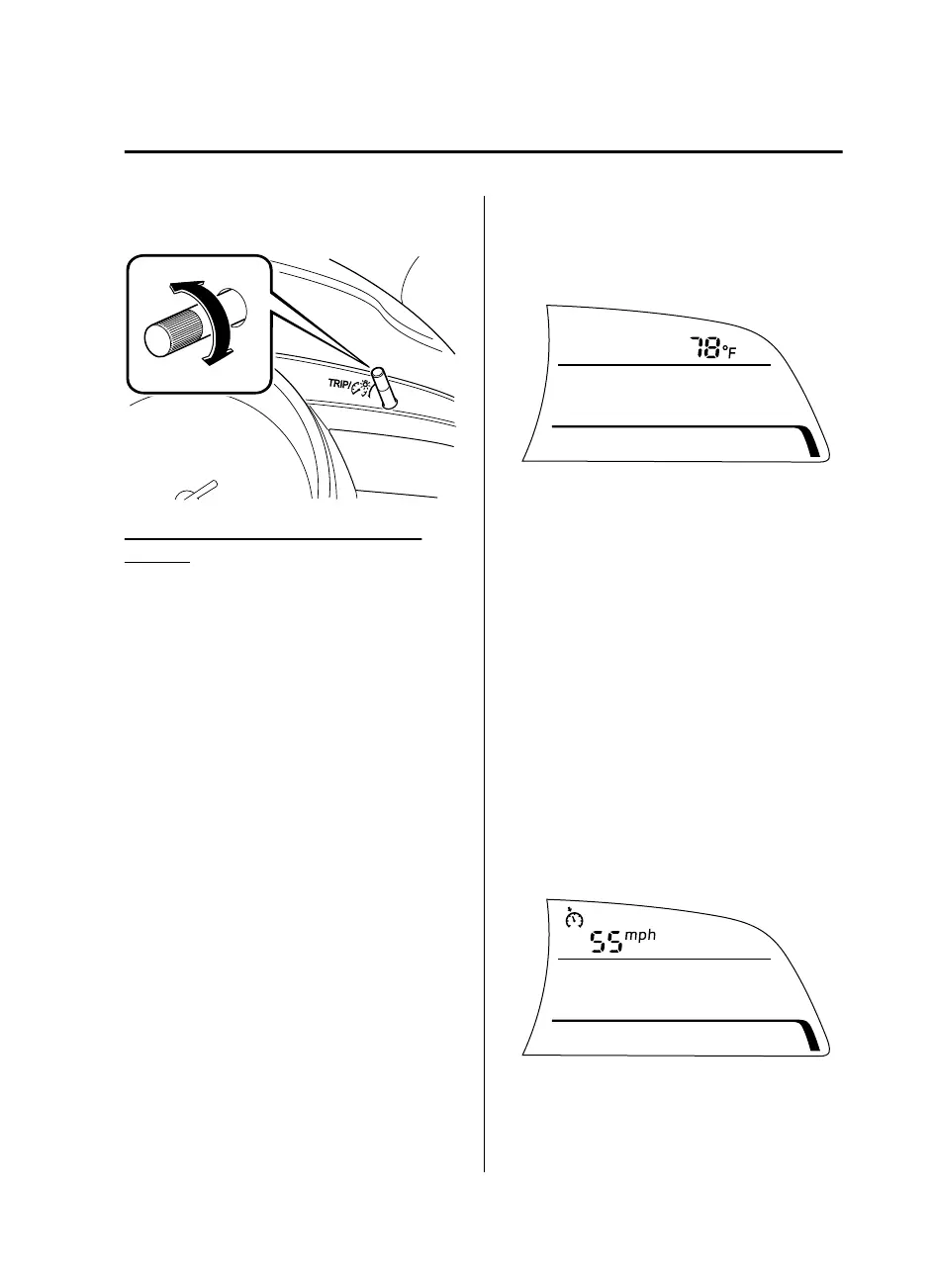
The brightness increases by rotating the
knob to the right.
Dim
Bright
Function for cancelling illumination
dimmer
The illumination dimmer can be canceled
by rotating the dashboard illumination
knob to the right until a beep sound is
heard while the instrument cluster is
dimmed with the ignition switched ON. If
the instrument cluster's visibility is
reduced due to glare from surrounding
brightness, cancel the illumination
dimmer.
NOTE
When the illumination dimmer is
canceled, the instrument cluster cannot
be dimmed even if the position lights are
turned on.
When the illumination dimmer is
canceled, the screen in the center
display switches to constant display of
the daytime screen.
▼
Outside Temperature Display
*
When the ignition is switched ON, the
outside temperature is displayed.
NOTE
Under the following conditions, the
outside temperature display may differ
from the actual outside temperature
depending on the surroundings and
vehicle conditions:
Significantly cold or hot temperatures.
Sudden changes in outside
temperature.
The vehicle is parked.
The vehicle is driven at low speeds.
▼
Cruise Control Set Vehicle Speed
Display
*
The vehicle speed preset using the cruise
control is displayed.
When Driving
Instrument Cluster and Display
*Some models.
4-17
Mazda3_8GE4-EA-17F_Edition1 2017-4-7 11:59:21



 To Next Page