Icon Function
If selected within a few seconds of a song which has started to play, the previous song is
selected.
If more than a few seconds have elapsed after a song has begun to play, the song currently
being played is replayed from the beginning.
Long-press to fast reverse. It stops when you remove your hand from the icon or the
commander knob.
Plays a CD. When selected again, playback is temporarily stopped.
Advances to the beginning of the next song.
Long-press to fast forward. It stops when you remove your hand from the icon or the
commander knob.
Displays sound settings to adjust audio quality level.
Refer to Volume/Display/Sound Controls on page 5-37.
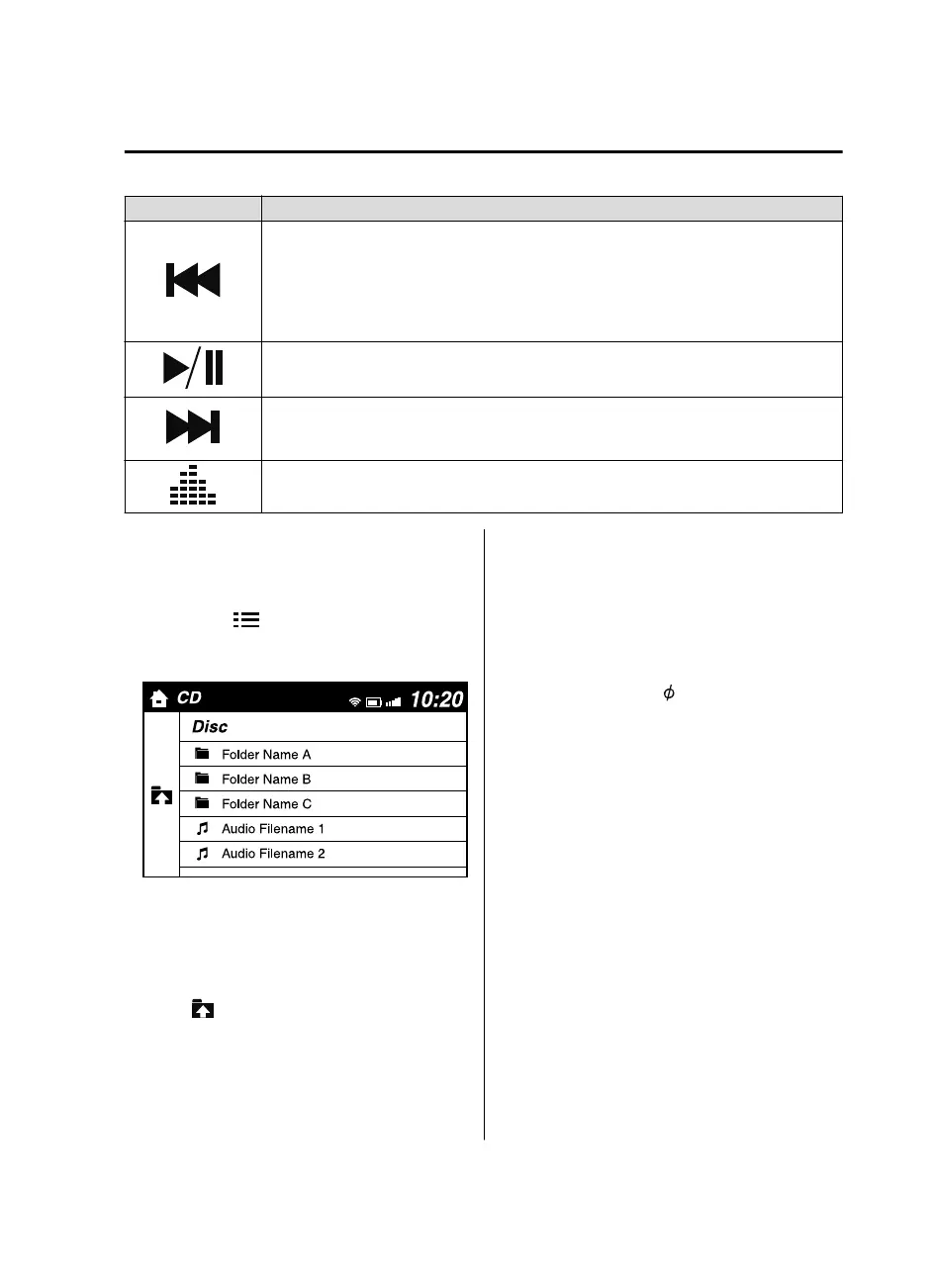
Example of use (When searching for a
song from the top level of an
MP3/WMA/AAC CD)
1. Select the
icon to display the
folder/file list at the top level.
2. When the folder is selected, folders/file
lists in the folder are displayed.
3. Select the desired song.
NOTE
Select to move to a folder one level
higher.
The appearance of the repeat and
shuffle icons changes depending on the
type of operation in which the function
is used.
▼
How to use Auxiliary jack/USB port
Audio can be heard from the vehicle's
speakers by connecting a
commercially-available portable audio
unit to the auxiliary jack.
Use a commercially-available,
non-impedance (3.5
) stereo mini plug
cable.
In addition, audio can be played from the
vehicle audio device by connecting a USB
device to the USB port.
Refer to AUX/USB mode on page 5-54.
Interior Features
Audio System
5-49
Mazda3_8GE4-EA-17F_Edition1 2017-4-7 11:59:21



 To Next Page