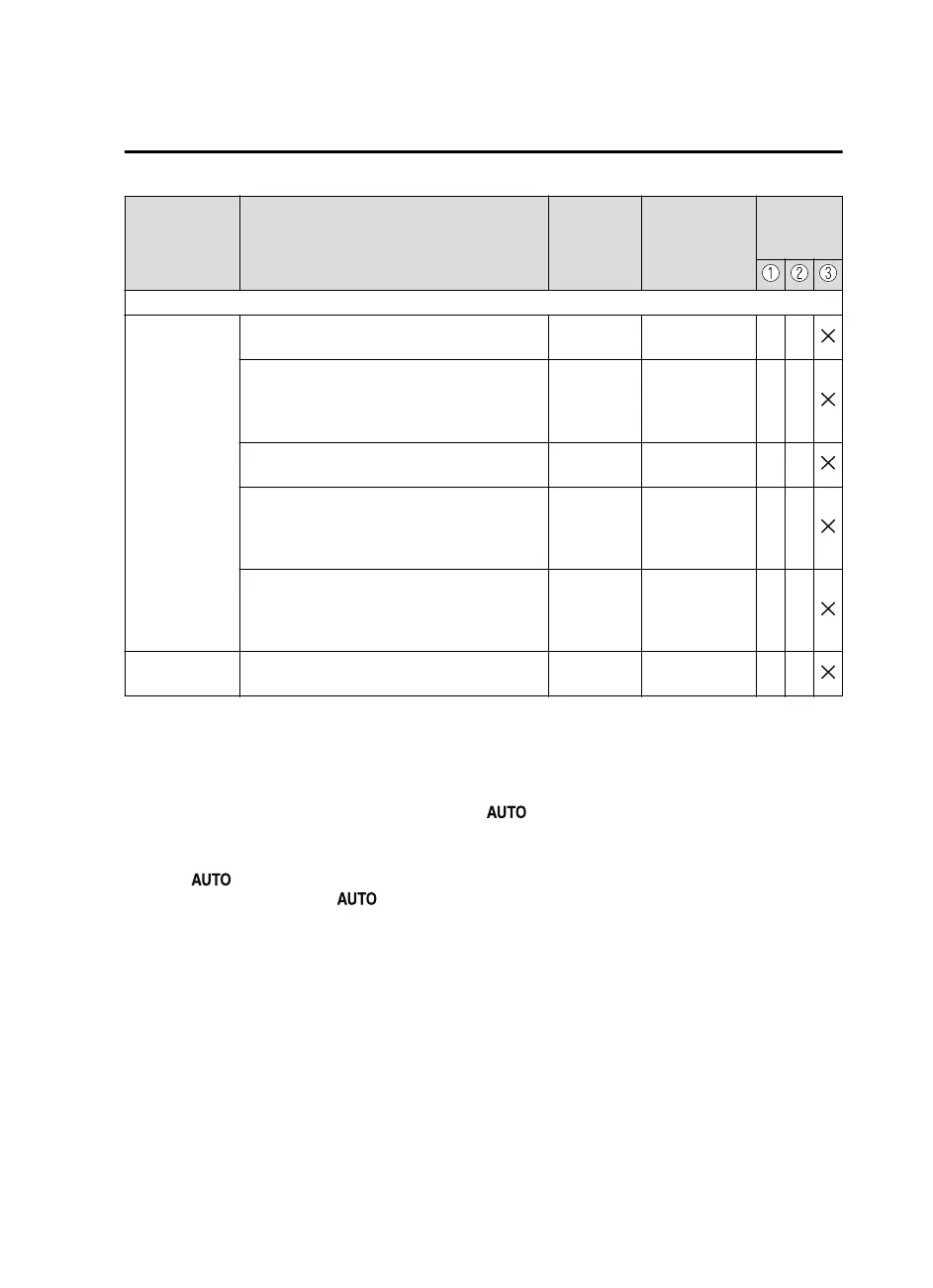
Item Feature
Factory Set-
ting
Available Set-
tings
Settings
Change
Method
Active Driving Display (page 4-20)
Display
Setting can be changed so that the Active Driv-
ing Display is not displayed.
On On/Off C ―
The display height (up/down position) can be
changed.
0
13 steps up/
down from ini-
tial setting (total:
27 steps)
C―
The method for adjusting the display bright-
ness (automatically/manually) can be changed.
AUTO
AUTO/
MANUAL
C―
The standard brightness while automatic ad-
justment is selected can be changed using the
brightness adjustment.
0
2 steps up/down
from initial set-
ting (total: 5
steps)
C―
The standard brightness while manual adjust-
ment is selected can be changed using the
brightness adjustment.
0
20 steps up/
down from ini-
tial setting (total:
41 steps)
C―
Navigation guid-
ance
Display/non-display On On/Off C ―
*
1 Though these systems can be turned Off, doing so will defeat the purpose of the system and Mazda
recommends that these systems remain On.
*
2 Only the volume of the warning beep during Blind Spot Monitoring (BSM) operation can be changed. The
volume of the warning beep during Rear Cross Traffic Alert (RCTA) operation cannot be changed.
*
3 This system functions only when the navigation system is functioning.
*
4 If the auto-wiper control is set to Off, the wiper lever position is set to intermittent operation.
*
5 If the setting is changed to Off, the following operation is performed according to the headlight switch
position:
At position: Headlights turn off immediately after the ignition is switched off.
At any position other than : Headlights on/off conditions vary according to the headlight switch
position. Refer to Headlights on page 4-43.
*
6 When set to 0 seconds, the lights-on reminder is operable.
*
7 The lights-on reminder settings can be changed at anytime, however, the lights-on reminder only operates
when the auto headlight function is set to Off. Refer to Lights-On Reminder on page 7-38.
*
8 The operation may stop in 15 minutes due to the effect of the outside temperature even if the operation time of
the rear window defogger has been changed to Continuous.
*
9 Available only in display from the center display.
Specifications
Personalization Features
9-17
Mazda3_8GE4-EA-17F_Edition1 2017-4-7 11:59:21



 To Next Page