Apple CarPlay™
CONNECT
Getting started with Apple CarPlay™ is easy — simply connect your compatible iPhone® to your Mazda vehicle and go!
BASIC REQUIREMENTS
• To use Apple CarPlay, you’ll need an iPhone 5 or above
• For best performance, it is always recommended that you update your iPhone to the latest iOS version
• You’ll need an Apple Lightning® to USB cable to make the connection
• Siri® must be enabled to use Apple CarPlay
CONNECT YOUR i PHONE
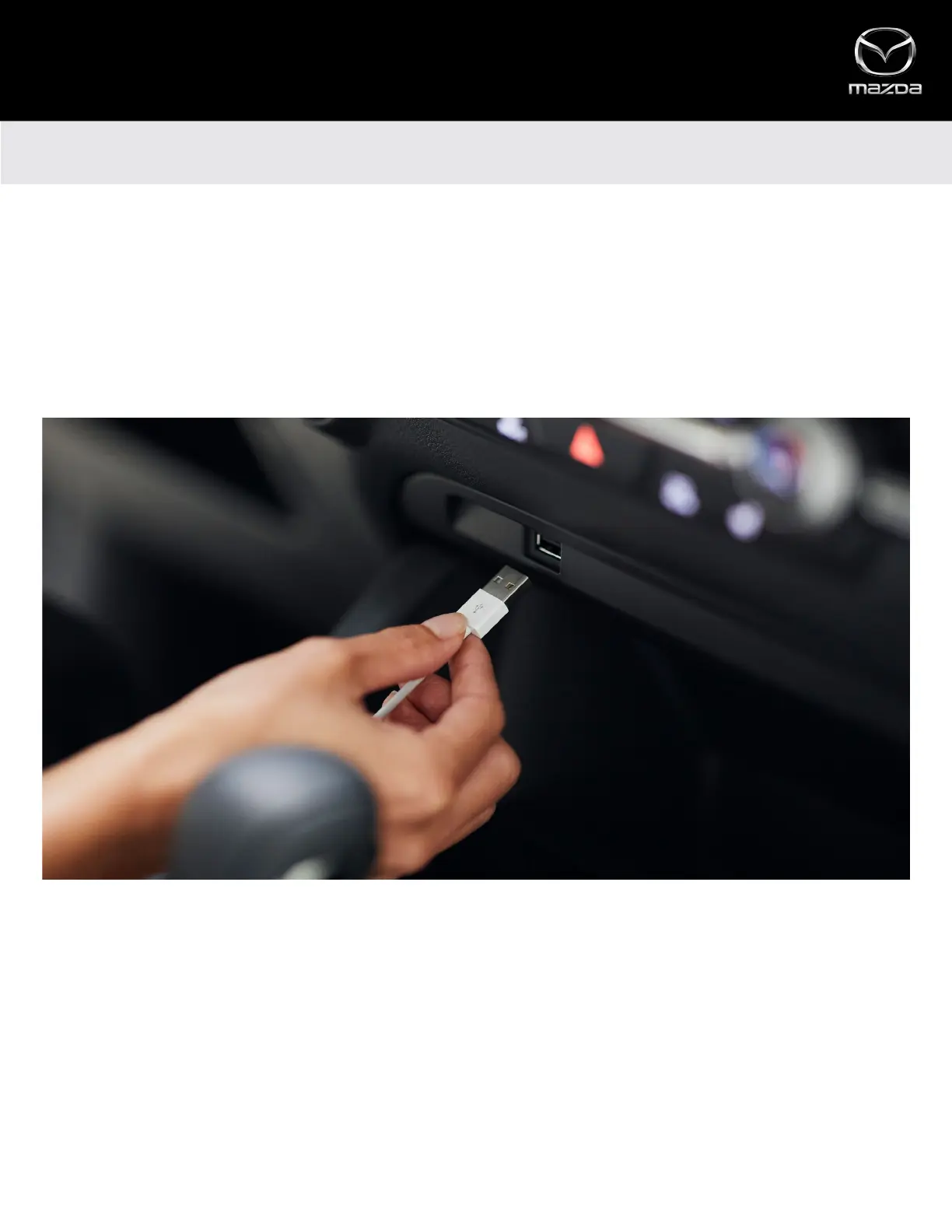
• Connect an Apple Lightning to USB cable to your iPhone and the USB port in the center stack or inside the center armrest
(depending on vehicle model)
• Mazda Connect™ will detect your iPhone
• If you’re a first-time user, follow the on-screen prompts to enable Apple CarPlay
• If you’re a first-time user, select ”Allow” on the pop-up notification displayed on your iPhone. This will allow your vehicle
to access Apple CarPlay content on your iPhone without requiring you to unlock your iPhone first
2



 To Next Page