When the MRCC switch is pressed once, the MRCC with Stop & Go function system
turns on, and the MRCC with Stop & Go function standby indication (white) turns
on and the vehicle speed and the distance between the vehicles while in headway
control can be set.
In addition, the MRCC with Stop & Go function system display indication is
displayed on the multi-information display and the active driving display at the same
time.
NOTE
If the ignition is switched o while the MRCC with Stop & Go function system is
operating, the system will be operable when the ignition is switched ON the next
time.
How to set the speed
Adjust the vehicle speed to the desired setting using the accelerator pedal and press
the RES switch up (SET+) or down (SET) to start headway control.
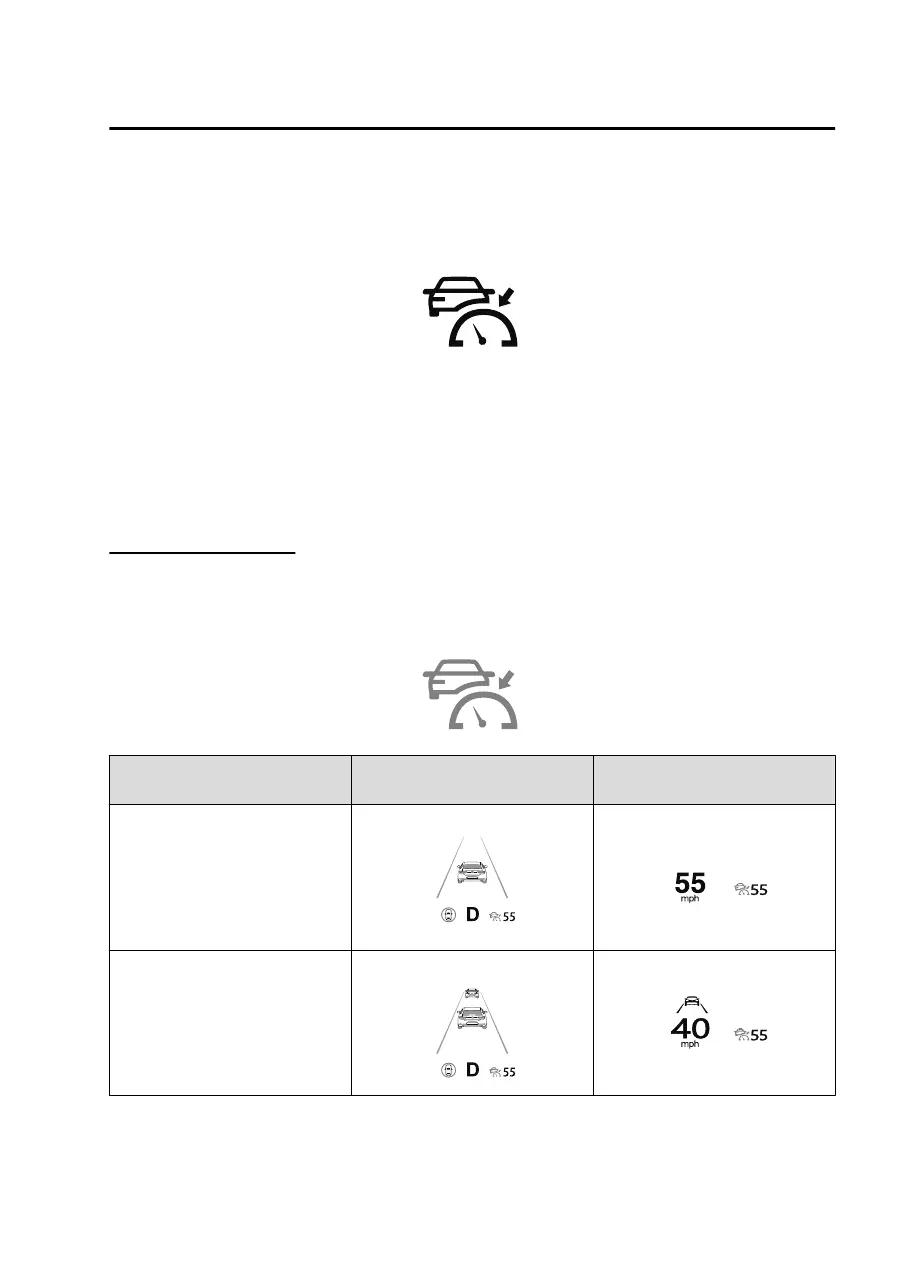
The set speed is indicated on the display. At the same time, the MRCC standby
indication (white) changes to the MRCC set indication (green).
Travel status
Indication on multi-information
display
Indication on active driving dis-
play
During travel at constant speed
During travel under headway
control
When Driving
i-ACTIVSENSE
4-133
CX30_8JP5-EA20K_Edition1_new 2020-7-22 15:50:09


 To Next Page
 Loading...












