25
Bluetooth
®
PAIRING YOUR BLUETOOTH
®
PHONE OR AUDIO DEVICE
NOTE:
• For safety reasons, you cannot pair a phone while driving.
• Beforepairingyourcellphoneoraudiodevice,itisrecommendedthatyou
refertoitsmanualforstepstoturnonBluetooth
®
and perform pairing.
• Fortoll-freeBluetooth
®
Hands-Free customer service and device compatibility
call 800-430-0153 or go to www.MazdaUSA.com/bluetooth for assistance.
• IMPORTANT:Setthevolumelevelonyourcellphoneoraudiodevicetothe
highest level before distortion starts, then adjust the volume on the audio system.
1 Pushandreleasethe or button
located on the steering wheel and wait
for a beep.
2 After the beep say, “Set-up”.
3 After the beep say, “Pairing options”.
4 After the beep say, “Pair”.
5 Afterthebeep,sayany4-digitcode.
6 PlacephoneoraudiodeviceinDiscovery
mode; if necessary, consult its manual,
orgotowww.mazdausa.com/bluetooth
andselectmodel,Bluetooth
®
, then follow
screen prompts.
7 Inputthe4-digitcodeyouchoseearlier.
8 Afterthephoneoraudiodeviceisrecognized,you
will be prompted to name the paired device, such
as “Tom’s phone or player”.
9 Whenpaired,asymbolwillbedisplayedinthe
information display - a phone symbol for a phone
and a music symbol for an audio device. If the symbol
isnotdisplayed,theBluetooth
®
device is not paired.
NOTE: IfyourcompatibleBluetooth
®
phoneisequippedwithamusicplayerand
supportstheBluetooth
®
proleA2DP,yourphonewillpairforbothhands-freecalling
aswellasBluetooth
®
audio during the pairing process, and will be considered one
unit.PleaserefertoyourOwner’sManualforcompletedetailsonhowto“pair”upto
7Bluetooth
®
phones and audio devices, and how to use the built-in tutorial and other
important safety information.
TO MAKE OR RECEIVE A HANDS-FREE CALL
Basic Operation:
button:ToMake/Receive/Swap(duringcallinterruption)acall.
button:ToEnd/Rejectacall.
button:ToSkipvoiceguidance(forspeedingupyouroperation).
Auto Re-connect:Onenginestart,thelast-connecteddevicewillbe
automaticallyre-connected.Thesystemisoperableseveralsecondsafter
engine start.
When using Bluetooth
®
audio function:
ThesoundqualityofBluetooth
®
streaming audio varies depending on the
device,evenwhenrecordedwitharecommendedbitrateof128kbps.
www.MazdaUSA.com
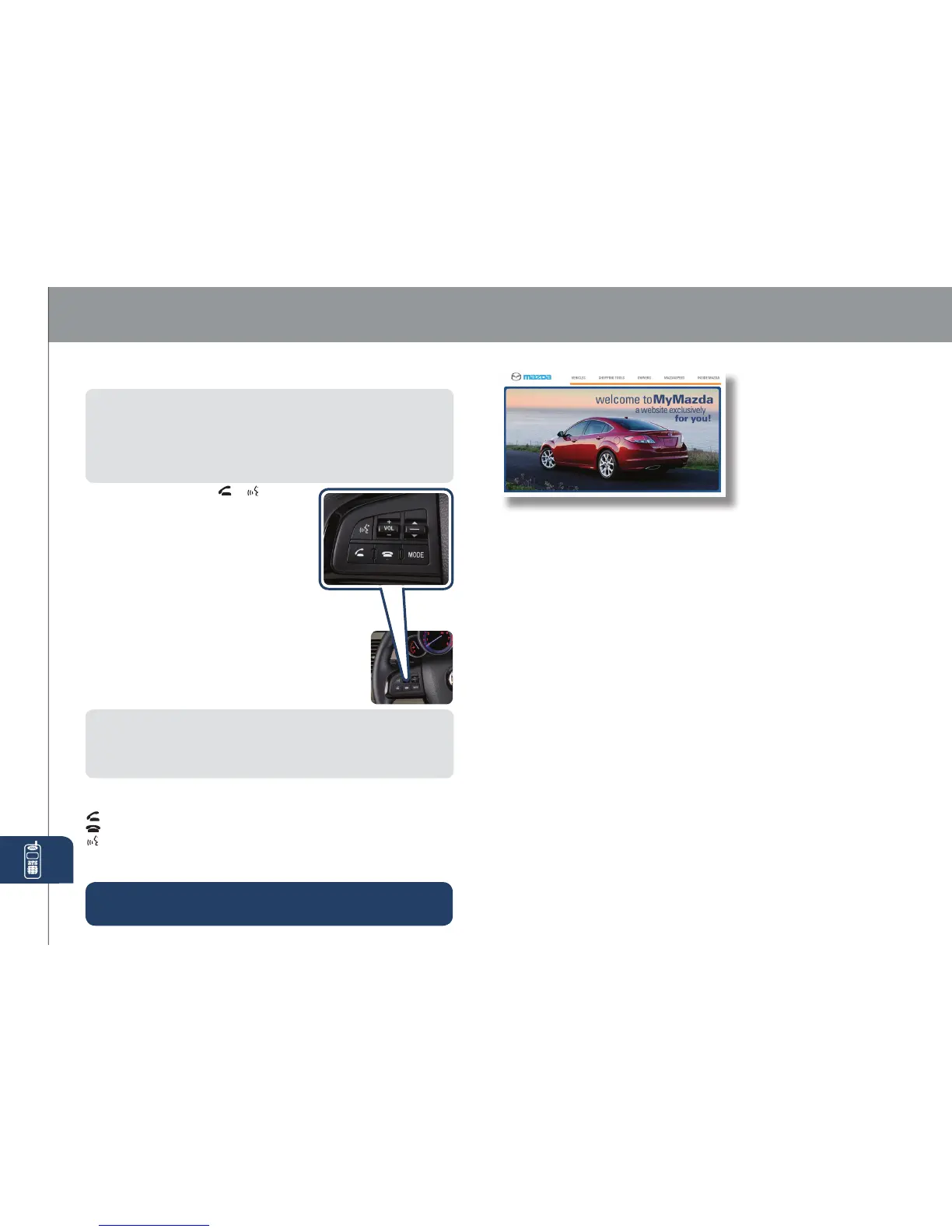
MyMazda.com
—The Official Site
for Mazda Owners
•
Insider access to exclusive events and promotions
•Personalizedmaintenanceschedules
•Zoom-ZoomOwnerMagazine
•
Warrantyinformationandon-lineOwner’sManuals
•Wallpaper,videosandotherfunstuff
•Accessoriesspecicallydesignedforyourvehicle
•CarCareDiscountCouponsavailablefromyourMazdaDealer
Visit and register at MyMazda.com today!
Roadside assistance is available 24 hours a day, 365 days a
year. Using the toll free phone number or the Mazda Roadside
Assistance Smartphone app - Mazda Assist. (which uses
GPS-enabled technology to determine your exact location),
will put you in touch with a roadside assistance agent.
Phone:1-800-866-1998
Theappcanbedownloaded,freeofcharge,fromtheAppstorefor
theiPhone
®
andAndroidMarketforAndroidpowereddevices.After
downloadingapp,customername,email,iPhonenumberandVIN
arerequired.
PERSONALIZE YOUR MAZDA CX-9 WITH GENUINE MAZDA ACCESSORIES:
• All-Weather Floor Mats
• Auto-Dimming Rearview
Mirror with Compass
• Cargo Mat, Carpet
• Cargo Net
• Cargo Tray
• Fog Lights
• Front Mask
• Hood Bug Deector
• iPod
®
Integration
• Moonroof Wind Deector
• Rear Bumper Guard
• Rearview Camera
with Auto-Dimming
Mirror Display
• Remote Engine Start
• Retractable Cargo Cover
•
Roof Rack and Attachments
• SIRIUS Satellite Radio
• Splash Guards
• Touch-Up Paint
• Trailer Hitch (Class II)
• Wheel Locks
• Windshield Sunscreen
RegistertodayonMyMazda.com
—theultimatedestinationfor
MazdaOwners.Onceregistered,
you’llbeabletotakeadvantage
ofbenetsexclusivelyfor
MazdaOwners:



 To Next Page