Black plate (237,1)
NOTE
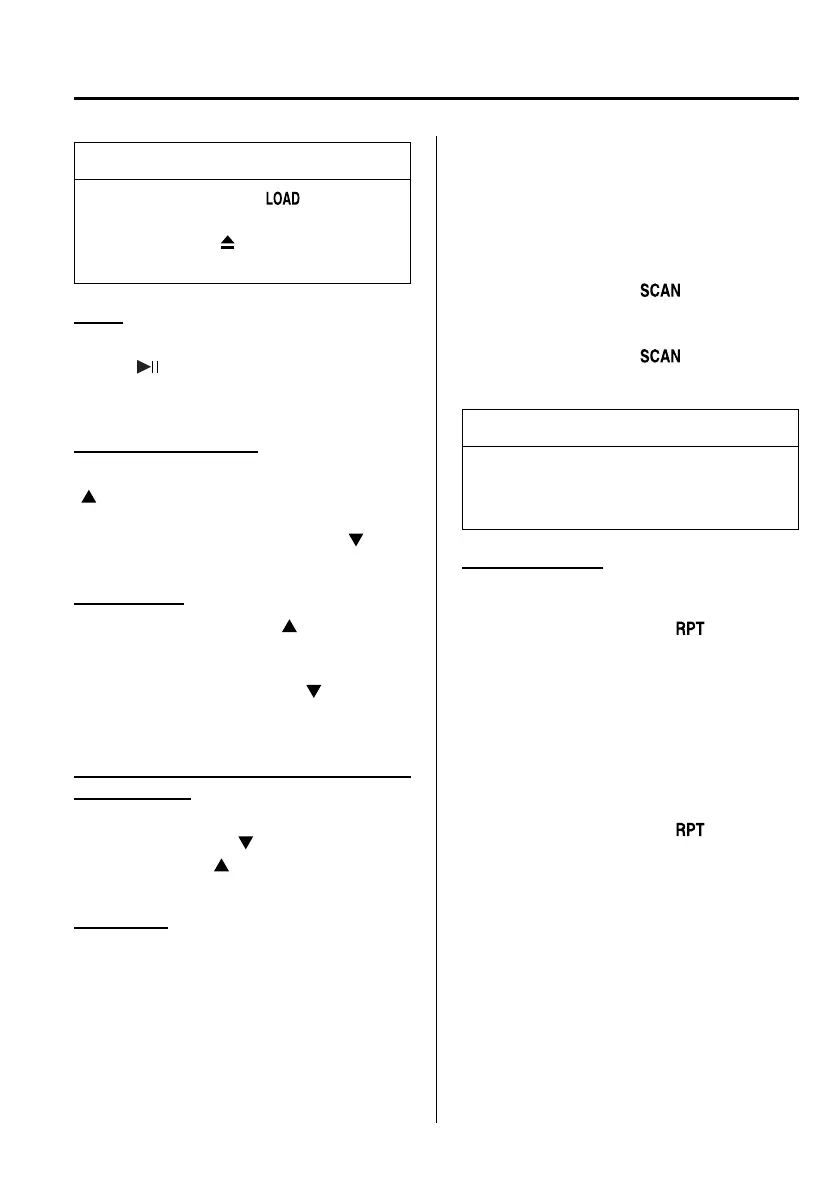
When the load button ( ) is pressed,
the CD will load and play even if the
CD eject button (
) had been
previously pressed.
Pause
To stop playback, press the Play/ Pause
button (
).
Press the button again to resume
playback.
Fast-forward/Reverse
Press and hold the fast-forward button
(
) to advance through a track at high
speed.
Press and hold the reverse button (
)to
reverse through a track at high speed.
Track search
Press the track up button (
) or turn the
file dial clockwise once to skip forward to
the beginning of the next track.
Press the track down button (
) or turn
the file dial anticlockwise once to skip
back to the beginning of the current track.
Folder search (during MP3/WMA/AAC
CD playback)
To change to the previous folder, press the
folder down button (
), or press the
folder up button (
) to advance to the
next folder.
Music scan
During music CD playback
This function scans the titles on a CD and
plays 10 seconds of each song to aid you
in finding a song you want to listen to.
During MP3/WMA/AAC CD playback
This function scans the titles in a folder
currently being played and plays 10
seconds of each song to aid you in finding
a song you want to listen to.
Press the scan button (
) durin g
playback to start the scan play operation
(the track number will flash).
Press the scan button (
) again to
cancel scan playback.
NOTE
If the unit is left in scan, normal
playback will resume where scan was
selected.
Repeat playback
During music CD playback
1. Press the repeat button (
) during
playback to play the current track
repeatedly. “RPT” is displayed.
2. Press the button again to cancel the
repeat playback.
During MP3/WMA/AAC CD playback
(Track repeat)
1. Press the repeat button (
) during
playback to play the current track
repeatedly. “TRACK RPT” is
displayed.
2. To cancel the repeat playback, press the
button again after 3 seconds.
Interior Comfort
Audio System
6-43
Mazda5_8DF6-EI-13J_Edition7 Page237
Thursday, March 9 2017 8:35 PM
Form No.8DF6-EI-13J



 To Next Page