Black plate (238,1)
(Folder repeat)
1. Press the repeat button (
) during
playback, and then press the button
again within 3 seconds to play the
tracks in the current folder repeatedly.
“FOLDER RPT” is displayed.
2. Press the button again to cancel the
repeat playback.
Random playback
Tracks are randomly selected and played.
During music CD playback
1. Press the random button (
) durin g
playback to play the tracks on the CD
randomly. “ RDM” is displayed.
2. Press the button again to cancel the
random playback.
During MP3/WMA/AAC CD playback
(Folder random)
1. Press the random button (
) durin g
playback to play the tracks in the folder
randomly. “ FOLDER RDM” is
displayed.
2. To cancel the random playback, press
the button again after 3 seconds.
(CD random)
1. Press the random button (
) durin g
playback, and then press the button
again within 3 seconds to play the
tracks on the CD randomly.
“DISC RDM” is displayed.
2. Press the button again to cancel the
random playback.
Switching the display
For files with a file name and other
information that have been input, the
display switches between display of the
file name and other information each time
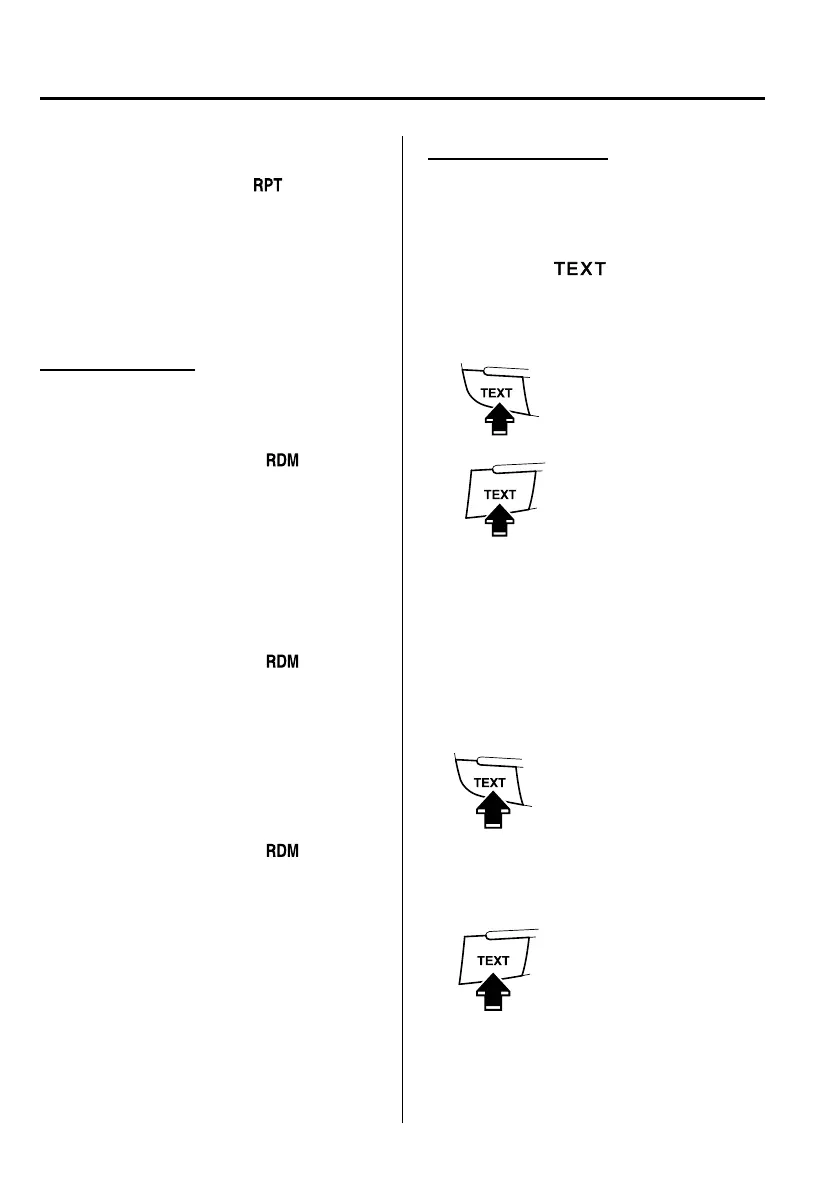
the text button (
) is pressed during
playback.
Music CD
Track name
Track number
Album name
Artist name
Track number/Elapsed time
Type A
Type B
MP3/WMA/AAC CD
File name
Folder name
Album name (ID3 Tag)
Song name (ID3 Tag)
Artist name (ID3 Tag)
Folder number/File number
File number/Elapsed time
Type A
Type B
6-44
Interior Comfort
Audio System
Mazda5_8DF6-EI-13J_Edition7 Page238
Thursday, March 9 2017 8:35 PM
Form No.8DF6-EI-13J



 To Next Page