unique high end audio
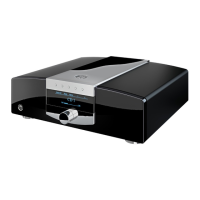
mbl 6010 D
11
6. Remote Control
Using the remote control will overwrite the unit´s adjustment. The LED “Remote” indicates that the settings of the
switches (Input selector and Out1 and Out2) do not correspond to the current status of the amplifier.
However the LEDs indicate the correct status of the unit.
Controlling the unit without remote control will reset the device to the adjustment former made directly on the
unit.
If the position of the switches conforms to the unit´s current status, the “Remote” LED does not light.
Adjustment referring to the volume control is not aected.
Note: The amplifier saves the adjustment, even if you turn it o. For saving adjustment the amplifier needs at least
2 seconds before you turn it o.
5.1 Output on/o Switches
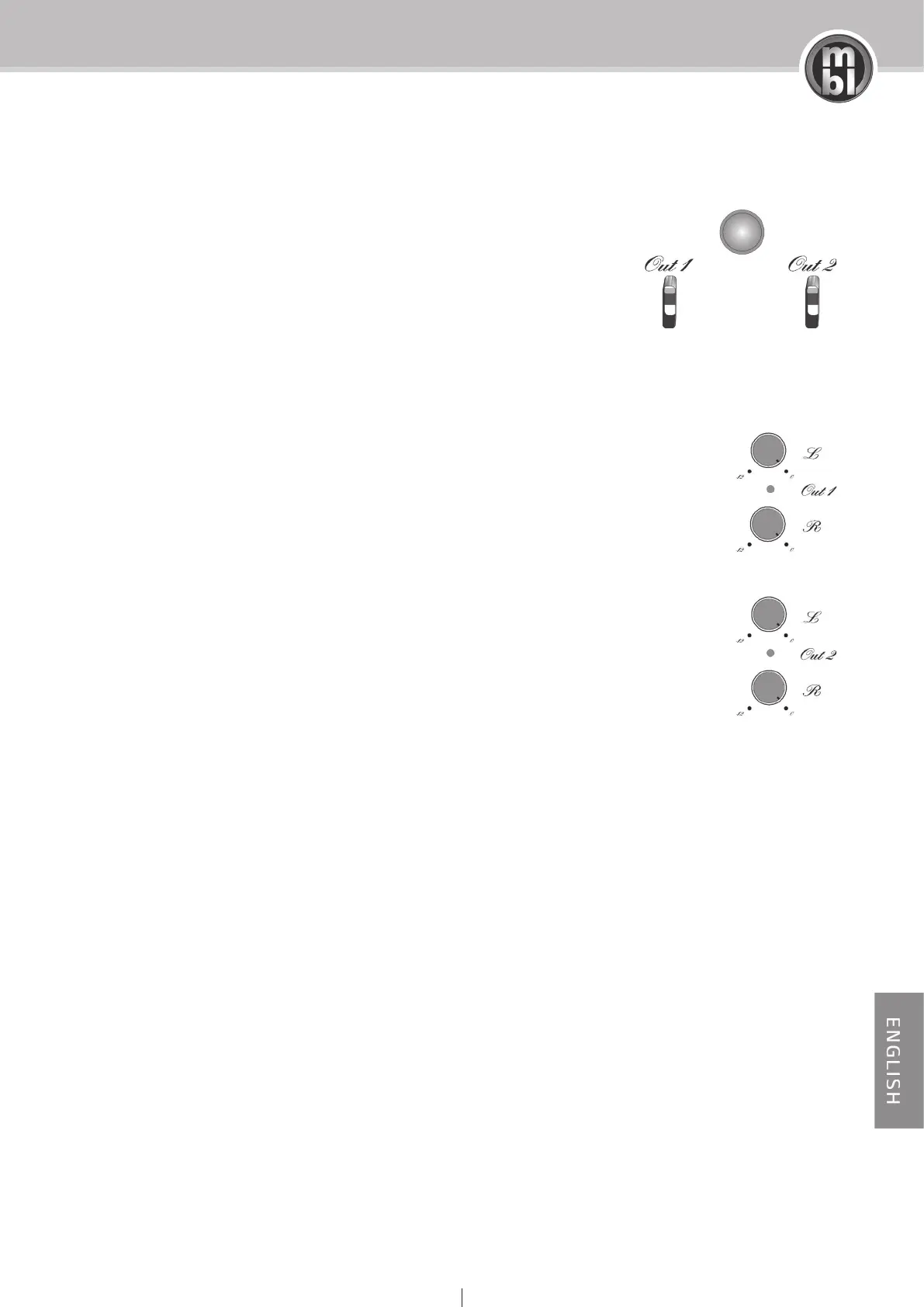
Out 1 and Out 2 are used for switching on and o GROUP 1 and/or GROUP 2
output sections. Sliding a switch upward the respective outputs are on, sliding it
downward they are o. The LED between output level potentiometer indicates
the selected status. If the LED light is lit, the outputs are on, otherwise they are
o. With the Remote control you can also switch the outputs on / o.
5.2 Output Level Unit
The output level unit allows precise adaptation of the stereo-signal balance to
the environmental acoustics. Discrete attenuation by up to 12 dB is provided for
each channel of the output modules.



 To Next Page