(B) Cancellation of Memory
Cancel the storage input in the memory 1/2/3 keys and the fold type keys
Important:
The machine will be enabled to perform standard folds set by the manufacturer.
Select the key in which the memory is to be cancelled.
Important:
The lamp of the key in which the fold is stored flashes.
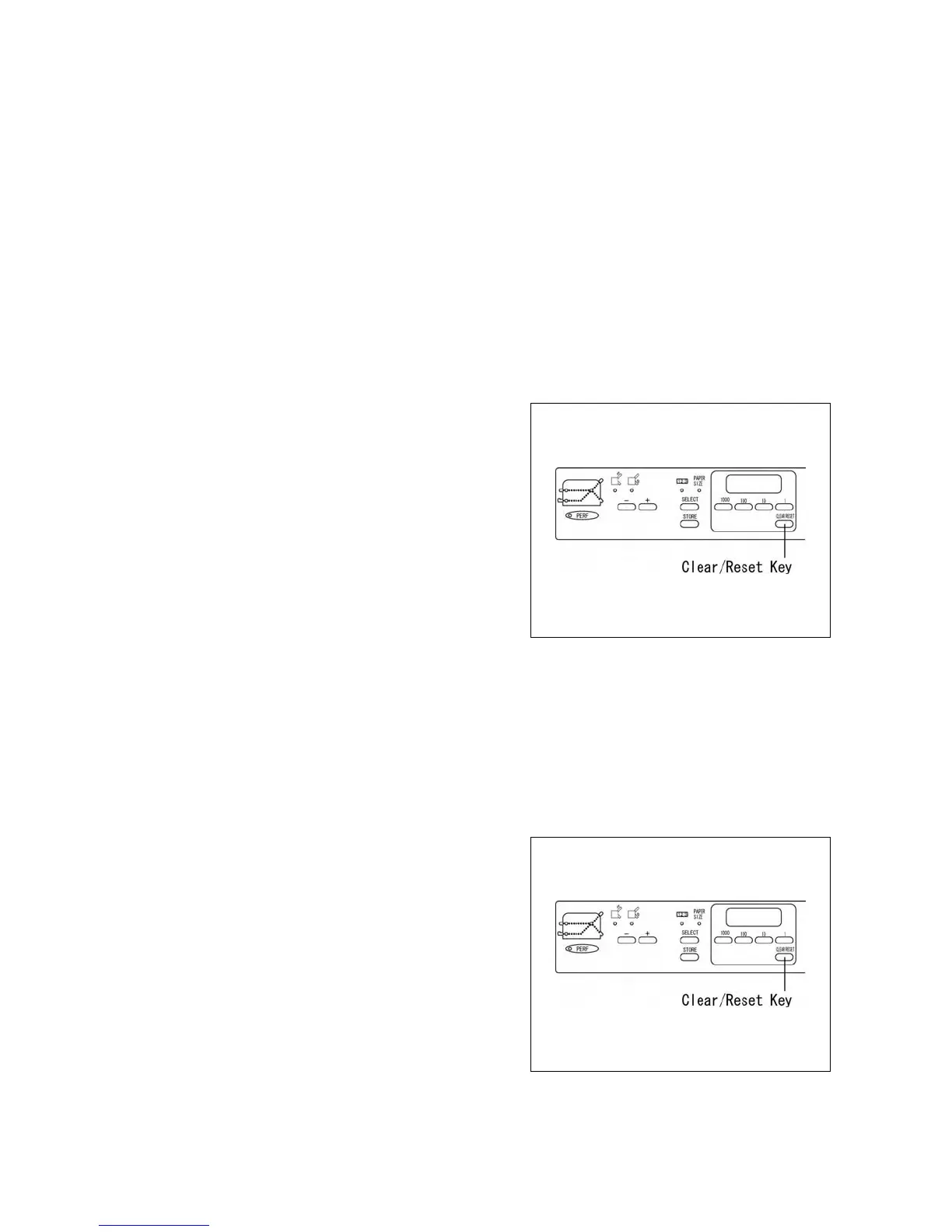
Press and hold the CLEAR / RESET key and release
immediately when you hear a beep.
The lamp of the key in which the storage has been cancelled
will light.
(C) Cancellation of total memory
Cancel all storage input in all the keys.
Important:
The machine will be enabled to perform standard folds set by the manufacturer.
Press and hold the CLEAR / RESET key and release
immediately when you hear a beep.
The lamp for the key of which the storage has been
cancelled will light.
19
http://www.monomachines.com/
http://www.monomachines.com/
<liD
==
c:'::
[ 1
o
D~66
o
~
I
Clear/Reset
Key
c:'::
[ 1
I
Clear/Reset
Key


 To Next Page