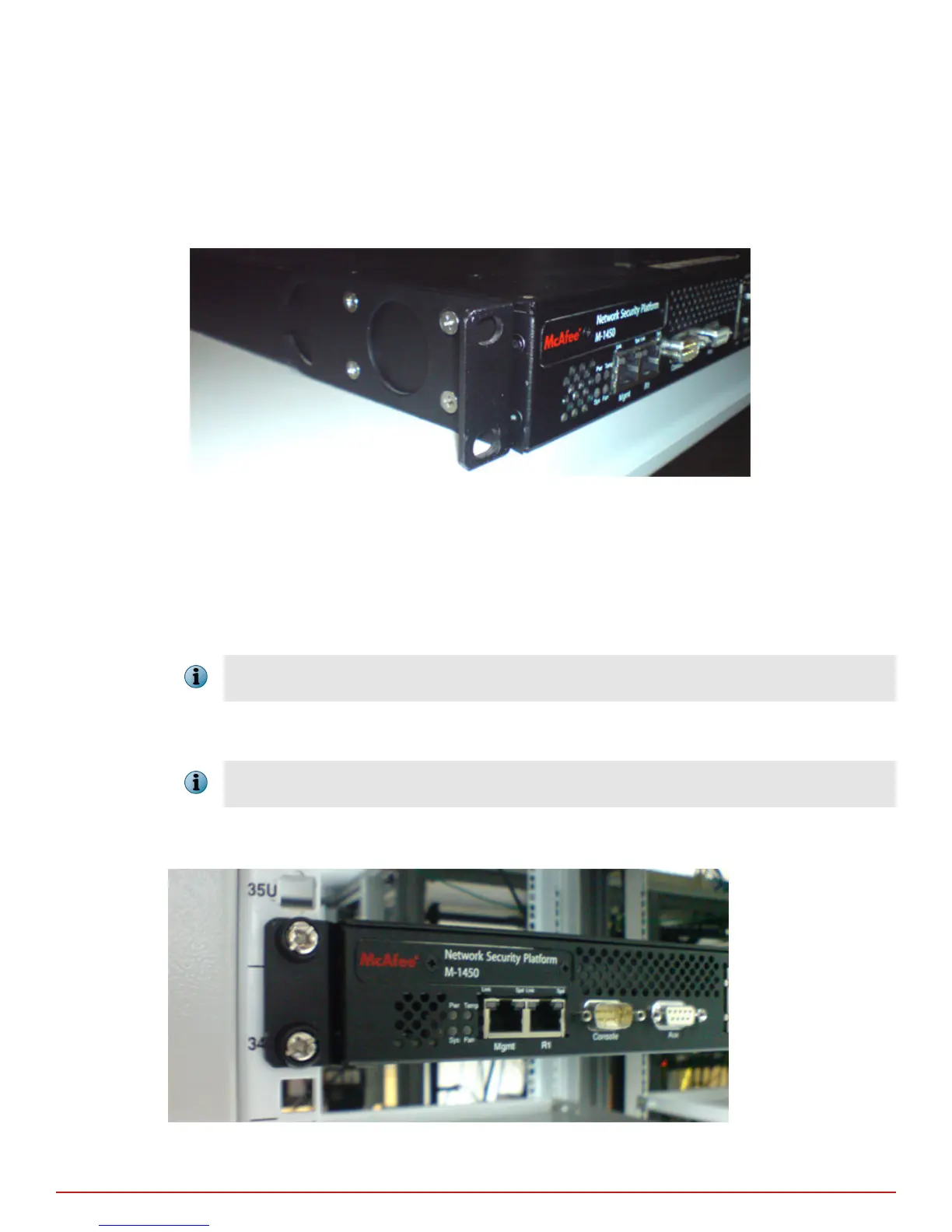
Each rack-mounting ear has holes that match up with holes in the chassis.
Task
1
Verify that you have all the parts you will need: two chassis ears and twelve Phillips athead screws.
2
Attach the rst chassis ear to the right side of the chassis.
Use a Phillips screwdriver to secure the Phillips athead screws to the chassis.
Figure 3-1 Installing ears on the chassis
3
Attach the second chassis ear to the left side of the chassis.
Mount the Sensor on a rack
McAfee recommends rack-mounting your Sensors. The rack-mounting hardware included with the Sensors is
suitable for most 19-inch equipment racks and telco-type racks. For maintenance purposes, you should have
access to the front and rear of the Sensor.
Before you mount the Sensor in the rack, make sure that power is OFF. Remove the power cable and all network
interface cables from the Sensor.
Rack-mount the Sensor by securing the rack mount ears to two posts or mounting strips in the rack. The ears
secure the Sensor to two rack posts, and the rest of the Sensor is cantilevered o the ears.
You need two people to install the Sensor in the rack—one person to hold the Sensor and one person to secure it
to the rack.
Mount the Sensor by securing the ears to two posts or mounting strips in the rack. Because the ears bear the
weight of the entire Sensor, be sure to fasten the ears securely to the rack.
Figure 3-2 Sensor mounted on a rack
3
Setting up the Sensor
Position the Sensor
16
McAfee
®
Network Security Platform M-1250/M-1450 Sensor Product Guide



 To Next Page