the primary Sensor has some of its monitoring port pairs in non-Inline (tap or SPAN) mode, is provided. For
example, in an M-1450, you may have port pairs 1A-1B congured in in-line mode and ports 2A and 3A
congured in SPAN mode.
M-1250/1450 Sensors support TCP reset even when connected in tap mode.
Cable M-1250/M-1450 Sensor for failover
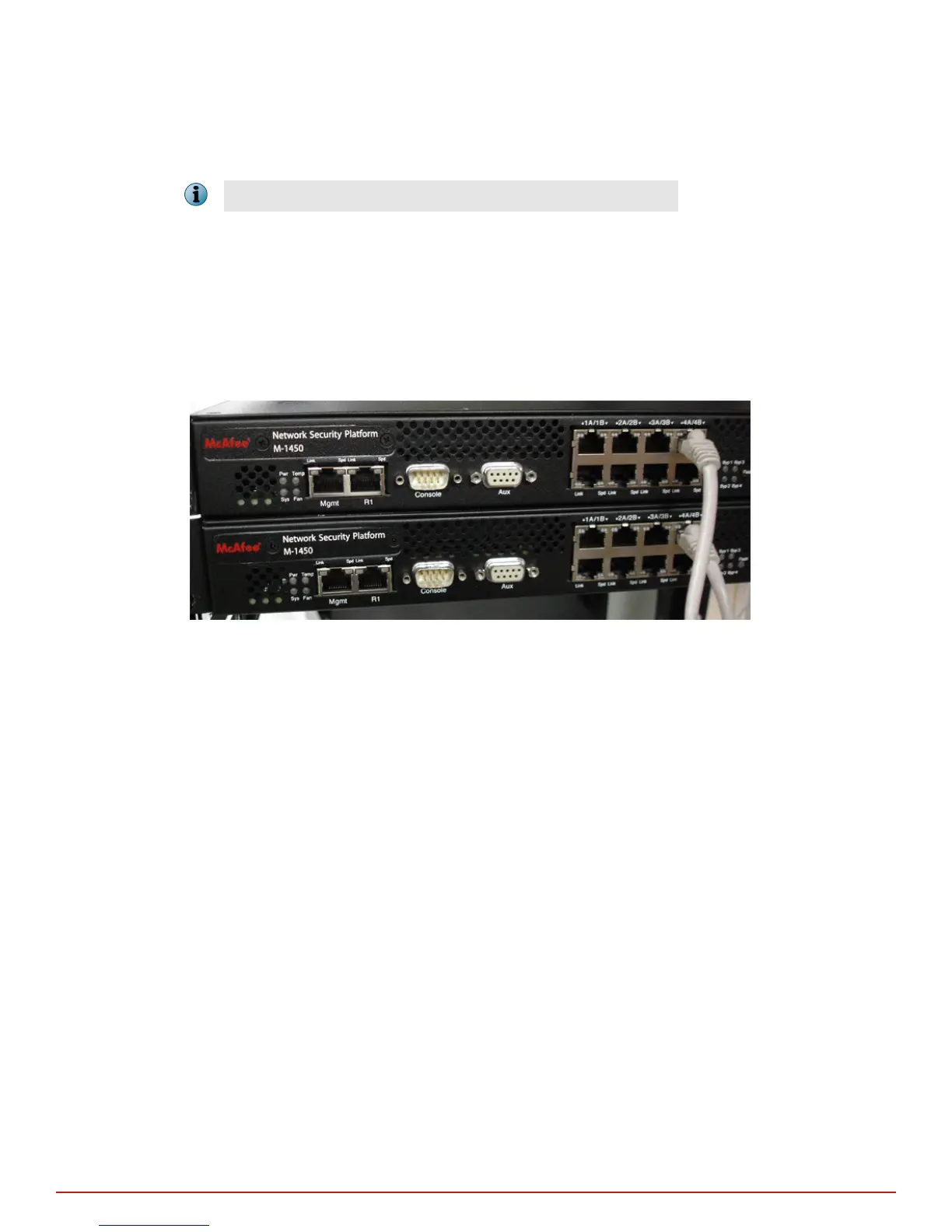
Gigabit port 4A is the failover interconnection port on the M-1250/M-1450 Sensor. A crossover failover cable is
the only additional hardware required to support failover communication between two Sensors.
Task
1
Plug a Cat 5/Cat 5e crossover cable into port 4A of the active Sensor.
2
Connect the other end of the cable to the port 4A of the standby Sensor.
Figure 4-2 M-1450 Sensors connected for failover
4
Attaching cables to the Sensor
About connecting Sensors for fail-over
24
McAfee
®
Network Security Platform M-1250/M-1450 Sensor Product Guide



 To Next Page