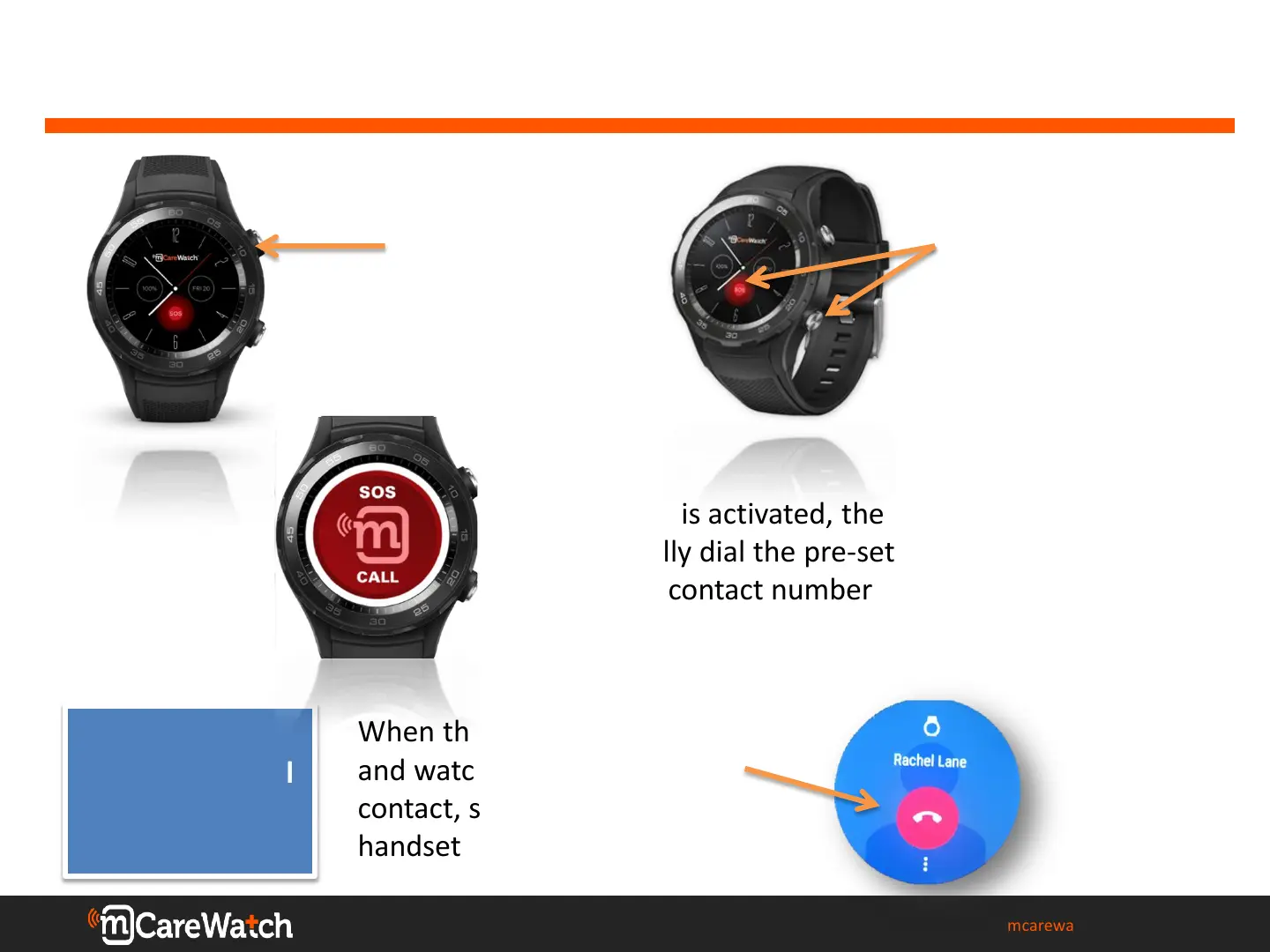
WEARER: How to make an SOS emergency call
mcarewatch.com.au
5
1. Press the top
right hand (silver)
button for the
watch face to
display
2. Press and hold
down the red SOS
button on the watch
screen OR the
bottom right button
for 3 seconds
3. Once SOS is activated, the watch will
automatically dial the pre-set SOS
emergency contact number
How do I cancel
an SOS Call?
When the SOS call is activated
and watch begins to call SOS
contact, simply touch the red
handset on the watch face


 To Next Page