Operate
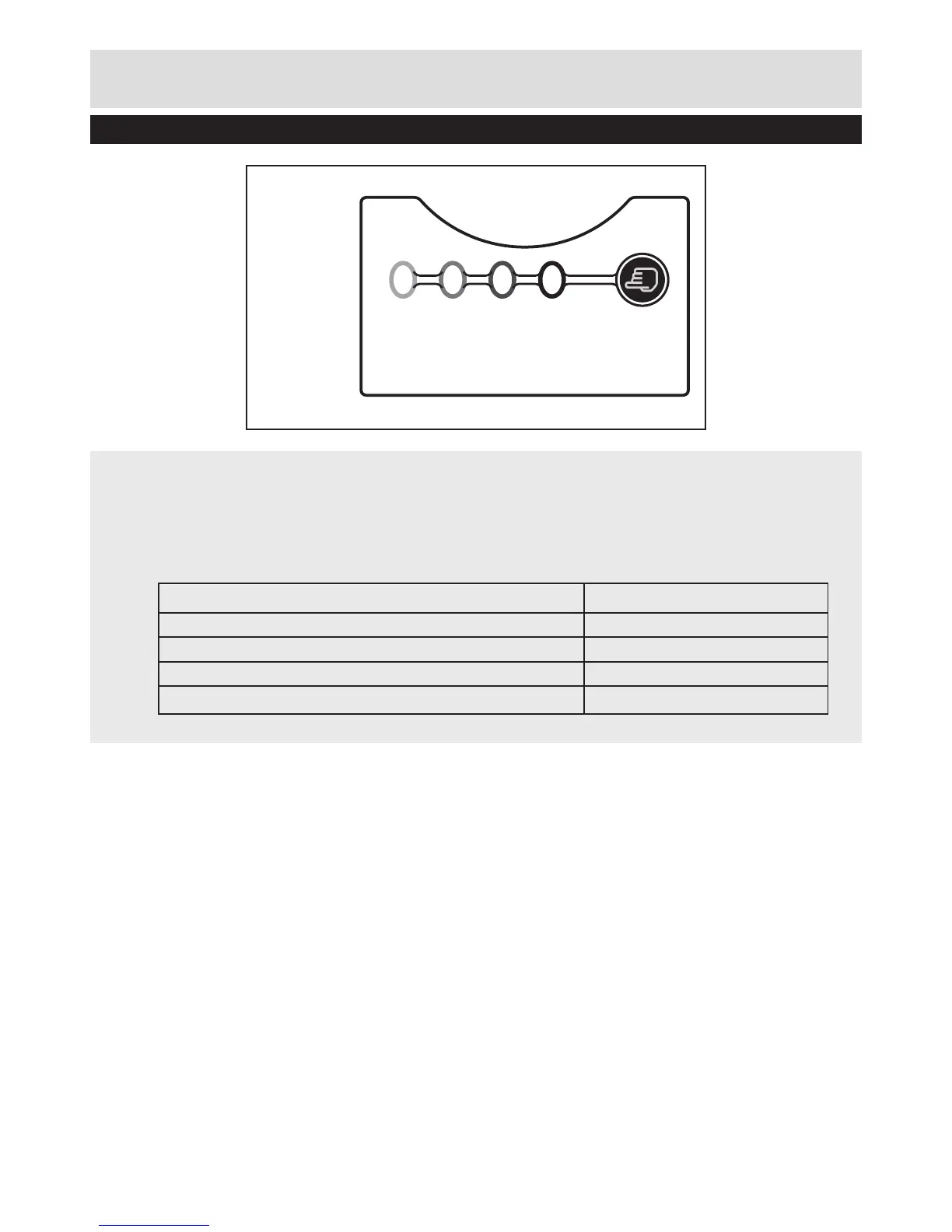
Battery indicator
• Battery indicator on the switch box can be used to indicate the battery status.
• Push the press button to check on the battery status, 4 lights indicate a fully battery, 1
light indicates the battery need to be charged.
Step 3 - Indicator panel
LED indicators on Panel Battery Capacity
Continuous lighting of 4 LEDs (inc 2 green) Fully charged
Continuous lighting of 3 LEDs (inc 1 green) ≥ 50%
Continuous lighting of 2 LEDs (orange & red) ≥ 25%
Continuous lighting of 1 LED (red only) ≤ 25% Recharge required
Battery indicator


 To Next Page