Disassembly and Assembly
Confidential Information of MEDCAPTAIN MEDICAL TECHNOLOGY CO., LTD. 72 / 93
PT3*8 cross recessed pan head drilling PT
thread tapping screw
HP-60 rear panel socket assembly
PT3*8 cross recessed pan head drilling PT
thread tapping screw
Cross recessed pan head, spring washer, and
flat washer combination screw M3x6 GB
9074.4
HP-60 middle plate assembly
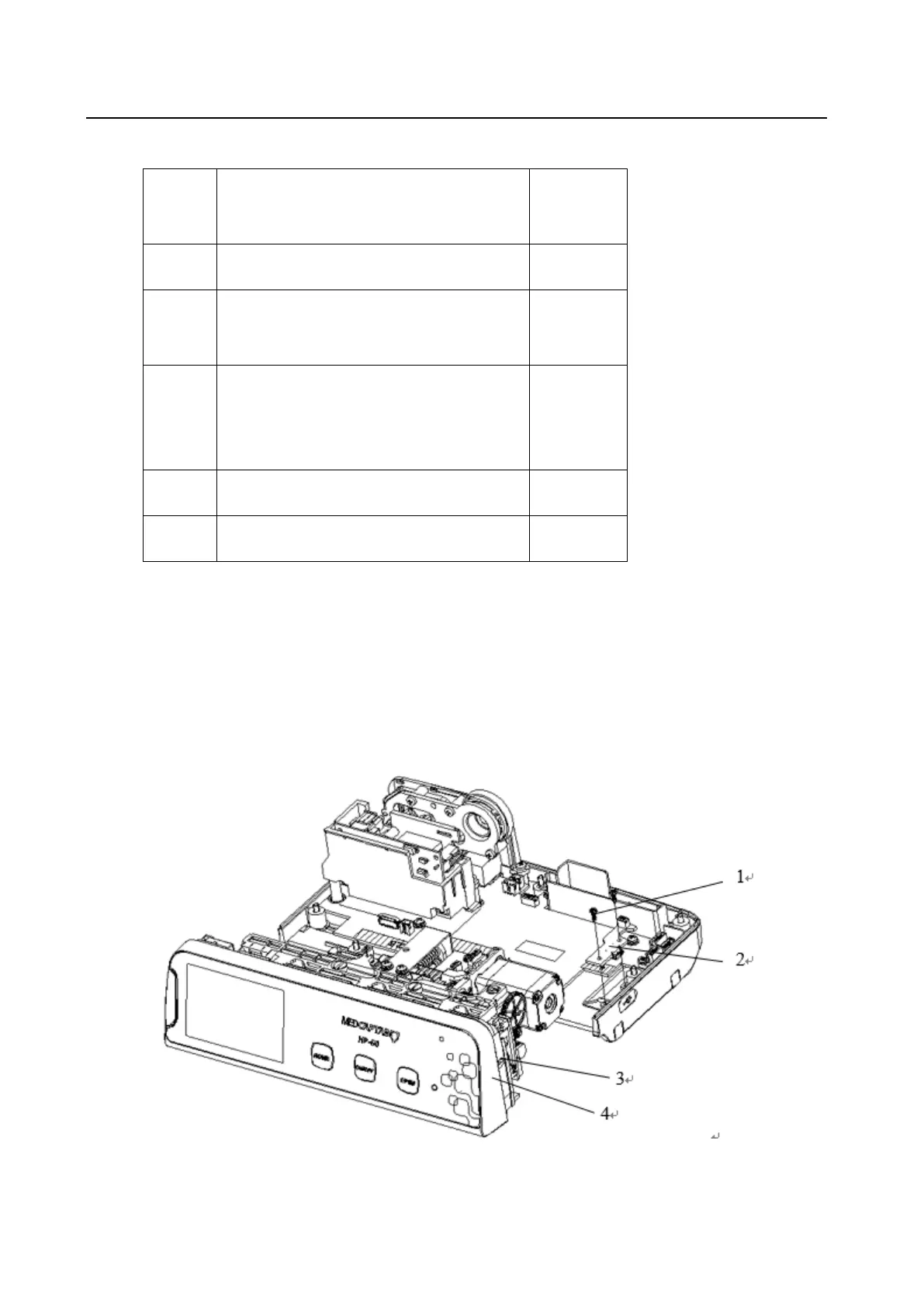
3. Take out the HP-60 middle plate assembly (10) and HP-60 pump door assembly (11).
4. Remove the two PT3*8 cross recessed pan head drilling PT thread tapping screws (6), and take
down the HP-60 AC shield (5).
5. Remove the two PT3*8 cross recessed pan head drilling PT thread tapping screws (8), and take
down the HP-60 rear panel socket assembly (7).
6. Remove the five cross recessed pan head, spring washer, and flat washer combination screws
M3x6 GB 9074.4 (9), and take down the HP-60 main PCBA (4).
1.17 Dismantling the HP-60 Drop Sensor Interface PCBA



 To Next Page