WIRELESS NETWORK CONNECTION
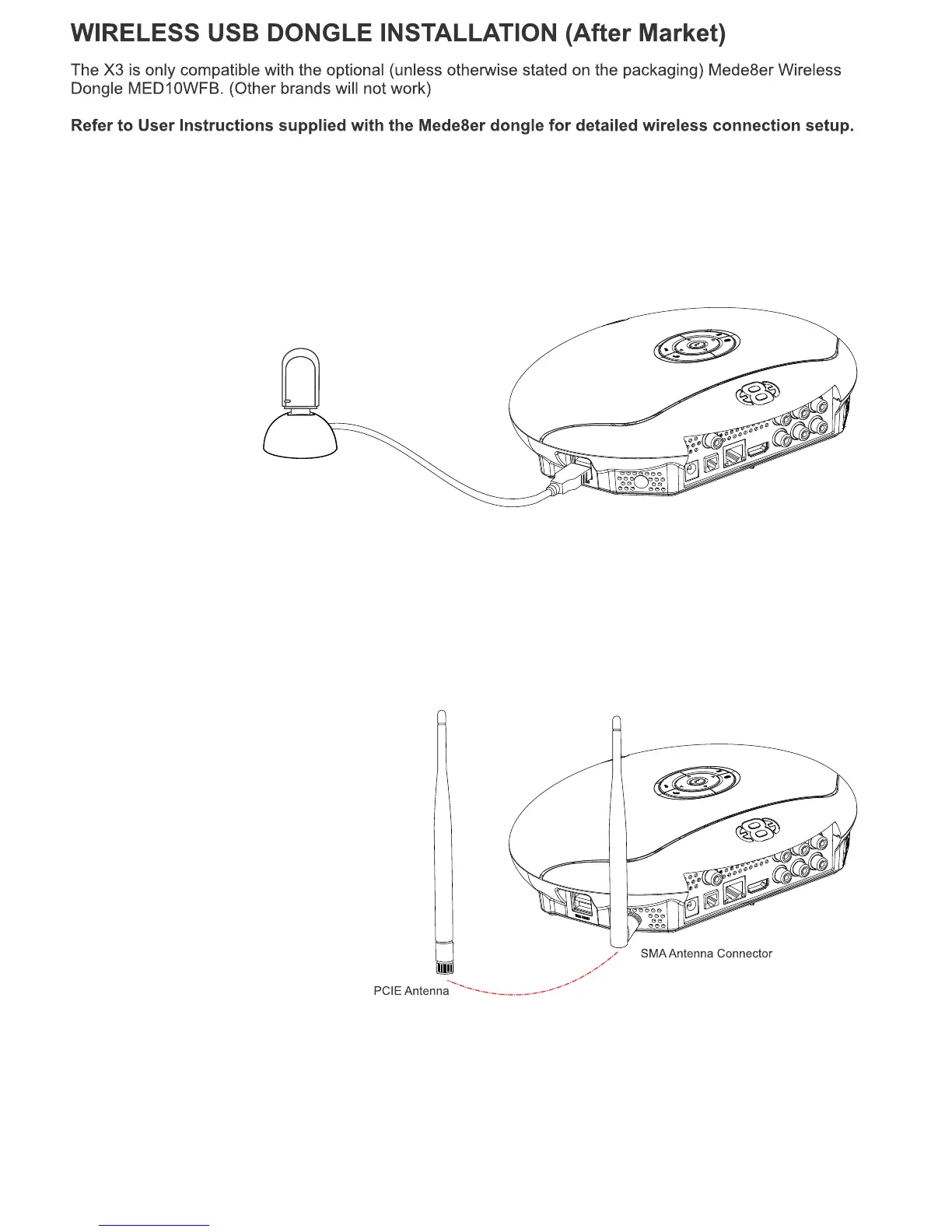
Plug the WiFi Dongle into the USB extension base that was supplied with the MED10WFB. Plug the USB
cable into one of the USB host ports on the side of the X3. Extend the cable and place the base in a
position that is away from any metal object that could effect the Radio Frequency signal strength. The best
placement for the WiFi Dongle will depend on your particular environment. In order to get the best
placement you may need to extend the length with an additional USB extension cable.
USB Host Port
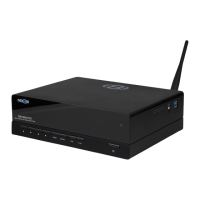
Screw the antenna into the SMA antenna
connector on the X3. Twist the antenna
gently into the vertical position as shown.
The operating distance or range of your wireless connection can vary significantly based on the physical
placement of the Router and the WiFi Dongle or PCIE antenna.
For best results, place your Router:
* Near the center of the area in which your X3 will operate.
* In an elevated location such as a high shelf.
* Away from potential sources of interference, such as PCs, microwaves, and cordless phones.
* The Antenna should be screwed in tight and in the upright position.
* Away from large metal surfaces.
MED10WFB
Page15
WIRELESS PCIE ANTENNA INSTALLATION (Factory Fit)
Certain models of the MED1000X3D (depending on the region) may be available with a factory fitted
PCIE WiFi kit. Check the packaging information to confirm if your model has the pre installed WiFi Kit.


 To Next Page