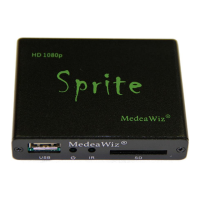
MedeaWiz® Sprite
Team Kingsley LLC
10 | P a g e
Play Mode
Select the play mode needed for your application
Selections with no external input control:
Select Off to manually play files using the IR remote control.
Select Video to play multiple video files in a circular loop.
Select Audio to play multiple audio files in a circular loop.
Select Photo to play multiple photo files in a circular loop.
Selections with external input control:
Select Video Control Mode to loop video file 000.xxx and trigger / command other video
files to play.
Select Audio Control Mode to loop audio file 000.xxx and trigger / command other
audio files to play.


 To Next Page