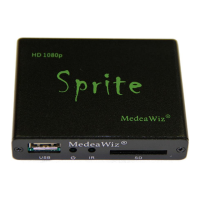
MedeaWiz® Sprite
Team Kingsley LLC
18 | P a g e
External Control – Wiring a Pushbutton to the I/O Port
Using a pushbutton or other dry contacts
The Control Mode should be set to Trigger Low No Interrupt or Trigger Low with Interrupt.
You can trigger multiple Sprite’s from one pushbutton. Wire as above to all Sprite’s RX (2) and
Ground (4). Do not wire the power (1) or TX (3) pins together between multiple units.
You can also use the included A/V cable in the I/O port. Use the Red RCA to connect to your
pushbutton or contacts. We suggest you cover the unused RCA plugs with electrical tape to
avoid shorting the power supply and burning the internal fuse.
If you get a cable elsewhere, check to see that the wiring is the same. We have seen some
cables where the red, yellow and white RCA are wired to different poles on the 3.5mm plug.


 To Next Page