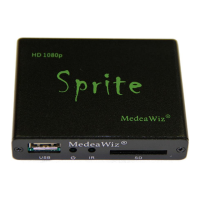
MedeaWiz® Sprite
Team Kingsley LLC
11 | P a g e
Control Mode
Select the external Control Mode for your application
Select Trigger Low No Interrupt to use a pushbutton or other contact closure event. When
triggered, the file 001.xxx will play to the end with no interruption.
Select Trigger Low with Interrupt to use a pushbutton or other contact closure. When
triggered, the file 001.xxx will play and will re-start if re-triggered.
Select Trigger High No Interrupt to use a contact opening event. When triggered, the file
001.xxx will play to the end with no interruption.
Select Trigger High with Interrupt to use a contact opening event. When triggered, the file
001.xxx will play and will re-start if re-triggered.
Select Serial Control to use an external show control device or micro controller like a Basic
Stamp, PIC, Atmel, Arduino, Raspberry Pi, or etc. using serial communications.
After the triggered file ends, file 000.xxx will loop again.


 To Next Page