EN
5
3.1 Start ThopEasy
+
Note: Data transfer via USB is not allowed during therapy.
1. Close all programs.
2. Connect Thopaz
+
/ Thopaz to the PC with USB cable.
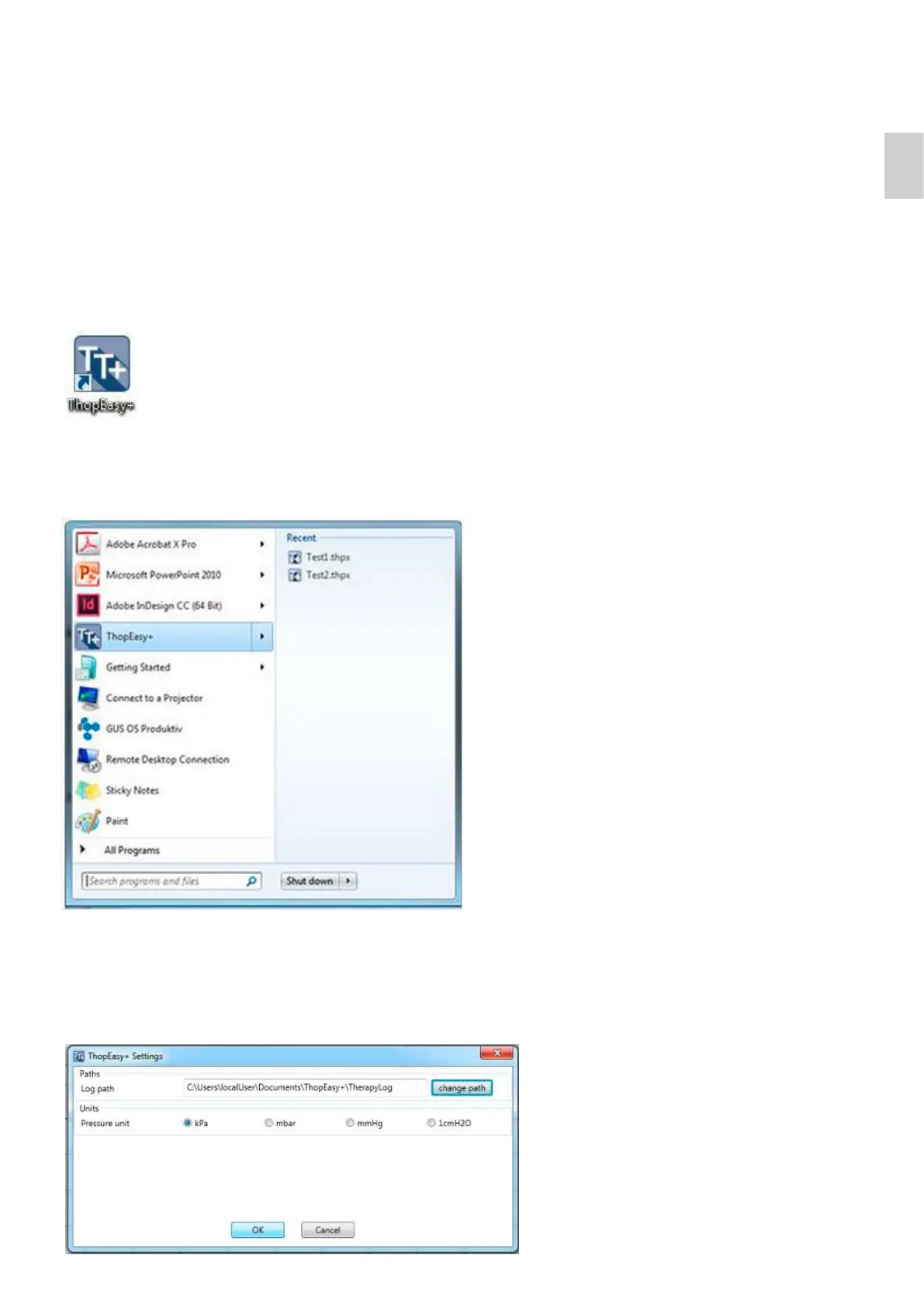
3. Start ThopEasy
+
by clicking on the desktop shortcut
3 Instructions for use
or
3. Start ThopEasy
+
according the instructions in the following window:
3.2 Change settings
By clicking on TE
+
→ Settings you can select the log path where ThopEasy
+
saves the downloaded therapy data.
The unit for the pressure scale can be changed for your application.





 To Next Page