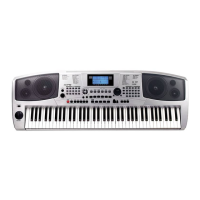
ALBUM
FUNCTION
FunctionMenu
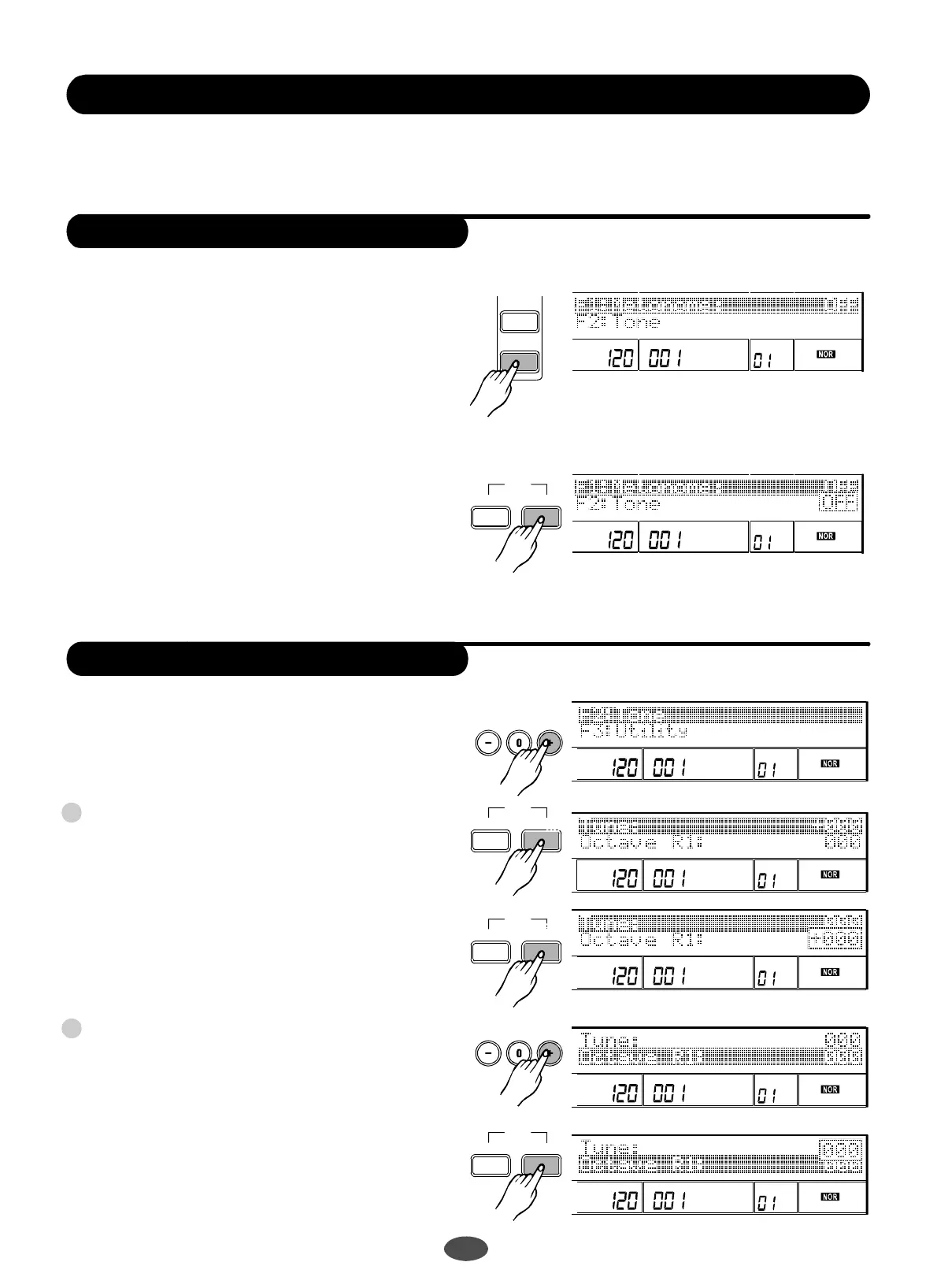
PressthebuttontoenterFunction
menu.
[FUNCTION] ""
Select"Metronome"fromtheFUNCTIONmenu,
with.
Pressthebuttontoenterthemetronome
mode.Usethetoselectonoroff.
Thewillbeactivatedwhentheaccom-
panimentplaybackison.
dial,[+],[-]
[NEXT]
dial,[+],[-]
Note:
metronome
Metronome
Tone
TEMPO
TEMPO
VEL
VEL
MEASURE
MEASURE
BEAT
BEAT
MEMORY
MEMORY
TICK
TICK
O.T.S.
O.T.S.
<BACK NEXT>
EXIT>
>
<BACK
<BACK
NEXT>
NEXT>
EXIT
EXIT
>
>
>
>
<BACK NEXT>
EXIT
>
>
18
SelecttheTONEfromtheFUNCTIONmenu,with
,.Pressthebutton,youcan
selectTUNE,OCTAVEwith,
InTUNEmenu,pressthebutton,andto
adjusttheparameterwith,
ParameterRange:-100to+100cents.
Onlypositivevaluecanbesetbyusing.
InOCTAVEmenu,pressthebutton,and
toadjusttheparameterwith,
PressbuttontosettheOCTAVEparameterof
VOICER2andVOICELseparatelywith,
.ParameterRange:-2to+2.
dial[+],[-][NEXT]
dial[+],[-].
TUNE
[NEXT]
dial[+],[-],[0]-[9].
Note:
[0]-[9]
OCTAVE
[NEXT]
dial[+],[-],
[0]-[9].
[+]
dial[+],
[-]
tune
octave
2
1
TEMPO
TEMPO
TEMPO
TEMPO
TEMPO
VEL
VEL
VEL
VEL
VEL
MEASURE
MEASURE
MEASURE
MEASURE
MEASURE
BEAT
BEAT
BEAT
BEAT
BEAT
MEMORY
MEMORY
MEMORY
MEMORY
MEMORY
TICK
TICK
TICK
TICK
TICK
O.T.S.
O.T.S.
O.T.S.
O.T.S.
O.T.S.
PDF 文件使用 "pdfFactory Pro" 试用版本创建 ÿ www.fineprint.com.cn


 To Next Page