EasyManua.ls Logo

medi Pcs brio - User Manual

medi Pcs brio
28 pages
Print Icon
To Next Page IconTo Next Page
Loading...
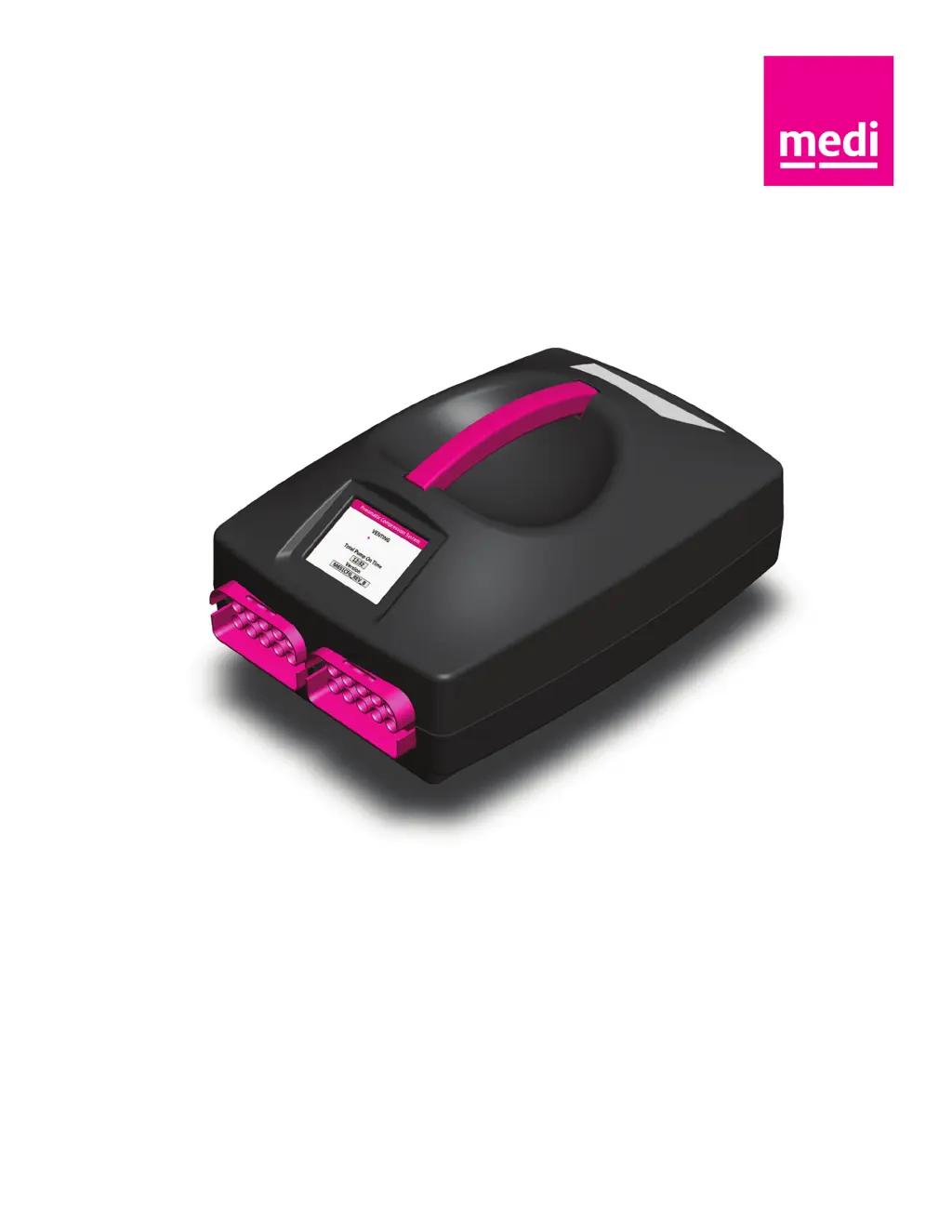
medi pcs brio
medi pcs brio
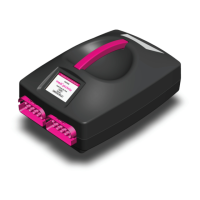
pneumatic compression system
Operator’s Manual

Questions and Answers

  • W
    Wesley WoodAug 16, 2025
    What to do if air chambers do not fill with air in medi Pcs brio?
    • N
      Nicole BeasleyAug 16, 2025
      If the air chambers of your medi Medical Equipment do not fill with air, first ensure that you have pressed the Start button to begin the treatment. Check that the garment connectors are correctly connected to the PCU and that the hoses aren’t kinked or twisted. Try disconnecting and reconnecting the garment connectors. If the chambers remain empty, turn the PCU off, detach the connectors, and restart the PCU, then press the Start button. If you feel air coming out of the connectors, reattach the garment connectors and try again. Also, make sure the blocking plate is correctly installed if you are conducting unilateral treatment.
  • A
    Ann JohnsonAug 19, 2025
    What to do if medi Medical Equipment shows error screen after prolonged duration attempting to fill chamber?
    • J
      Jason SmithAug 19, 2025
      If you see an error screen on your medi Medical Equipment after trying to fill the chamber for a long time, such as due to a leak, check the garment connection by disconnecting and reconnecting it entirely. Also, inspect the hoses and garments for any leaks. If you find a leak in any component, contact medi USA Customer Service. If you're doing unilateral treatment, make sure the Blocking Plate is connected to the PCU.
  • A
    Amy RomeroAug 22, 2025
    Why are air chamber pressures higher or lower than expected in medi Pcs brio?
    • P
      Peggy RamosAug 22, 2025
      If the air chamber pressures in your medi Medical Equipment are higher or lower than expected, immediately pause and end the treatment session and start a new one, being careful to avoid rapid movements or drastic posture changes during the first 5-10 minutes of treatment. Verify that you've selected the correct treatment settings by checking the Treatment Summary screen. Ensure there are no folds or kinks in the garment fabric and that the garment connectors are correctly attached to the PCU. Also, check that the PCU ports are free from any obstructions. If you still have concerns, verify the pressure settings with your healthcare professional. Contact medi USA if you believe the system is not working properly.
  • L
    lsextonAug 26, 2025
    How to troubleshoot medi Medical Equipment PCU that does not turn on?
    • J
      James ArmstrongAug 26, 2025
      If your medi Medical Equipment's Pressure Control Unit (PCU) doesn't turn on, first ensure that the power supply is correctly assembled and connected to both the PCU and the wall outlet. Then, make sure the power switch is turned on. If the PCU still doesn't turn on, please contact medi USA Customer Service.
  • T
    tthomasAug 28, 2025
    What to do if medi Pcs brio Medical Equipment Graphical User Interface (GUI) becomes non-responsive?
    • D
      Dylan BlankenshipAug 28, 2025
      If the Graphical User Interface (GUI) of your medi Medical Equipment becomes non-responsive, power off the PCU and disconnect the sleeve(s) to deflate them. Then, reconnect the sleeve(s) and power on the PCU. Restart the treatment. If the GUI remains non-responsive, contact medi USA customer service.
  • B
    Brittany BallAug 31, 2025
    What to do if medi Medical Equipment shows error screen at the start of the treatment?
    • R
      Richard BridgesAug 31, 2025
      If you encounter an error screen on your medi Medical Equipment at the start of treatment, such as a blocked port, check the PCU and garment connector ports for any blockages. Make sure that the garment connectors are correctly connected to the PCU and that the hoses aren't kinked or twisted. Run the treatment. If the error continues, contact medi USA for service.
  • A
    Ashley WilsonSep 3, 2025
    How to fix medi Pcs brio when air chambers remain inflated?
    • M
      Margaret CookSep 3, 2025
      If the air chambers of your medi Medical Equipment remain inflated, make sure that the hoses are not kinked, twisted, or pinched. If they are not, disconnect the garment connectors from the PCU.
  • F
    Francis GillSep 6, 2025
    Why does medi Pcs brio Medical Equipment show error screen 5-10 minutes after start of treatment?
    • A
      Ashley CarlsonSep 6, 2025
      If an error screen appears on your medi Medical Equipment 5-10 minutes after the start of treatment, such as a fill-to-fit error, check the garment and/or blocking plate for proper connection and leaks. Then, re-run the treatment, making sure to avoid any rapid movements or drastic posture changes during the fill-to-fit process. If the error repeats, recheck the garment for leaks or contact medi USA.
  • J
    Jodi MartinezSep 9, 2025
    Why does medi Pcs brio PCU runs treatment for shorter or longer than expected?
    • B
      Barbara HernandezSep 9, 2025
      If your medi Medical Equipment runs a treatment for shorter or longer than expected, verify that the Treatment Time selected matches what was recommended by your healthcare professional. If the PCU continues to operate beyond the Treatment Complete screen or stops prematurely, contact medi USA Customer Service.
  • B
    Bryan WestSep 12, 2025
    How to stop medi Pcs brio Medical Equipment PCU from making abnormal noise?
    • R
      Rodney BakerSep 12, 2025
      If your medi Medical Equipment PCU is making an abnormal or loud noise, first make sure that the PCU is placed on a stable surface. Then, ensure that the system is correctly assembled. Turn the system off, restart it, and begin treatment again. If the noise continues, contact medi USA Customer Service.

medi Pcs brio Specifications

General IconGeneral
Brandmedi
ModelPcs brio
CategoryMedical Equipment
LanguageEnglish

Related product manuals