. Introduction
. How to contact medi USA
. Indications & contraindications
. Guidelines for use
. Components
. System assembly
. Powering on
. Initial set up
. Unlocking settings
. Patient settings
. Sizing
. Introduction
. Application & removal
. Unilateral treatment
. Bilateral treatment
. Starting the session
. Pausing the session
. Completing the session
. Turning off the PCU
. Error screen
. Storing the medi pcs brio
. Cleaning the medi pcs brio
. Troubleshooting
. Warranty & return policy
. Safety warnings & precautions
. Labels
. Specifications
. Environmental Conditions
. Electromagnetic Compatibility
Table of Contents
Before you get started
The medi pcs brio system
Programming treatment settings
Garments
Connecting the garments to the pressure
control unit (PCU)
Conducting a treatment session
Caring for your medi pcs brio system
Troubleshooting & technical information


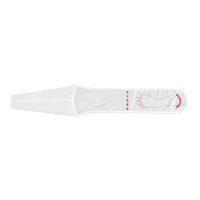
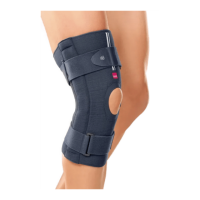
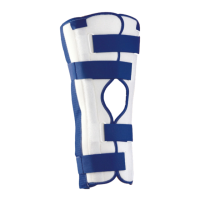
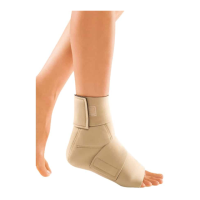

 To Next Page