3
Programming treatment settings
CYCLE TIMES
Fill-to-fit and treatment cycle times are dependent on
the number of garments attached, garment/limb size,
and pressure settings. At default settings (50 mmHg
distal pressure, 3 mmHg step), fill-to-fit times range
between 5-9 minutes, and average treatment cycle times
range between 33-46 seconds. The minimum cycle times
for six and eight chamber garments are 18 seconds and
24 seconds, respectively.
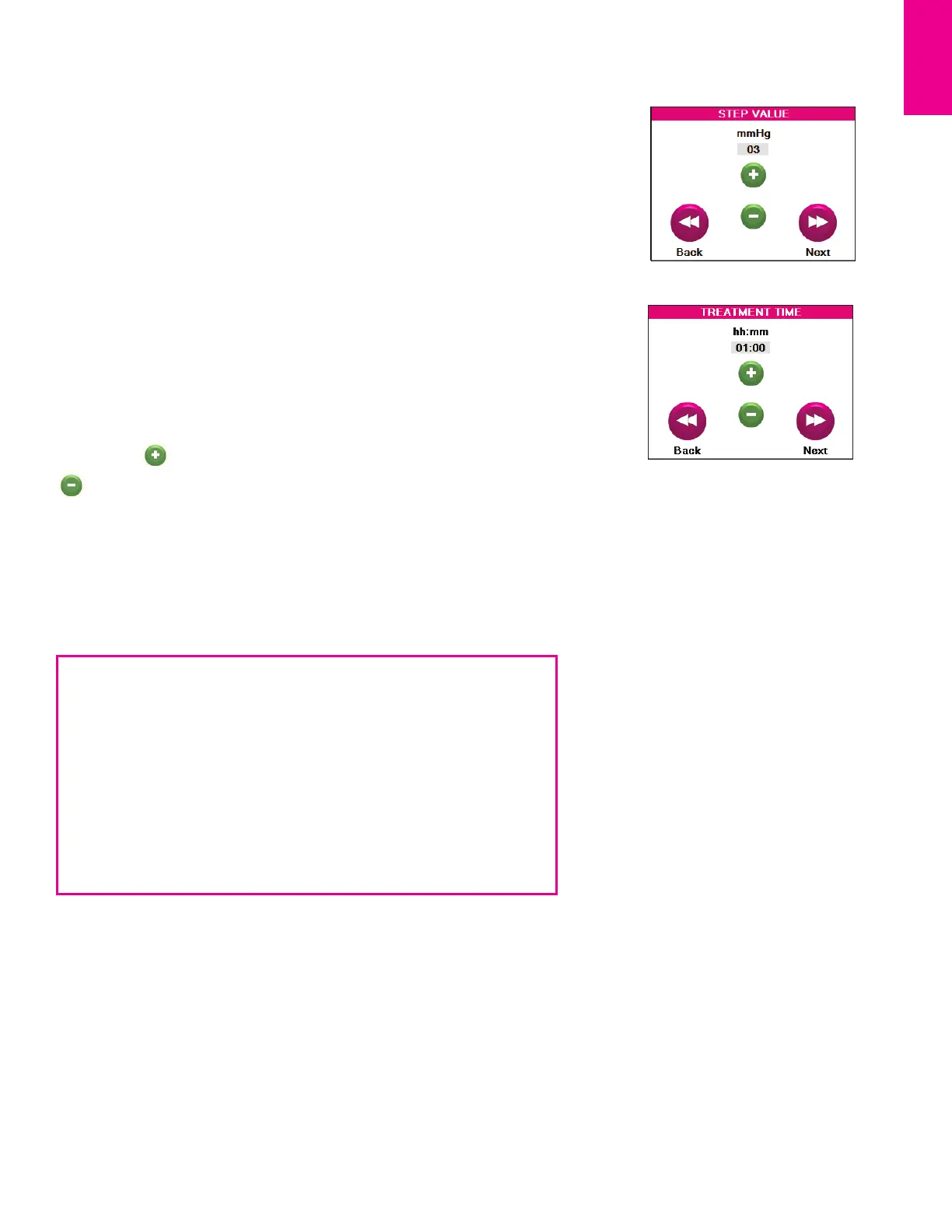
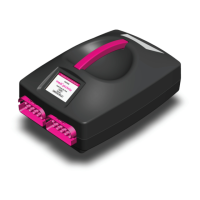
The PCU is preloaded with default settings of a distal pressure of mmHg and
a step value of mmHg, regardless of garment type. This compression profile is
shown below in Example 1.
Example 1: A 6-chamber garment (lower leg) where the distal pressure is set to
50 mmHg with a step value of mmHg.
Chamber
mmHg
Example 2: An 8-chamber garment (whole leg or arm) where the distal pressure
is set to 80 mmHg with a step value of mmHg.
Chamber
mmHg
Step 5: Set Treatment Time (3.6). The treatment time is the complete session
time, including the initial garment fill-to-fit (see p.14) and treatment cycles. The
treatment time can be set in minute increments ranging from minutes to
hours. Touch to increase the treatment time in minute increments or
to decrease the time in minute increments. Regardless of the treatment
time setting, the fill-to-fit process will always complete along with at least one
treatment cycle. If treatment time expires during a treatment cycle, the session
will end at the completion of the treatment cycle.
.
.



 To Next Page