EasyManua.ls Logo

Medion LIFE E62003 - Troubleshooting Common Issues

Medion LIFE E62003
Print Icon
To Next Page IconTo Next Page
To Previous Page IconTo Previous Page
Loading...
60
8. Troubleshooting
If the devices stop working properly, please refer to the
troubleshooting table shown below to see if you can resolve
the problem yourself.
Never attempt to repair the devices yourself. If a repair is
necessary, please contact our Service Centre.
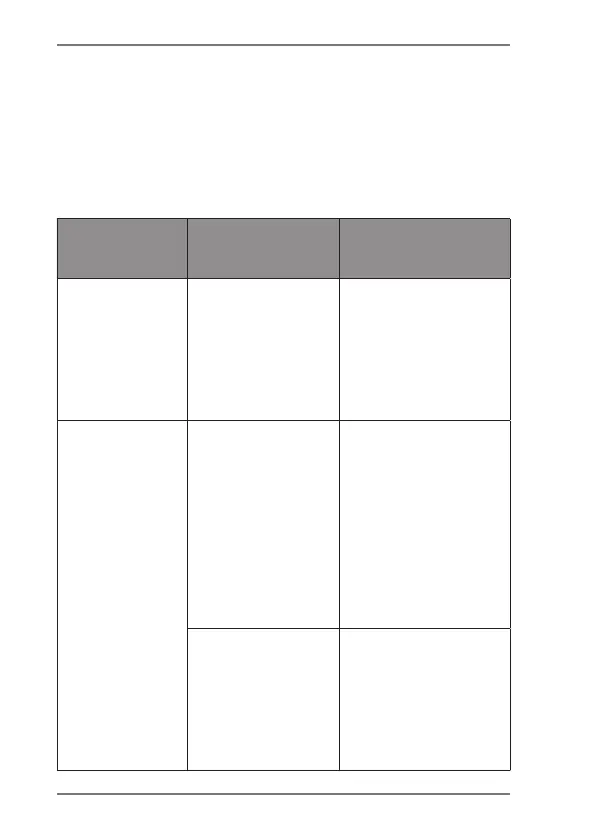
Fault
Possible
cause
Corrective action
Device
cannot be
switched
on or
switches off
automatically.
Low battery
charge level
Charge the
headphone
battery.
No sound
• Connection
fault
Pair the
headphones
with the
transmitter
again.
Check that the
audio cable
is plugged in
properly.
• Volume set
too low
Check the
volume
settings on the
headphones
and your audio
output device.

Table of Contents