61
DE
EN
FR
NL
ES
IT
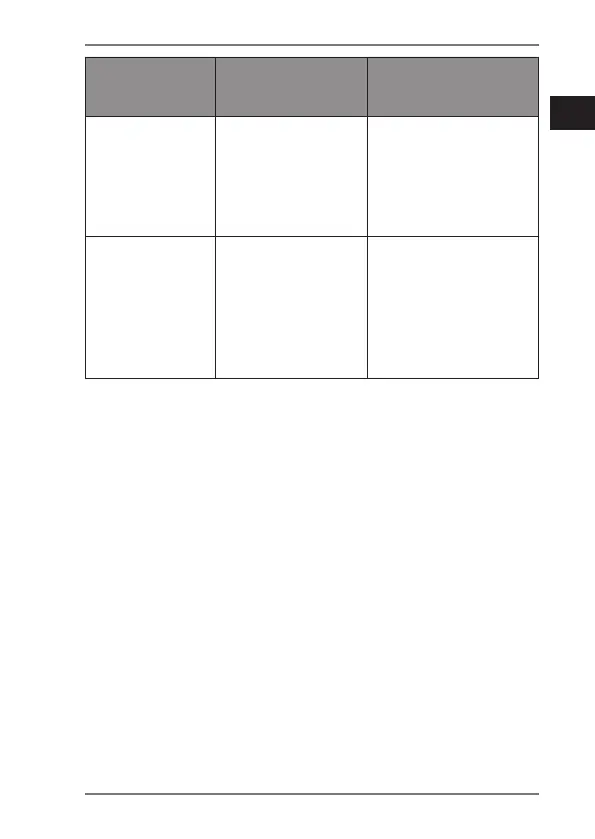
Fault
Possible
cause
Corrective action
No sound
• Wireless
range
has been
exceeded
Reduce the
distance
between the
headphones
and transmitter.
Playback is
disrupted
• Other
(wireless)
devices are
disturbing
the radio
transmission
Increase the
distance to
the sources of
interference.
9. Cleaning
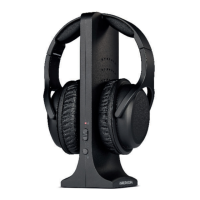
Switch off the headphones and transmitter and
disconnect the devices from the power supply.
Disconnect all other cable connections.
Use a soft, slightly damp cloth to clean the devices.
Dry the devices thoroughly after cleaning.
Avoid the use of chemical solutions and cleaning
products because these may damage the device surface
and/or markings.


 To Next Page