Questions? Refer to Page 10-13 For Customer Care Information.
8-45
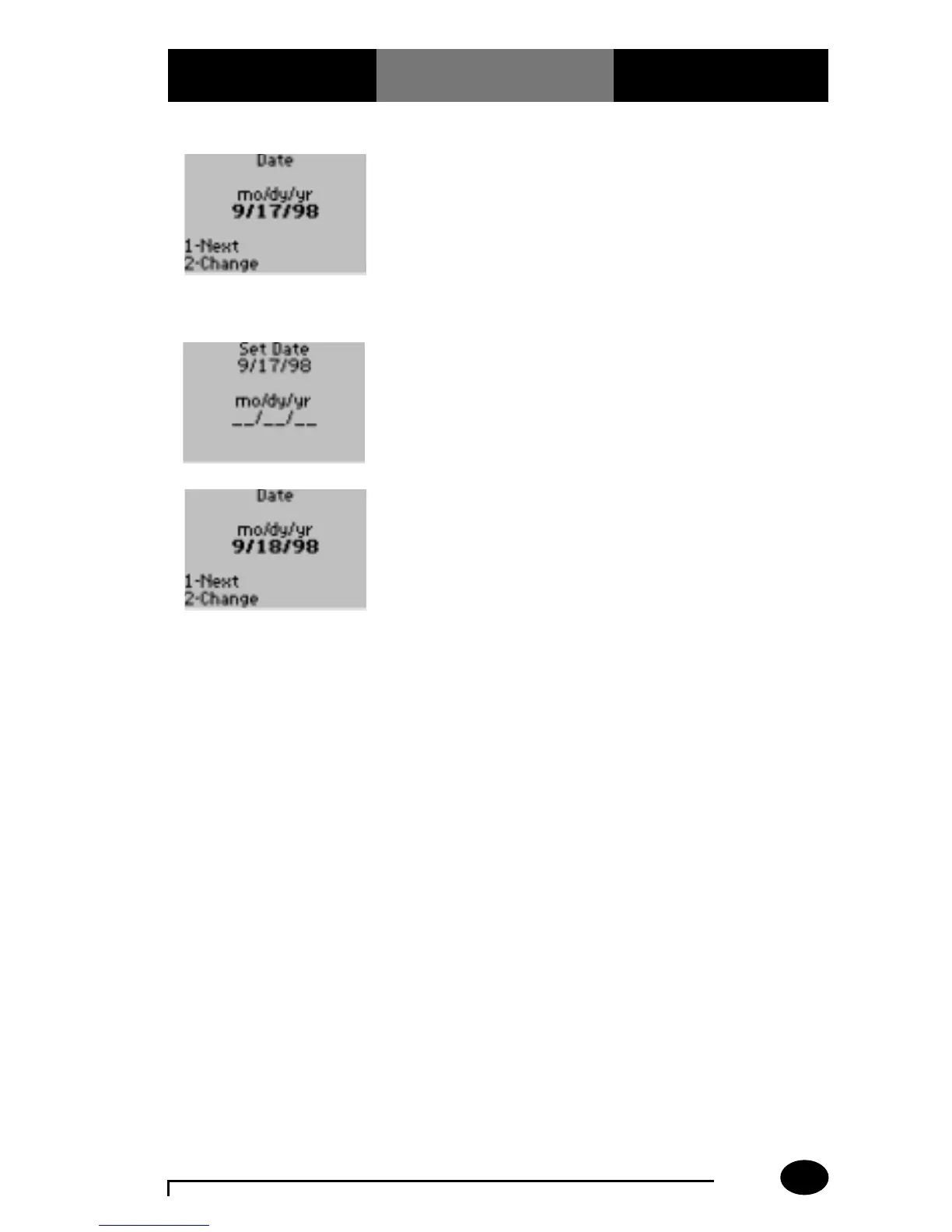
6. The administrator will
select one of the
following options:
Press 1 – Next, to return
to Change Setup menu.
Press 2 – Change, to
change the date.
The display shows the Set
Date menu.
7. Enter the current date,
then press Enter.
Include leading zeros:
09 for 9.
The display is returned to
the Date menu.
8. The administrator will
select one of the
following options:
Press 1 – Next, to return
to the Review/Change
Setup menu.
Press Menu to return to
the Menu Mode.
Press On/Off to turn the
monitor off.
What You See
on the Display
What You Do Comments



 To Next Page