EasyManua.ls Logo

MediSense Precision PCx - Page 31

MediSense Precision PCx
151 pages
Print Icon
To Next Page IconTo Next Page
To Previous Page IconTo Previous Page
Loading...
5-4
3. The operator can select
one of the following
options:
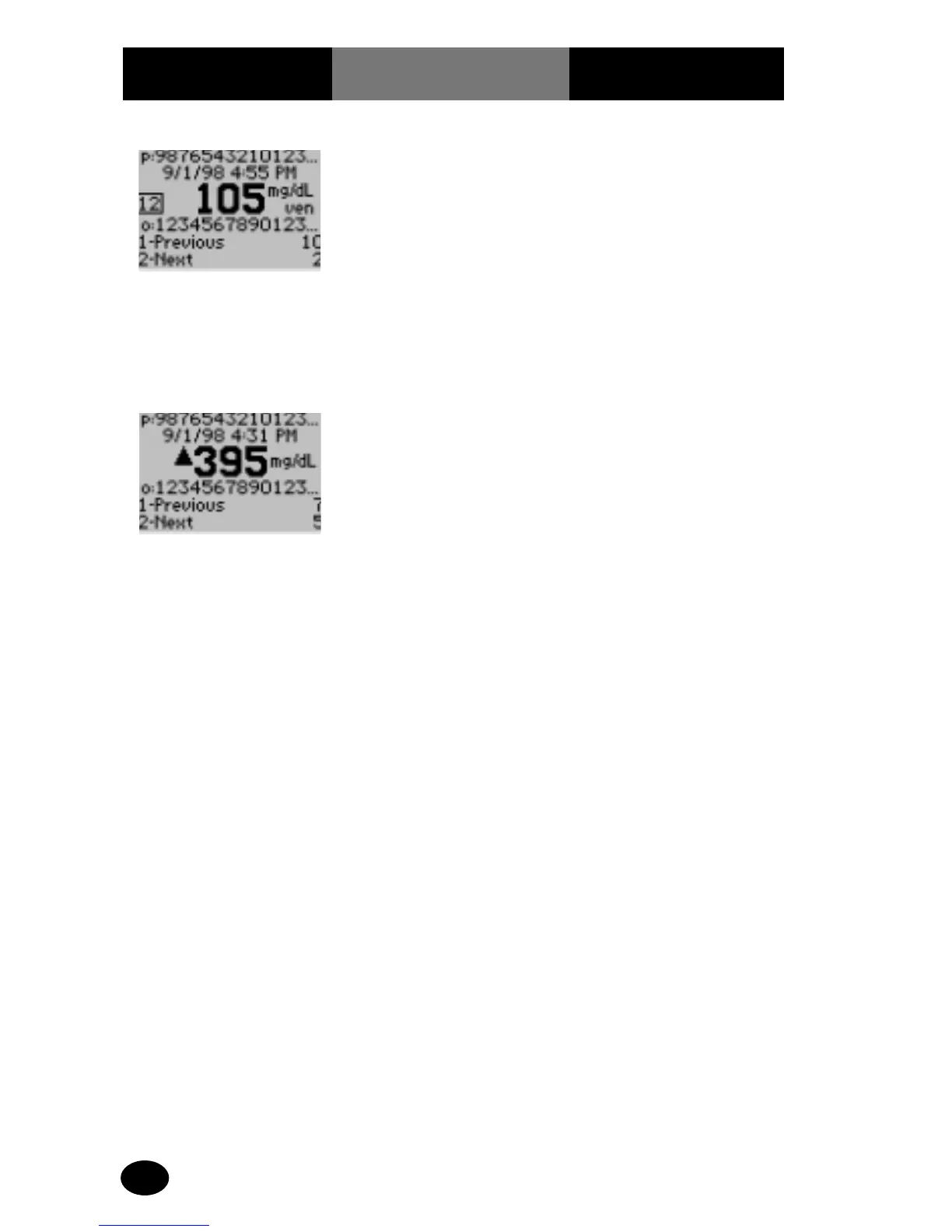
Press 1 – Previous, view
the previous test result.
Press 2 – Next, view the
next test result.
The number that appears
to the right of 1-Previous
and 2-Next on the monitor
indicates the number of
tests available for review.
The display also shows:
p: Patient ID
o: Operator ID
12 : Comment Code
ven: Venous Sample
4. When finished
reviewing the data, the
operator can:
Press Clear to return to
the Patient History menu.
Press Menu to return to
the Menu Mode menu.
Press On/Off to turn off
the monitor.
What You See
on the Display
What You Do Comments
(5.8 mmol/L)
(21.9 mmol/L)

Related product manuals