EasyManua.ls Logo

MediSense Precision PCx - Page 82

MediSense Precision PCx
151 pages
Print Icon
To Next Page IconTo Next Page
To Previous Page IconTo Previous Page
Loading...
8-22
What You See
on the Display
What You Do Comments
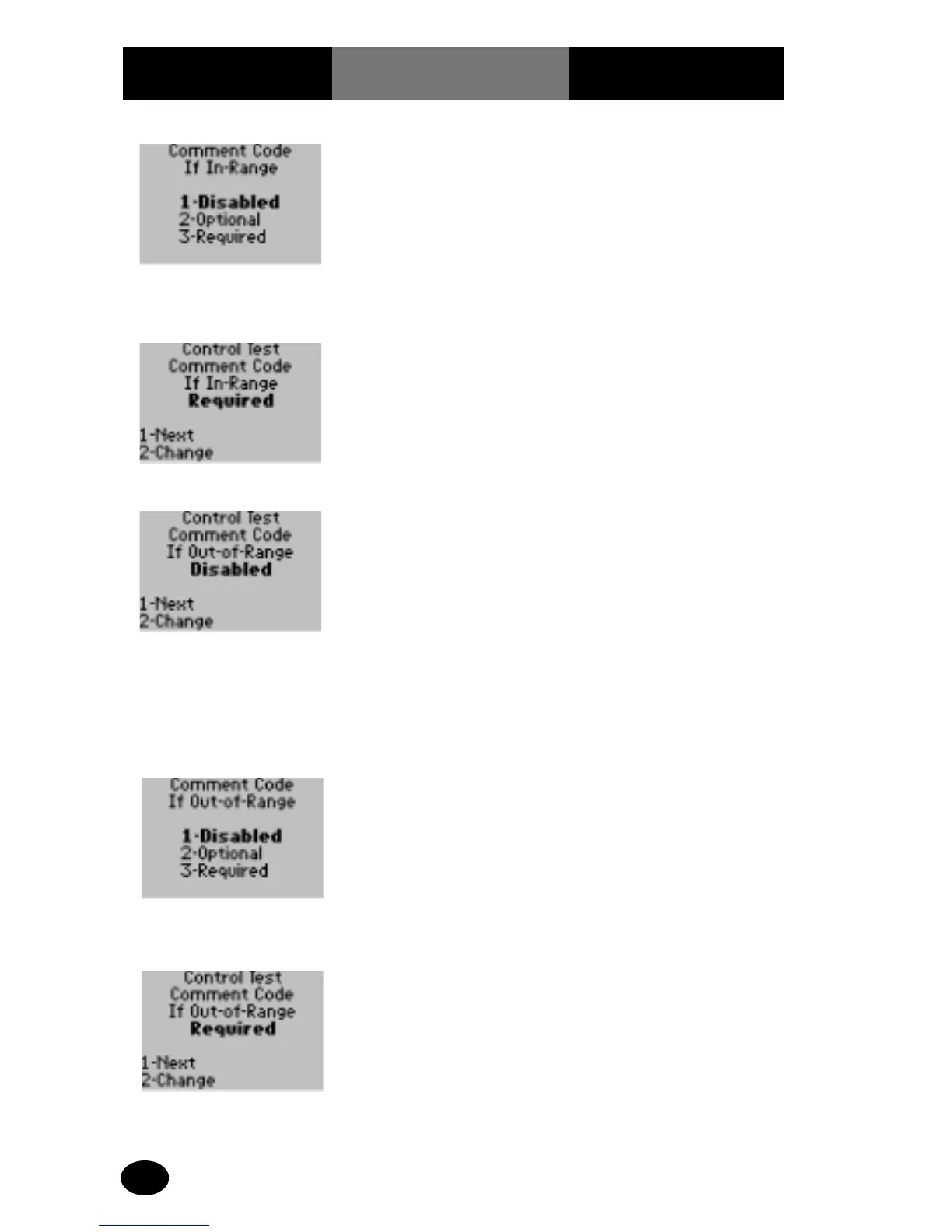
10. The administrator will
select one of the
following options:
Press 1 – Disabled.
Press 2 – Optional.
Press 3 – Required.
The display returns
to the Control Test
Comment Code If In-
Range screen.
11. Press 1 to continue to
the next option.
The display shows the
Control Test Comment
Code If Out-of-Range
screen.
12. The administrator will
select one of the
following options:
Press 1 – Next, to continue
to Memory Full menu.
Skip forward to step 15.
Press 2 – Change, to
change the Comment
Code If Out-of-Range
options.
The display shows the
Comment Code If Out-
of-Range options.
13. The administrator will
select one of the
following options:
Press 1 – Disabled.
Press 2 – Optional.
Press 3 – Required.
The display returns
to the Control Test
Comment Code If
Out-of-Range screen.
14. Press 1 – Next, to
continue to the
Memory Full menu.
The display shows the
Control Test Memory Full
options.

Related product manuals