8-28
What You See
on the Display
What You Do Comments
15. The administrator will
select one of the
following options:
Press 1 to return to the
Test Setup menu.
Press Menu to return
to the Menu Mode.
Press On/Off to turn off
the monitor.
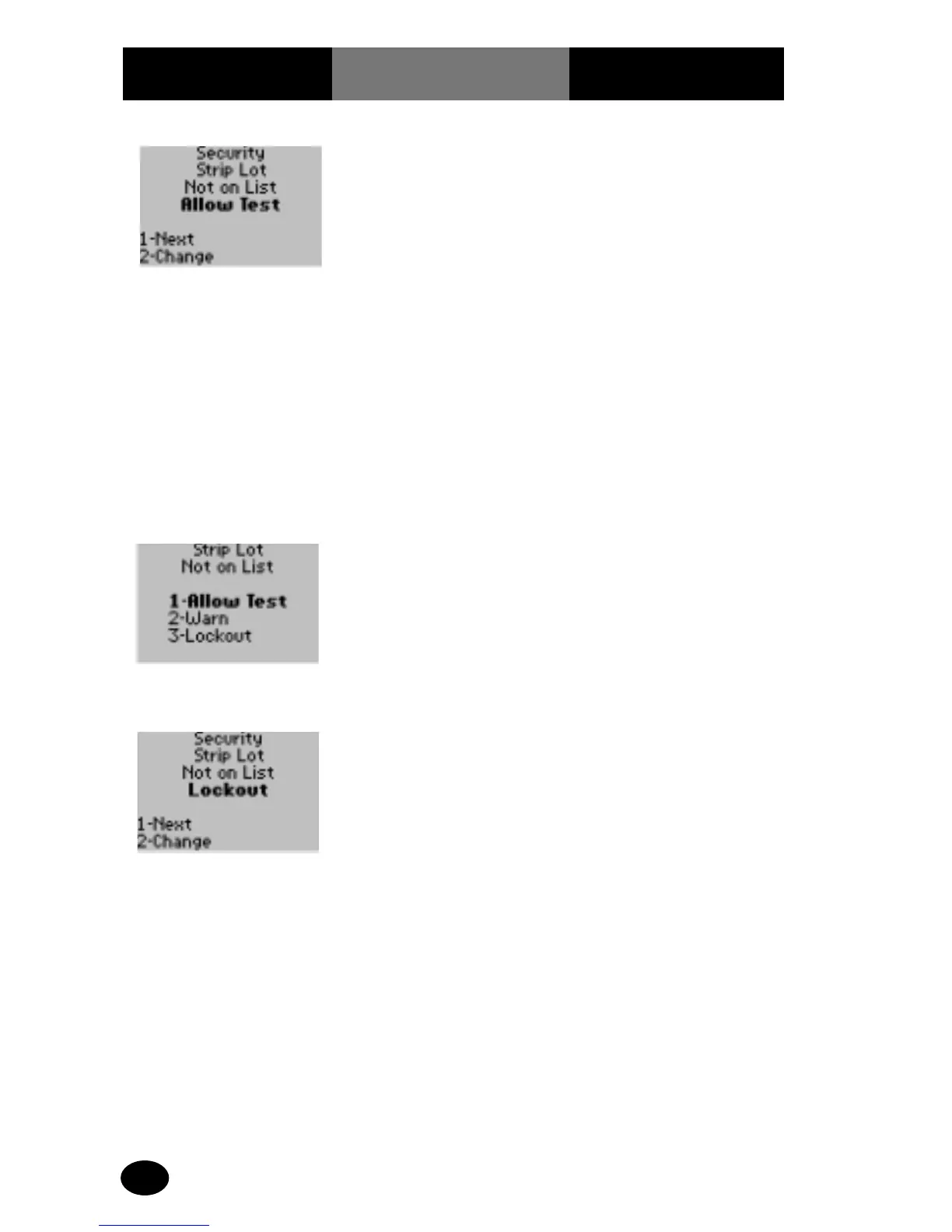
14. The administrator will
select one of the
following options:
Press 1 – Allow Test.
Press 2 – Warn.
Press 3 – Lockout.
The display returns to the
Security Strip Lot Not on
List screen.
13. The administrator will
select one of the
following options:
Press 1 – Next, to return
to the Test Setup menu.
Press 2 – Change, to
change the Strip Lot
Not on List options.
The display shows the
Strip Lot Not on List
options.
1.Allow Test – a test strip
lot not on the test strip
lot list.
2.Warn – the test strip lot
is not on the test strip
lot list (operator may
continue with test).
3.Lockout – a test
strip lot that is not
on the test strip lot
list (operator may
not continue).



 To Next Page