8-38
What You See
on the Display
What You Do Comments
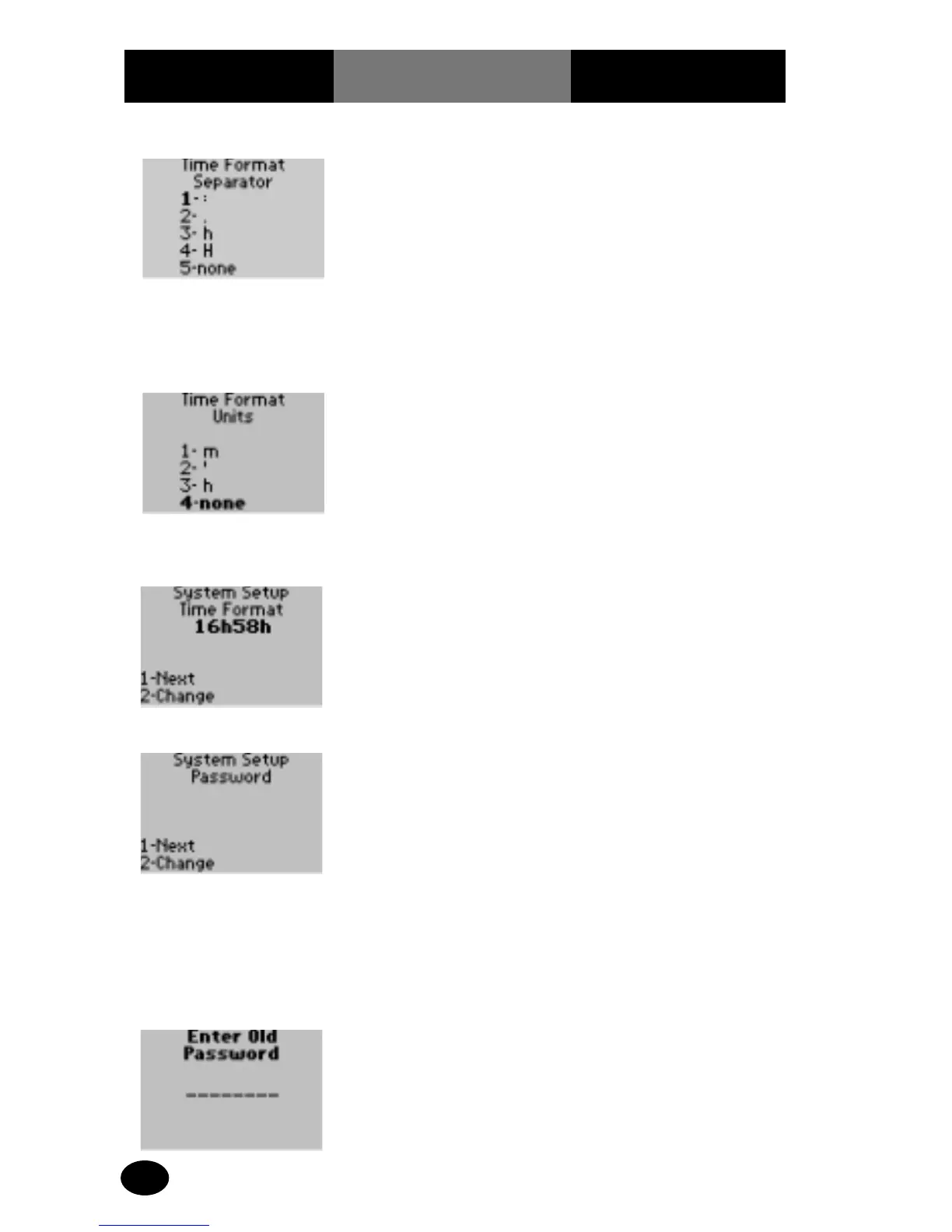
18. Press 1 to continue to
System Setup
Password.
The display shows the
System Setup Password
screen.
19. The administrator will
select one of the
following options:
Press 1 – Next, to
continue to the System
Setup Change all settings
to Factory Defaults menu.
Skip forward to step 24.
Press 2 – Change, to
change the Password.
The display will prompt
the operator to enter the
current Password.
20. Enter the current
Password, up to 8
digits, then press
Enter.
The display prompts the
operator to enter a New
Password.
16. The administrator will
select one of the
following options:
Press 1 – colon (:).
Press 2 – period (.).
Press 3 – h.
Press 4 – H.
Press 5 – none.
The display shows the
Time Format Units screen
for minutes. The 4 options
are separators for minutes.
17. The administrator will
select one of the
following options:
Press 1 – m.
Press 2 – apostrophe (‘).
Press 3 – h.
Press 4 – none.
The display returns to the
System Setup Time
Format screen.



 To Next Page