8
Forward Button
Back Button
Use these buttons to:
•Review and select
monitor settings
•Review results and averages
Backlight Button
Use this button to:
•Turn backlight ON and OFF
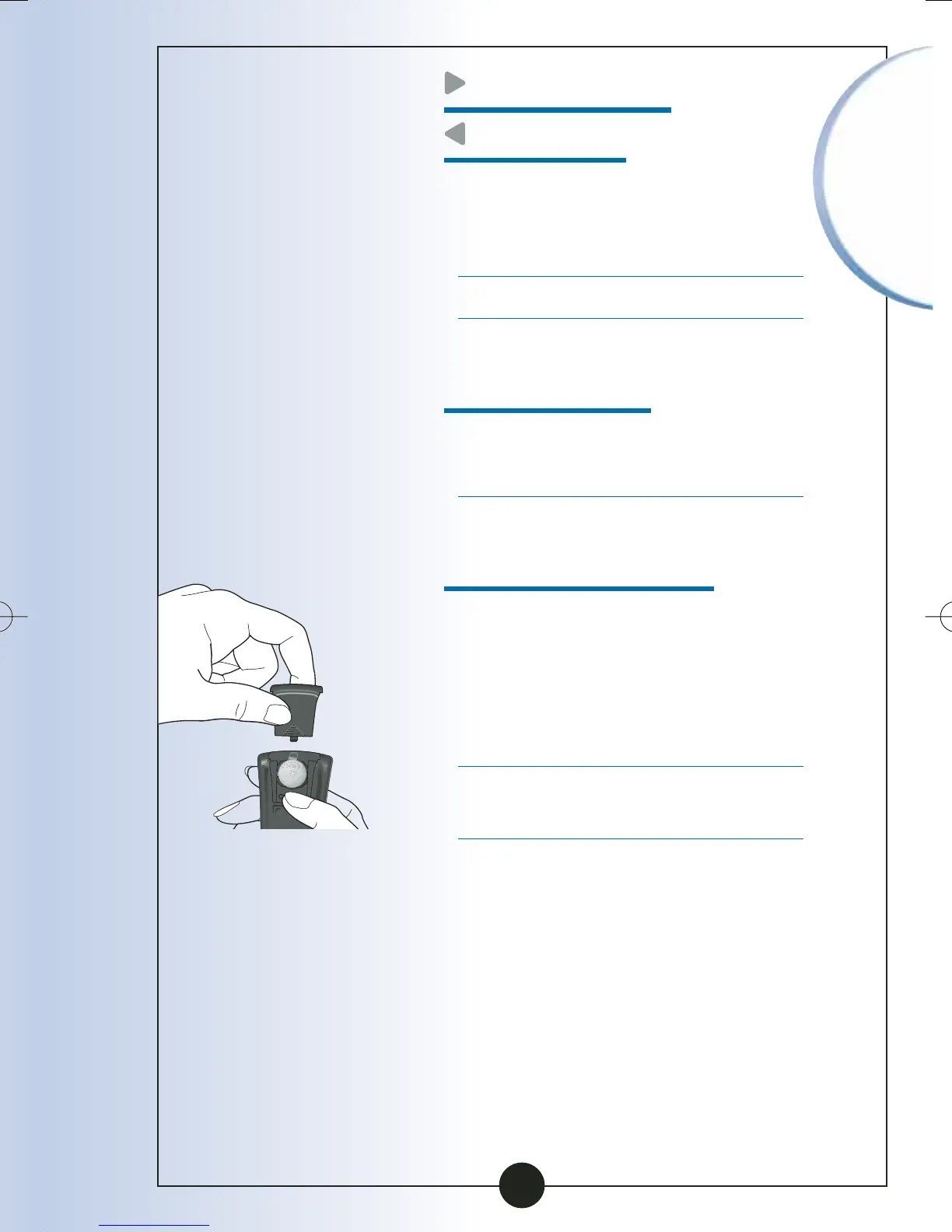
Battery Compartment
This is where the battery
is installed.
•If your monitor does not turn
on, check that your battery is
installed properly.
•For new battery installation,
see Chapter 10.
Important
Information
ART06986-Rev-B-MAN 8/22/05 11:02 AM Page 11



 To Next Page