CHAPTER 8
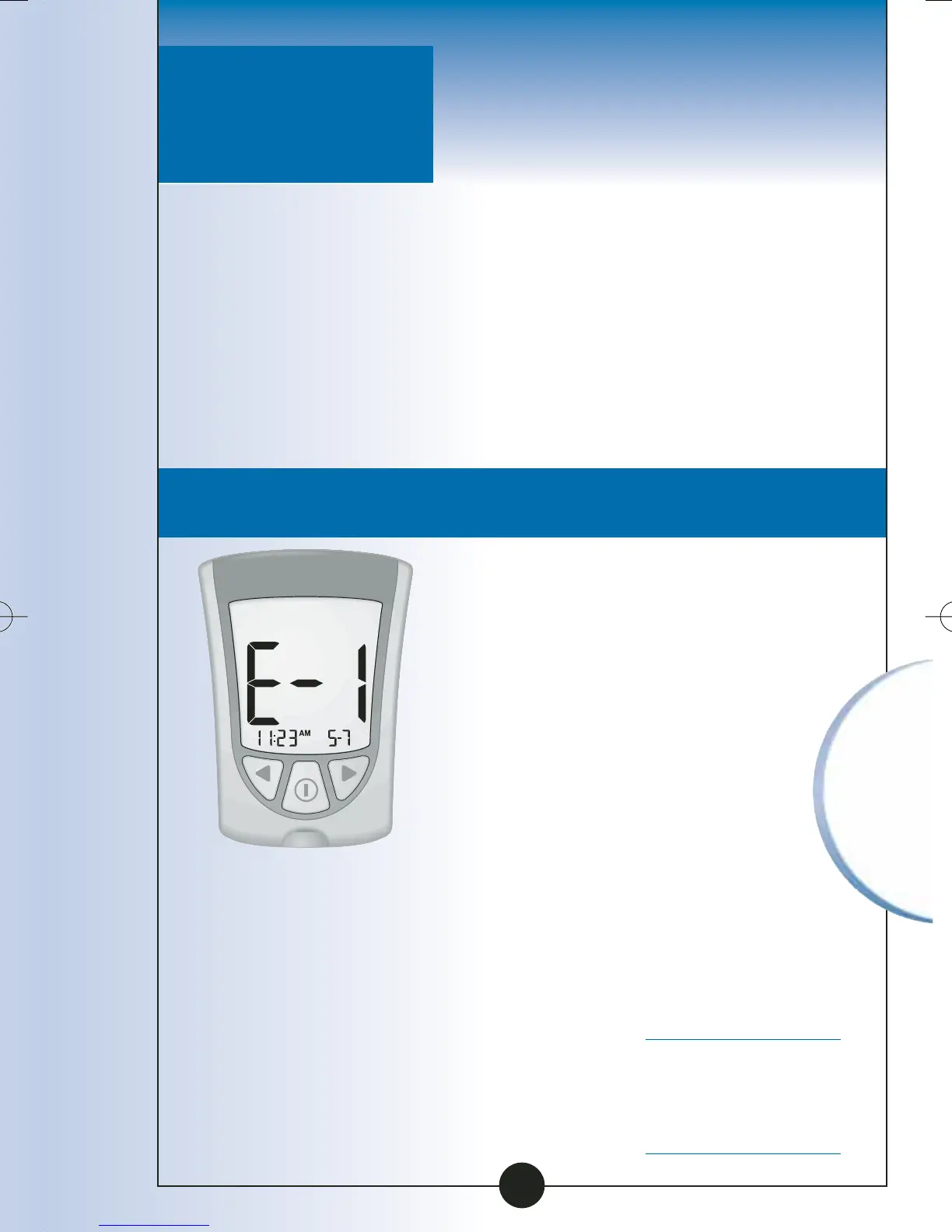
Temperature is
too hot or too
cold for the
system to work
properly.
• Move your
monitor and test
strips to a location
where the
temperature is
appropriate and
monitor again
with a new test
strip. You may
have to wait
for your
monitor to
adjust to the new
temperature.
Refer to your test
strip instructions
for use for the
appropriate
operating range.
• If the error
message appears
again, contact
Customer Care.
Message What It What You
Means Need to Do
Questions? Call
Customer Care:
1-800-527-3339
Understanding &
Troubleshooting
Error Messages
There are times when error
messages may show on your
monitor’s display window.
In the next few pages, we
describe the error messages that
may show on your monitor’s
display window, what they
mean, and what you need to do.
Error Messages
72
ART06986-Rev-B-MAN 8/22/05 11:02 AM Page 75



 To Next Page