71
Reviewing Results
5
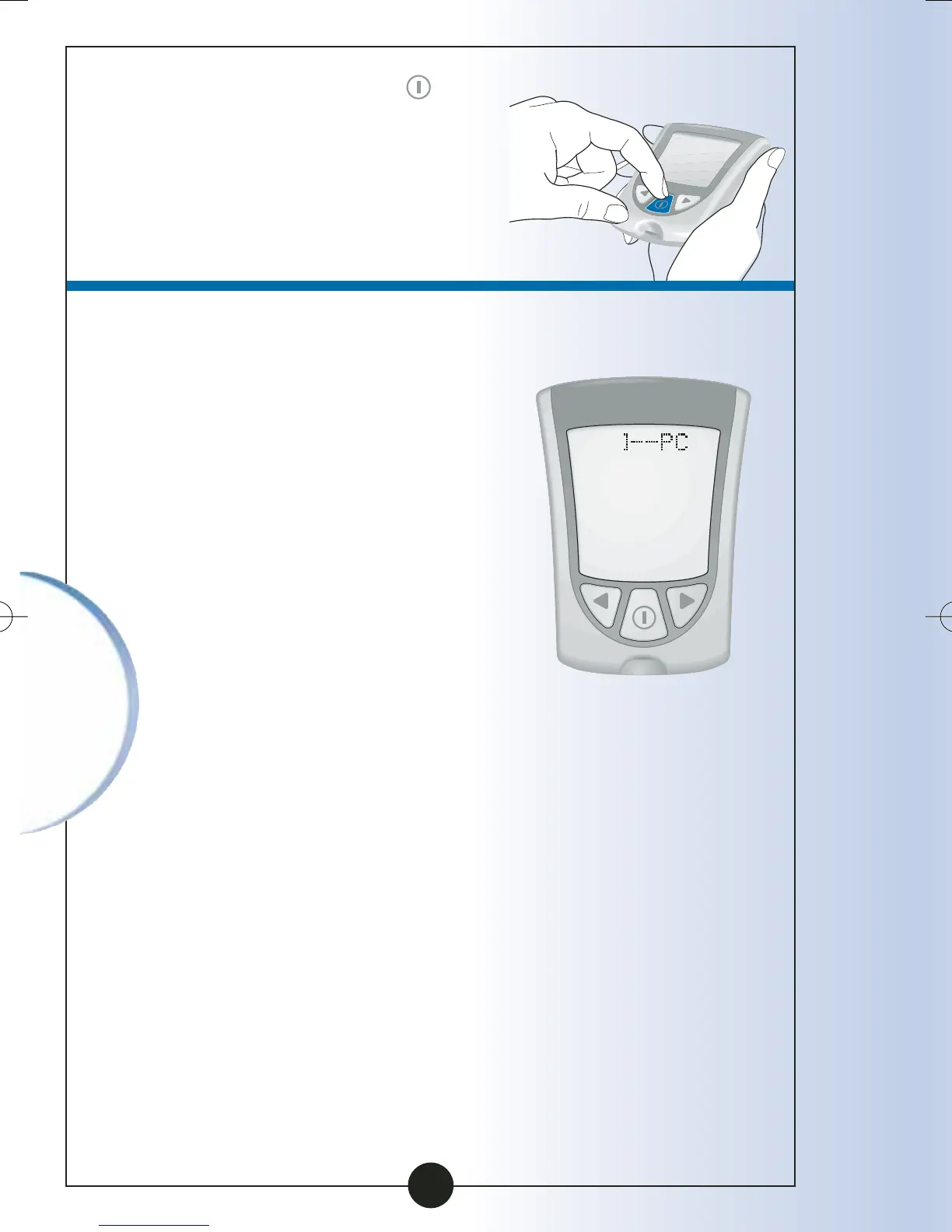
Press and Hold the
button to turn off your
monitor. Otherwise, the
monitor turns off after
30 seconds.
Transferring Your Results
to a Computer
The results in your Precision
Xtra monitor's memory, along
with the time and date of the
reading, can be transferred to
a computer with the use of
the Precision Link
®
Direct
Software Version 2.5 and a
Precision Link communications
cable. For information on how
to purchase the software and
cable, contact Customer Care
at 1-800-527-3339. To install
the software, please follow
the instructions provided in
the Precision Link User's Guide.
▼
ART06986-Rev-B-MAN 8/22/05 11:02 AM Page 74



 To Next Page