11
How to Set the Beeper,
Date, Time, & View
Measurement Units
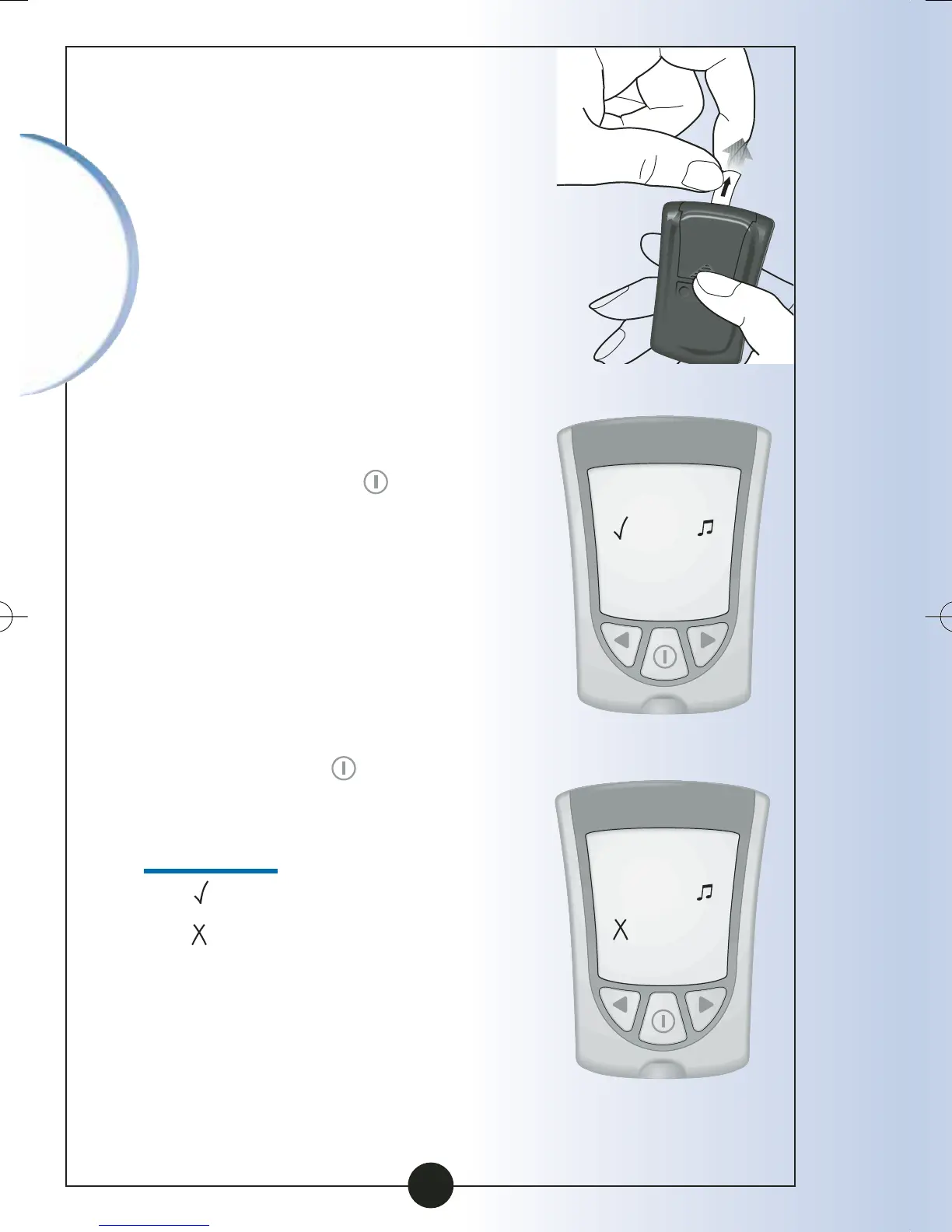
To begin, pull the battery tab
out. Your monitor should be
turned OFF.
Before you start, please
note: "Press and Hold" means
that you press the button in for
at least 2 seconds. "Press and
Release" means that you press
the button and let it go quickly.
Press and Hold the button
to turn the monitor off and
save your settings at any time.
The monitor automatically turns
off after 30 seconds of
no action.
If you like the setting that you
see on your monitor and do
not want to change it, Press
and Release the button to
move to the next setup option.
Set Beeper
The means the beeper is ON.
The means the beeper is OFF.
Setting Up
Your Monitor
Beeper ON
Beeper OFF
▼
ART06986-Rev-B-MAN 8/22/05 11:02 AM Page 14



 To Next Page