29
Calibrating
Your Monitor
Note: If the LOT number or
calibration CODE that shows
on your monitor’s display
window is not correct:
What It Means:
Your monitor may not be
calibrated for the box of test
strips you are using.
What To Do:
•Re-calibrate your monitor.
•Check that you are using
the calibrator that came in
the box of test strips you
are using.
Remember, improper
calibration will cause
incorrect results.
3
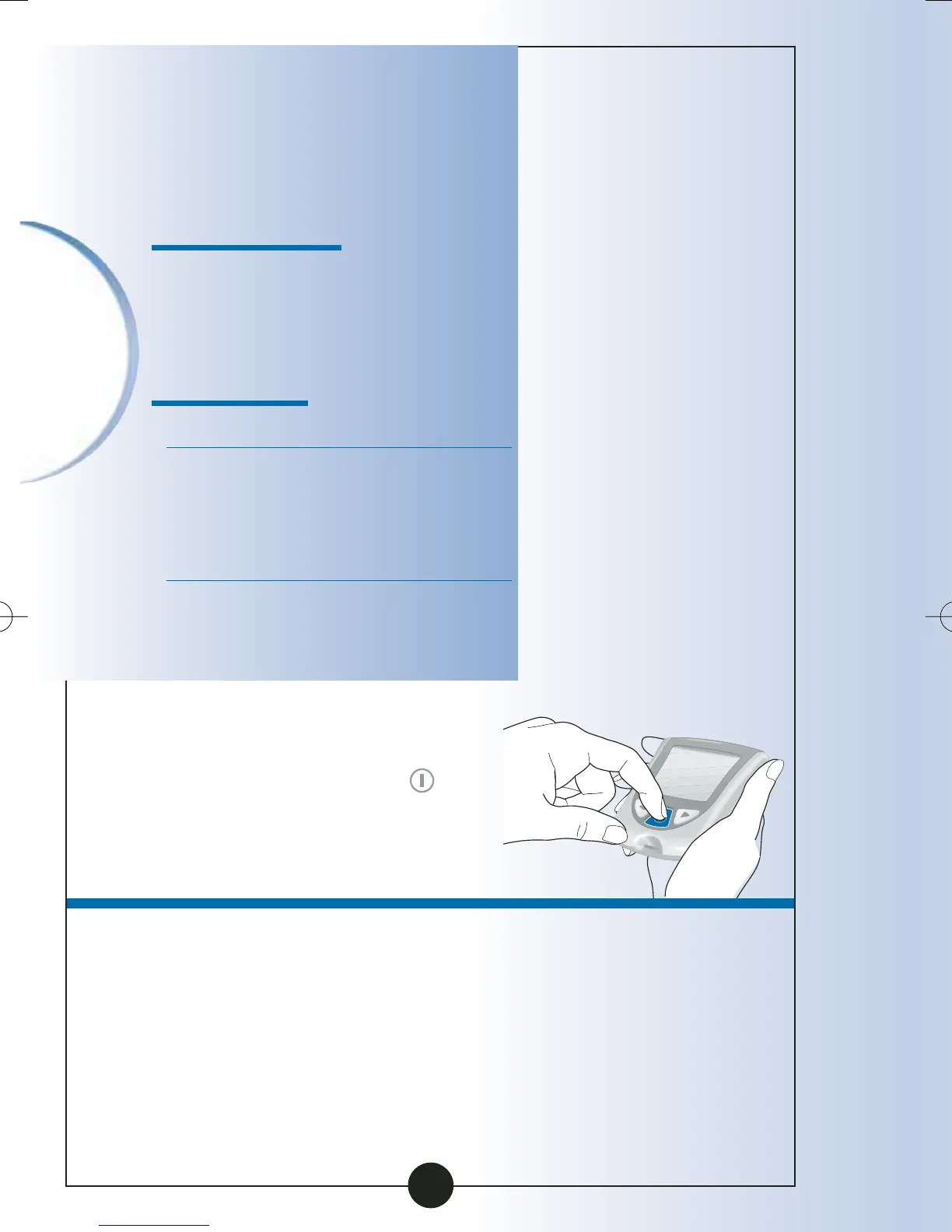
Press and Hold the
button to turn your
monitor off.
ART06986-Rev-B-MAN 8/22/05 11:02 AM Page 32



 To Next Page