Control
Solution Testing
Control
Solution Testing
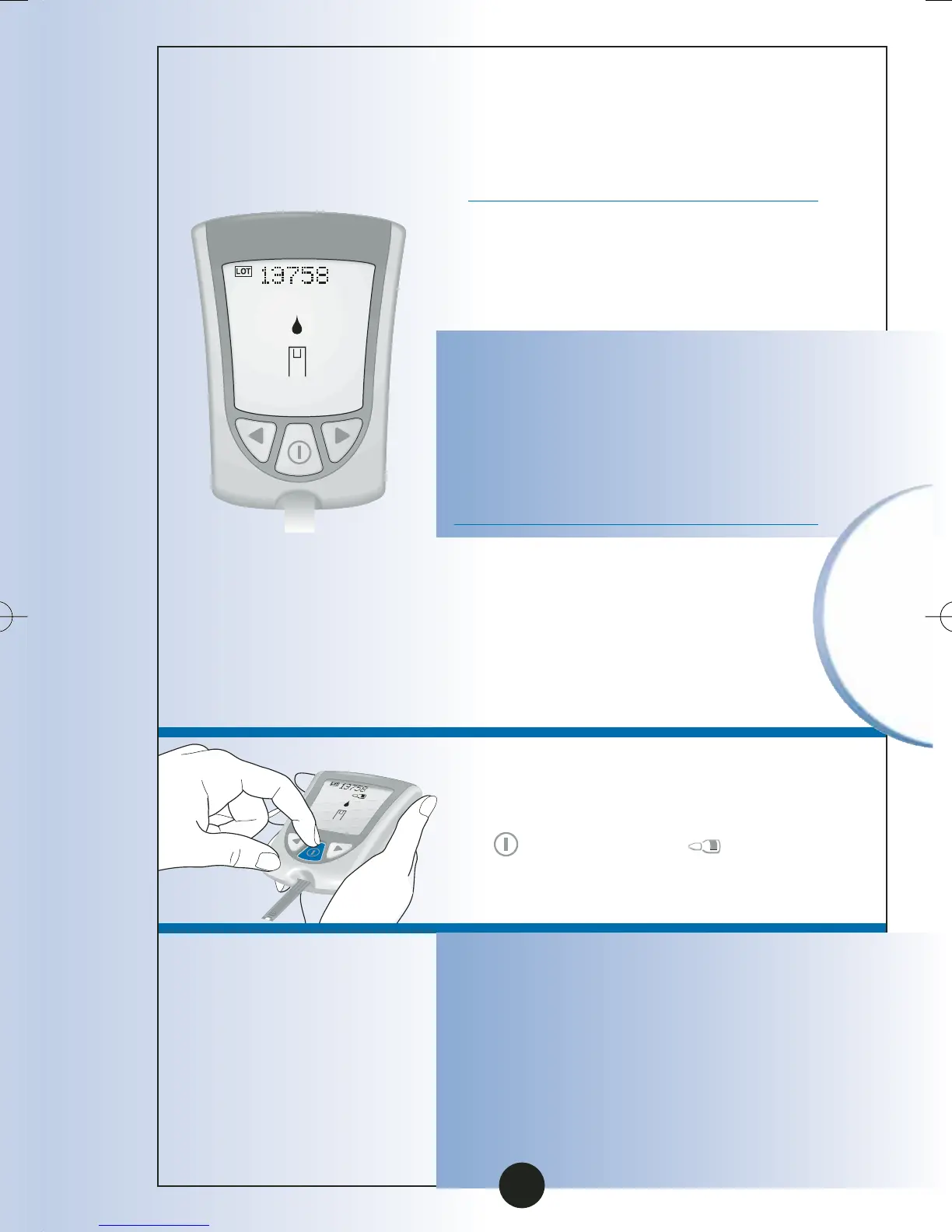
•LOT number (glucose) or
calibration CODE (ß-Ketone)
for the box of test strips you
are using.
•Apply Blood message, which
tells you that the monitor is
ready for you to apply control
solution to the test strip.
Note: If you are a doing a
ß-Ketone control solution
test, KETONE will show on
the monitor’s display window
with the ß-Ketone Apply
Blood message.
5
To mark the test as a control
test, Press and Release the
button once. shows
on the display window.
Important: If you do not mark
the test as a control test, it will be
saved in your monitor’s memory
as one of your personal blood
glucose or blood ß-Ketone results.
This could affect your blood
glucose averages.
60
ART06986-Rev-B-MAN 8/22/05 11:02 AM Page 63



 To Next Page