7
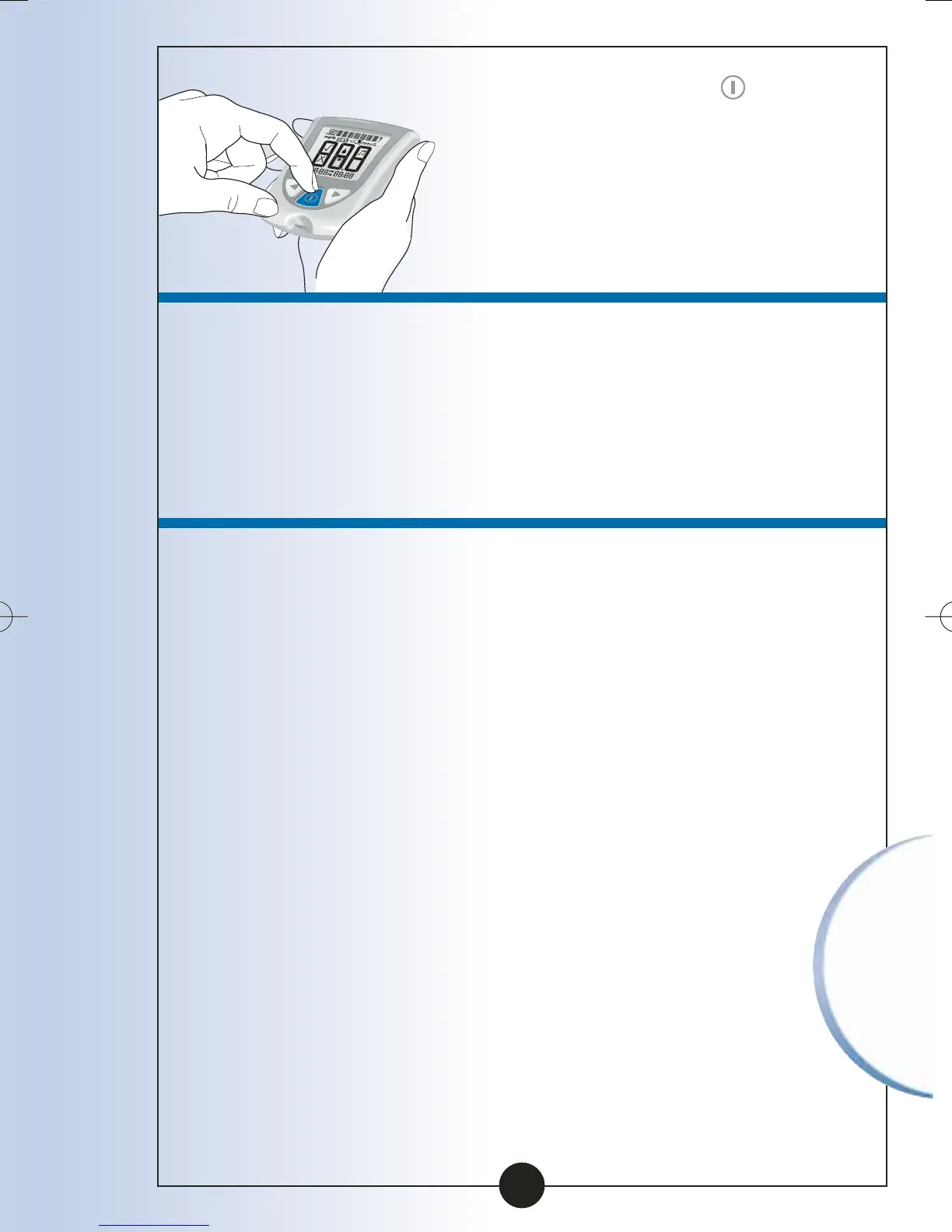
Press and Hold the button
to turn your monitor on. If
your monitor does not turn
on, review the battery
installation steps and reinstall
the battery.
8
Check the date and time on
your monitor. You may need
to reset the date and time.
(See Chapter 2, Setting Up
Your System).
9
Be sure to discard the
old battery in compliance
with your local
government’s regulations.
86
Caring for
Your Monitor
ART06986-Rev-B-MAN 8/22/05 11:02 AM Page 89



 To Next Page