P11
Portable Digital Color Doppler Ultrasound System
2.5.4 General Operation Instructions
Typography Convention
This manual employs the following typefaces to denote keys, buttons and parameters.
Keys on the control panel (keyboard) are typed in the form of
KEY
.
Buttons and items shown on the screen are typed in the form of BUTTON.
Image parameters on the screen are typed in the form of parameter.
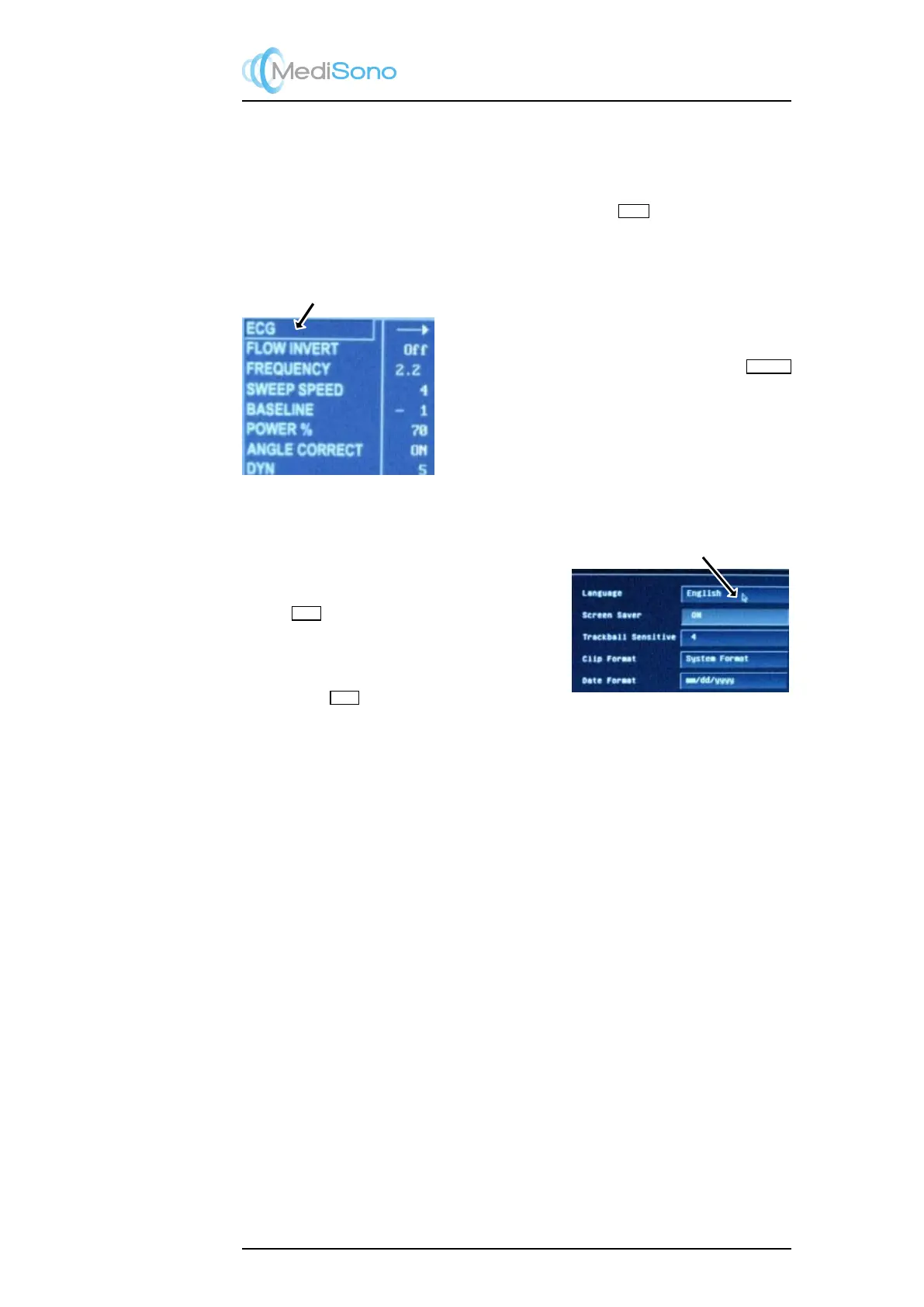
Move the cursor over an
item to select it.
Move the Cursor Around
Use the trackball to move the cursor around.
The item in the context menu can be selected by moving
the cursor over it. To change the value of the correspond-
ing item, press the left/right arrow keys next to the
MENU
key.
Click:
Move the cursor over a button and
press the SET key to activate it.
Click Operation
When changing system setting or performing ultra-
sound scanning, it involves the operation of first mov-
ing the the cursor over a certain item and then press-
ing the
SET
key. This operation is similar to the
“click” operation on a typical PC. Similar terminology
will be employed from now on: “click a button” means
“use the trackball to move the cursor over the button
and press the
SET
key”.
2-11



 To Next Page