P11
Portable Digital Color Doppler Ultrasound System
5.5.1 Dual Display Format
Frozen+Real Time Display Format
In the real time mode (B, CDI, PW/CW . . . ), press the
DUAL
key to activate the
dual display. The image is reduced to half of its original size and moved to the
left to leave space for displaying the other image. Press the
L/R
key to freeze the current
image and activate the display on the right.
Changing the imaging mode for the selected image is possible by pressing the correspond-
ing key (
B
,
CDI
,
DPI
, . . . ).
Use the
L/R
key to toggle between left and right for the real time display.
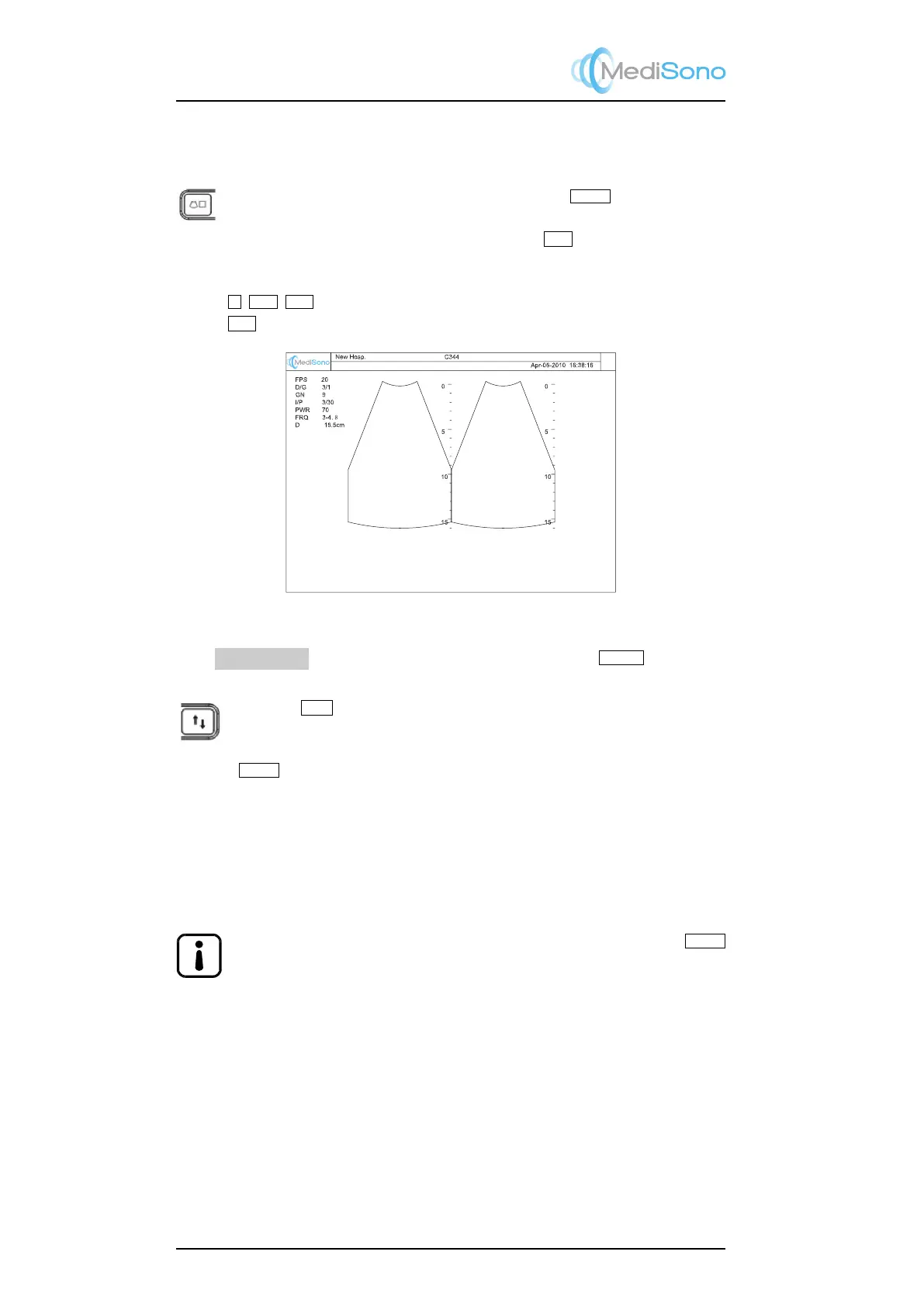
Figure 5.4: Dual display: real time B + frozen B
From
LT↔RT
in the context menu (accessed by pressing the
MENU
key), change
the left/right image orientation for the selected image.
Press the
U/D
key to alternate the up/down image orientation for the selected
image.
Dual Real Time Display Format
Press the
DUAL
again key to:
•
exit the dual display format, if within the dual display there is no color mode (CDI, or
DPI, or TDI) image; or
•
activate the dual real time display format, viz, real time B + real time Color (CDI or
DPI, or TDI) display format, if within the dual display there is at least one color mode
image.
The dual real time display format can also be activated by pressing the
DUAL
key twice at the real time color mode.
5-12



 To Next Page