P11
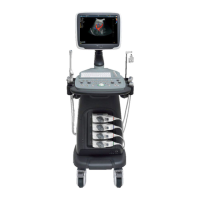
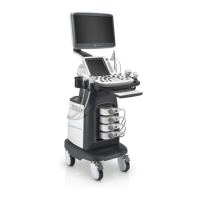
Portable Digital Color Doppler Ultrasound System
Item Explanation
BSA Setting Sets the BSA calculation formula applicable for Western or Eastern people.
Measure Method Sets the measurement method to Trace or Ellipse.
Package
Set it to
Icon Driven
and only the items related to the application/exam mode
will be displayed in the calculation menu. Set it to
All Package
and all the
available items will be shown in the calculation menu, irrespective of the applica-
tion/exam mode.
Continue DIST
Set this option to
ON
and you only need to press
Distance
once to perform
multiple distance measurements.
Dop Auto
Changes the behaviour of the auto-trace measurement function (executed by
pressing the
Ellipse
key twice) in a frozen PW/CW mode. Set it to
AUTO
and
no user intervention is required during the measurement; Set it to
SEMI-AUTO
,
the user will be required to provide the positions of some critical points during
the measurement.
Focal AUTO
Set it to
ON
to allow the system to auto adjust the focal depth when the scan
depth changes.
BPD Method
FL Method
CRL Method
AC Method
TAD Method
OFD Method
HC Method
GS Method
Fibula Method
Radius Method
Humerus Method
Ulna Method
Tibia Method
Sets the formulae employed for calculating items such as BPD, FL and etc. Click
the star button to edit the formula or create a new formula. Note predefined
formulae are not editable.
continued on next page . . .
4-9



 To Next Page